
Use case
Edit Book Cover Photos with AI
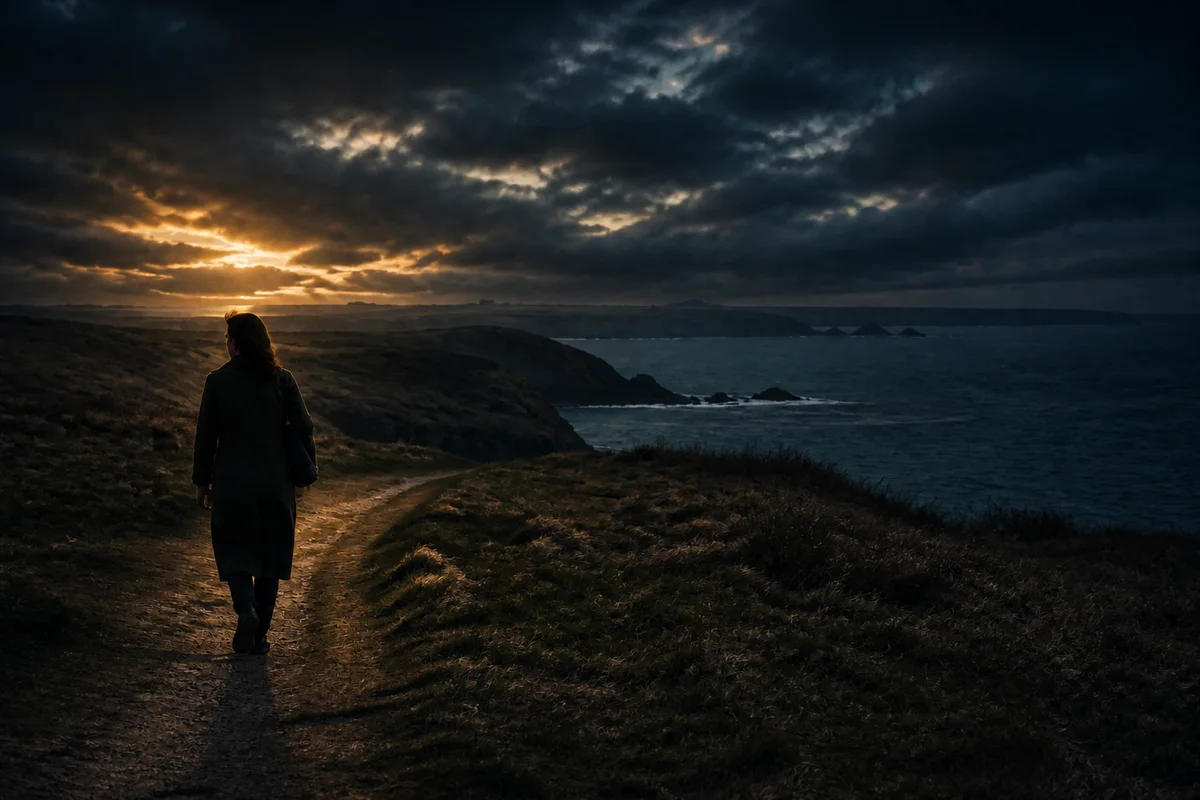
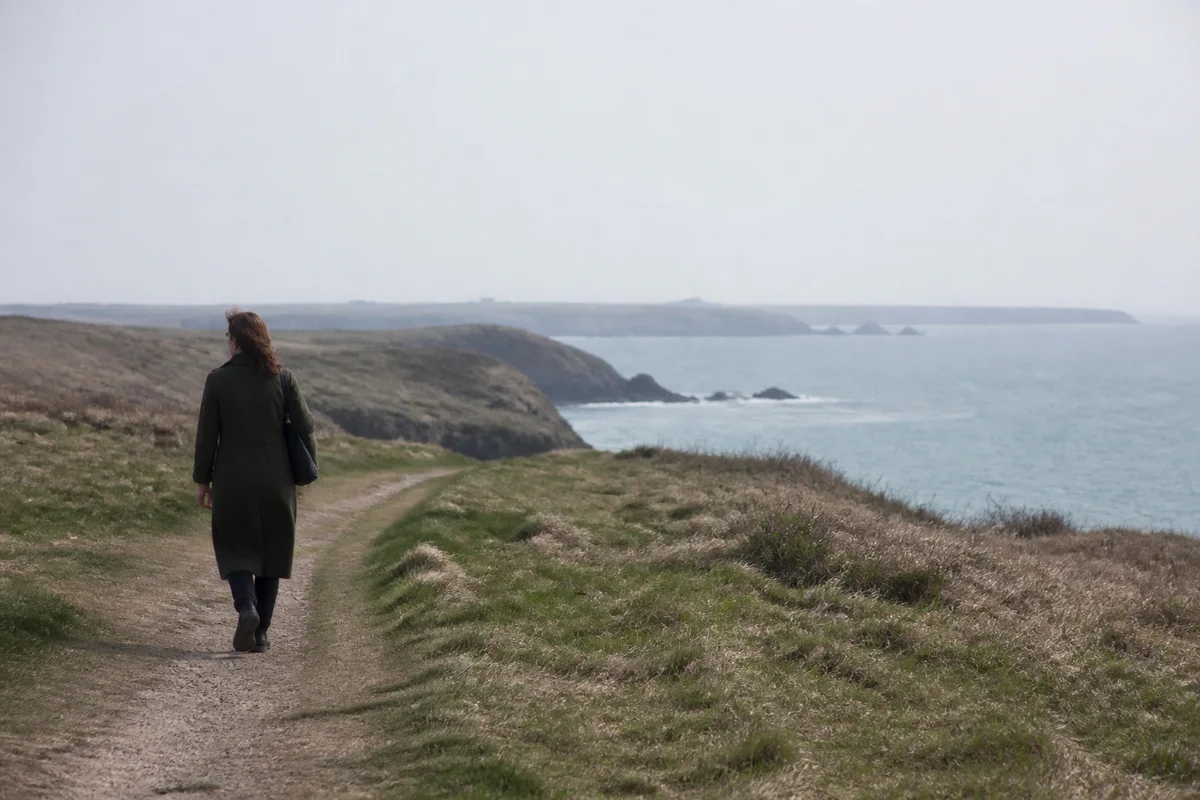
The workflow in action — drag to compare.
Self-published authors assemble covers from photos — a landscape for the literary novel, a family print for the memoir, an object shot for the cookbook — and the photo almost never fits the job as-is. Covers need vertical compositions with room for the title and author name, print resolution at trim size plus bleed, and a mood that matches the manuscript rather than the afternoon the photo was taken.
AI editing does the cover prep. Extend the photo's background upward or outward to create clean space for typography, shift the lighting and color toward the mood the genre expects — moody dusk for the thriller, warm morning for the memoir — sharpen and upscale to print resolution, and remove the stray elements that would distract at thumbnail size in a store listing.
The memoir case deserves special mention: an old family photo, restored and enlarged, makes a cover no stock image can match.
The problems this solves
- Source photos are horizontal; covers are vertical with space for type.
- Print-on-demand platforms need high resolution at trim size plus bleed.
- The photo's mood doesn't match the manuscript's genre.
- Old family photos destined for memoir covers are faded and small.
A workflow that works
Extend the canvas for typography
Expanding sky, wall, or background creates the clean vertical space where the title and author name will sit.
Generative ExpandSet the genre's mood
Shifting the light toward dusk, dawn, or overcast tunes the photo's emotional register to the manuscript's.
AI Lighting ChangerGrade the color
A deliberate, consistent color treatment is what separates a designed cover from a snapshot with text on it.
AI Color CorrectionRestore the memoir photo
The faded print of the person the book is about becomes cover-worthy — repaired, recontrasted, and enlargeable.
AI Photo RestorationUpscale to print spec
Print-on-demand wants 300 DPI at trim size plus bleed; upscaling gets a phone photo or old scan to spec.
AI Image UpscalerFrequently asked questions
What resolution does a print book cover need?
300 DPI at your trim size plus bleed — for a 6x9 book that's roughly 1875x2775 pixels minimum for the front alone, more with spine and back for a full wrap. Check your platform's template and upscale to exceed it.
Can I put text on the image in this editor?
Prep the image here — extension, mood, color, resolution — then add typography in your layout tool or your platform's cover builder. Clean negative space created by expansion is what makes the type placement easy.
Who owns the edited cover image?
You do. The photo you edit here is yours, and the full details are laid out in our Terms of Service. Just make sure you hold the rights to any photo you upload in the first place. Beyond that, copyright law varies by country and we can't give legal advice — for questions about your specific situation, consult a legal expert.
What makes a cover photo work at thumbnail size?
One clear subject, strong contrast, and no small clutter — store buyers see your cover smaller than a postage stamp first. Remove distracting elements and check every draft at thumbnail size before committing.
Related use cases