
Use case
Edit Baby Photos with AI
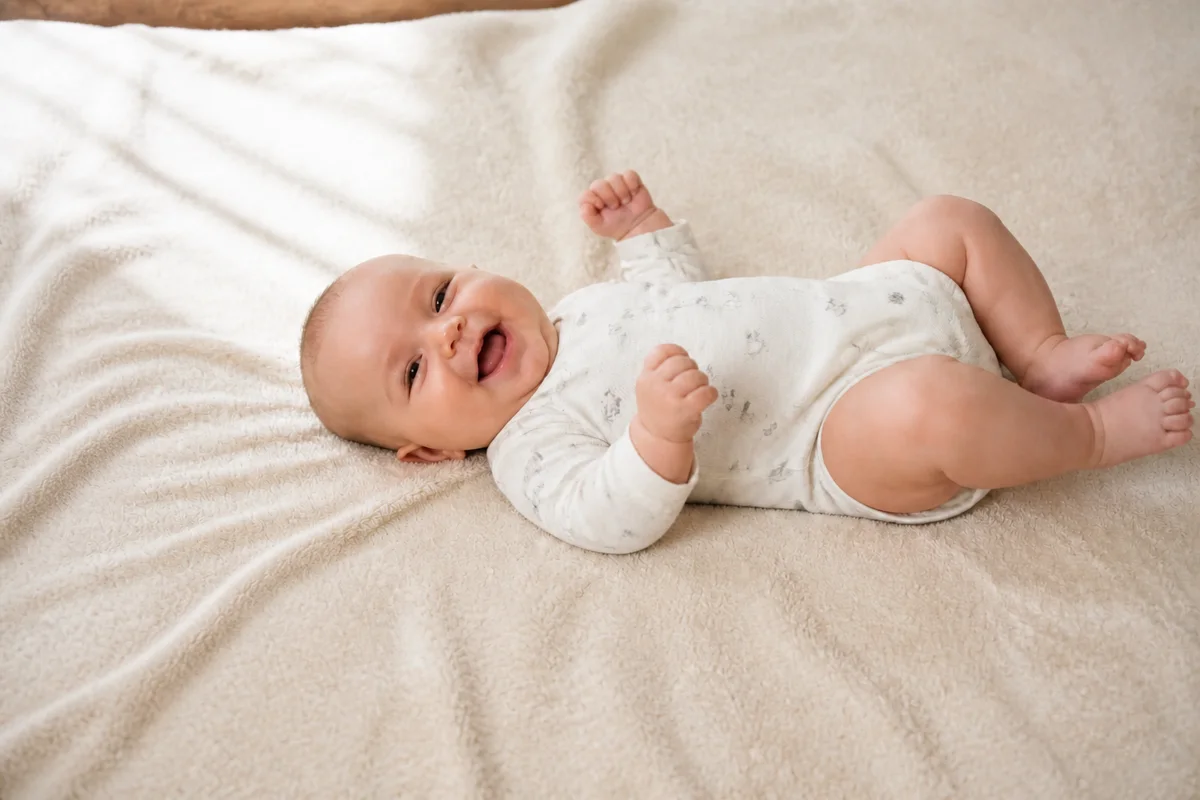
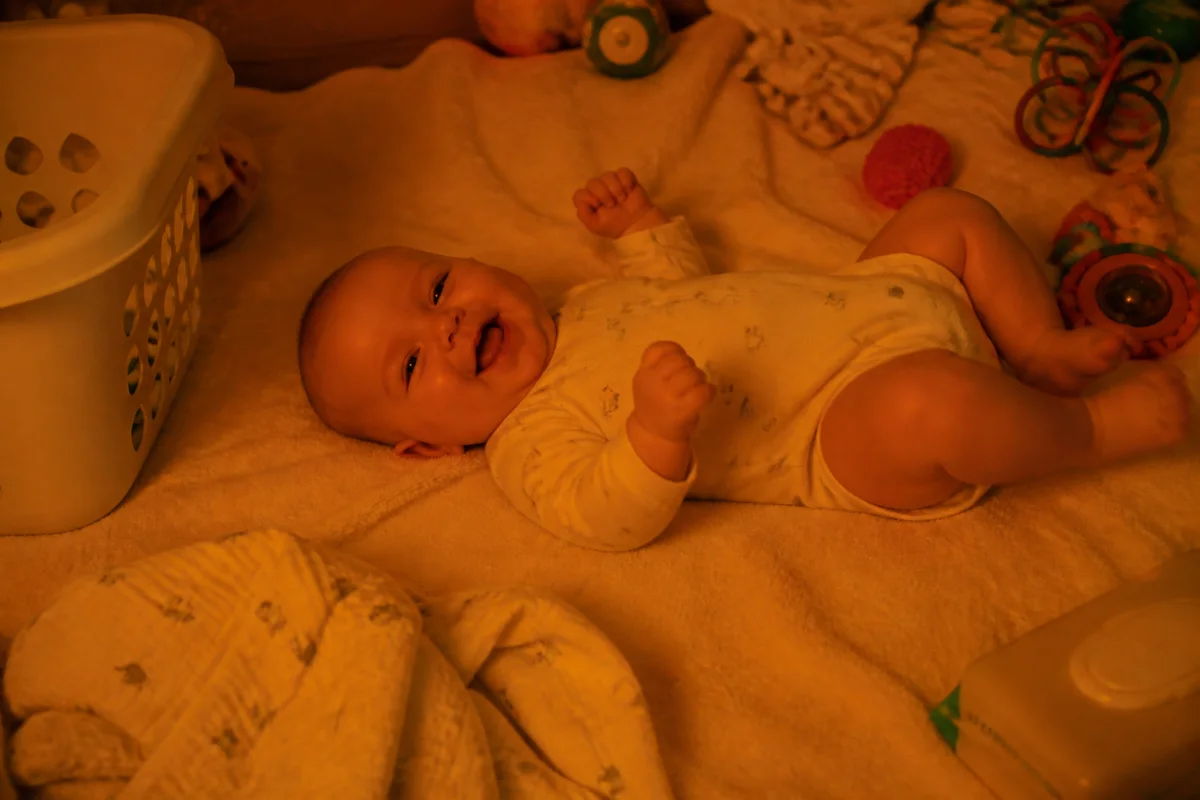
The workflow in action — drag to compare.
You take hundreds of baby photos a month, and the best moments never wait for good conditions. The first real smile happens in a dim nursery at 6am; the milestone sit-up happens on a floor covered in laundry and toys; the perfect giggle is slightly blurred because babies do not hold still.
AI editing turns those real, imperfect captures into the versions you share and print. Erase the diaper caddy and toy pile from the background, brighten the low-light nursery shots, correct the orange cast from warm nightlights, and sharpen the almost-crisp action shots.
The moments are irreplaceable; the conditions are completely fixable.
The problems this solves
- The background of every candid is a mess of toys, laundry, and baby gear.
- Nursery and early-morning photos are dim and grainy.
- Warm nightlights and indoor bulbs give baby's skin an orange cast.
- Babies move constantly, so a large share of photos are just slightly blurred.
A workflow that works
Clear the clutter from the frame
Removing the toy pile and burp cloths turns a chaotic living-room candid into a clean portrait of the moment.
AI Object RemoverBrighten dim nursery shots
Early mornings and blackout curtains produce the sweetest moments in the worst light; relighting recovers them without flash ever waking anyone.
AI Lighting ChangerFix the warm color cast
Nightlights and warm bulbs shift skin tones orange; correction brings back natural, printable color.
AI Color CorrectionSharpen the almost-sharp ones
The first-steps photo you only got one chance at is worth recovering from slight motion blur.
AI Unblur ImageFrequently asked questions
Should I edit baby photos at all, or keep them natural?
Keep the baby natural — skip retouching entirely — and edit the conditions: light, color, clutter, blur. Milk spit-up on the onesie is a memory; the laundry basket behind the crib is just clutter.
The only photo of a milestone moment is blurry. Can it be saved?
Mild motion blur and missed focus often recover well. Severe blur recovers partially — usually enough for sharing at phone size, sometimes not enough for a large print. It costs nothing to try on a moment you can't retake.
How do I make photos consistent for a monthly milestone series?
Edit each month's photo with the same treatment: same brightness, corrected color, similar crop. Consistent editing makes a twelve-photo grid look intentional even though it was shot across a year of changing rooms and seasons.
What about photos where the baby's eyes are closed mid-blink?
The open-eyes tool can fix a blink in an otherwise perfect shot. Use it sparingly and check that the result still looks like your baby — for newborns, closed eyes are often the more natural choice anyway.
Related use cases