
People
AI Body Reshaping
Subtle, realistic body adjustments you describe yourself
Free credits on signup — no credit card required.
- 1Upload a photo showing the body area you want to adjust
- 2Describe the change and how strong it should be
- 3The AI reshapes with intact backgrounds and proportions; download or refine
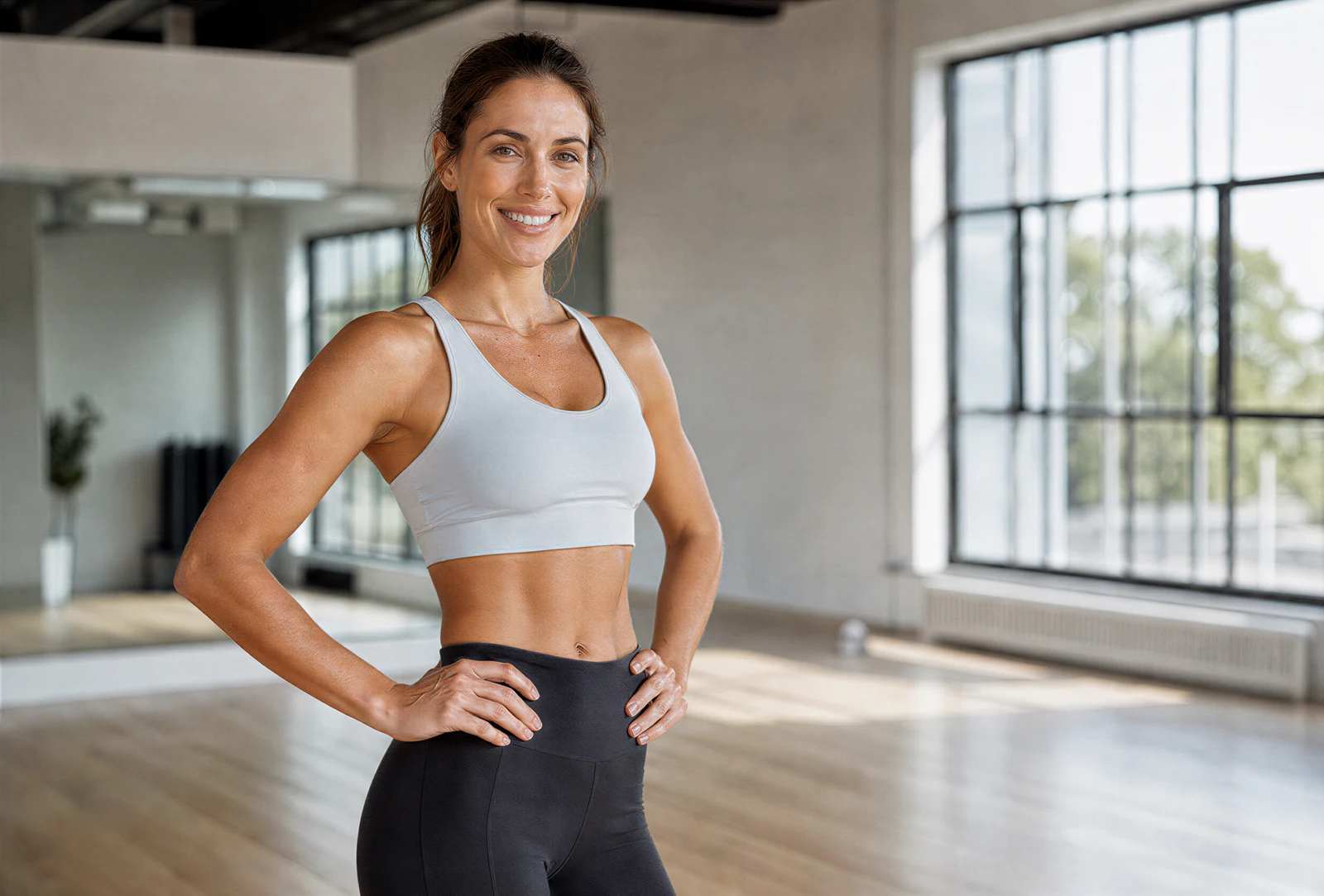
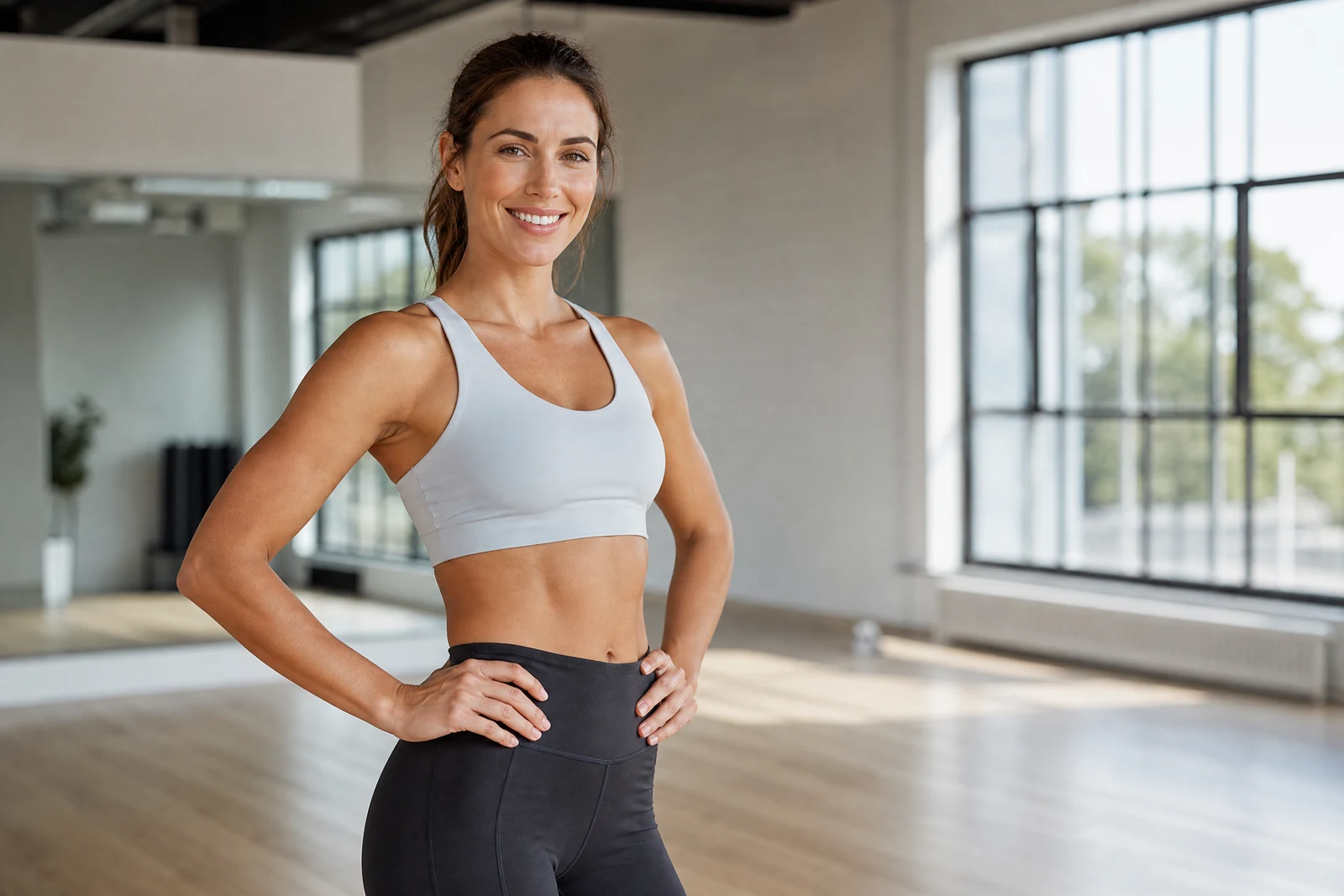
Real output from the editor — drag to compare.
The failure mode of body editing is famous: warped door frames, bent tiles, and proportions that no longer agree with each other. Traditional liquify tools push pixels locally, and everything near the edit stretches with it. This tool works differently: it understands the body as a structure and the background as a separate scene, so an adjusted waistline does not take the wall behind it along for the ride.
You describe the change in your own words: slim the waist, tone the arms, broaden the shoulders, improve posture, lengthen the legs slightly. The AI applies it with restraint, keeping joints, clothing folds, and overall proportions anatomically coherent. Straight lines in the background stay straight, patterns stay regular, and the person remains recognizably themselves, which is the standard any body edit should meet.
The most convincing edits are modest ones: the photo equivalent of great posture and a well-fitted outfit rather than a different body. Describe the direction and degree ('slightly', 'a bit') and iterate. For face-specific slimming, mention it explicitly; for everything about the face other than shape, the Retouch and Enhancement tools are the right instruments.
Why this tool
- Chain the result into any of the other tools
- Standard, Pro and Max quality tiers
- Results land in your creations library
- Upscale to print size or turn into video
Frequently asked questions
Will the background warp like it does in liquify apps?
No. The body and the scene are treated separately, so door frames, tiles, and horizon lines behind the person stay perfectly straight. Warped backgrounds are the classic tell this approach eliminates.
How dramatic can the changes be?
The tool is calibrated for believable adjustments and interprets your description conservatively. Extreme transformations fight the realism constraint; subtle, well-described changes produce results that pass unnoticed.
Does clothing adjust along with the body?
Yes, garments follow the new shape with natural fold and drape behavior, since a slimmed waist inside unchanged clothing would immediately look wrong.
How should I phrase the description?
Name the area, the direction, and the amount: 'slim the waist slightly', 'make shoulders a bit broader'. Words like slightly and a bit genuinely modulate the strength; you can always run a second, stronger pass.
Can I try AI Body Reshaping for free?
Yes — every new account starts with 4 free credits, enough to run this tool once at Standard quality. No credit card required.
Related tools