
Enhance
AI Lighting Changer
Relight any photo, from soft studio to film noir
Free credits on signup — no credit card required.
- 1Upload your photo and pick a lighting style
- 2The AI relights the scene: direction, shadows, and color temperature
- 3Download the relit photo or try another style
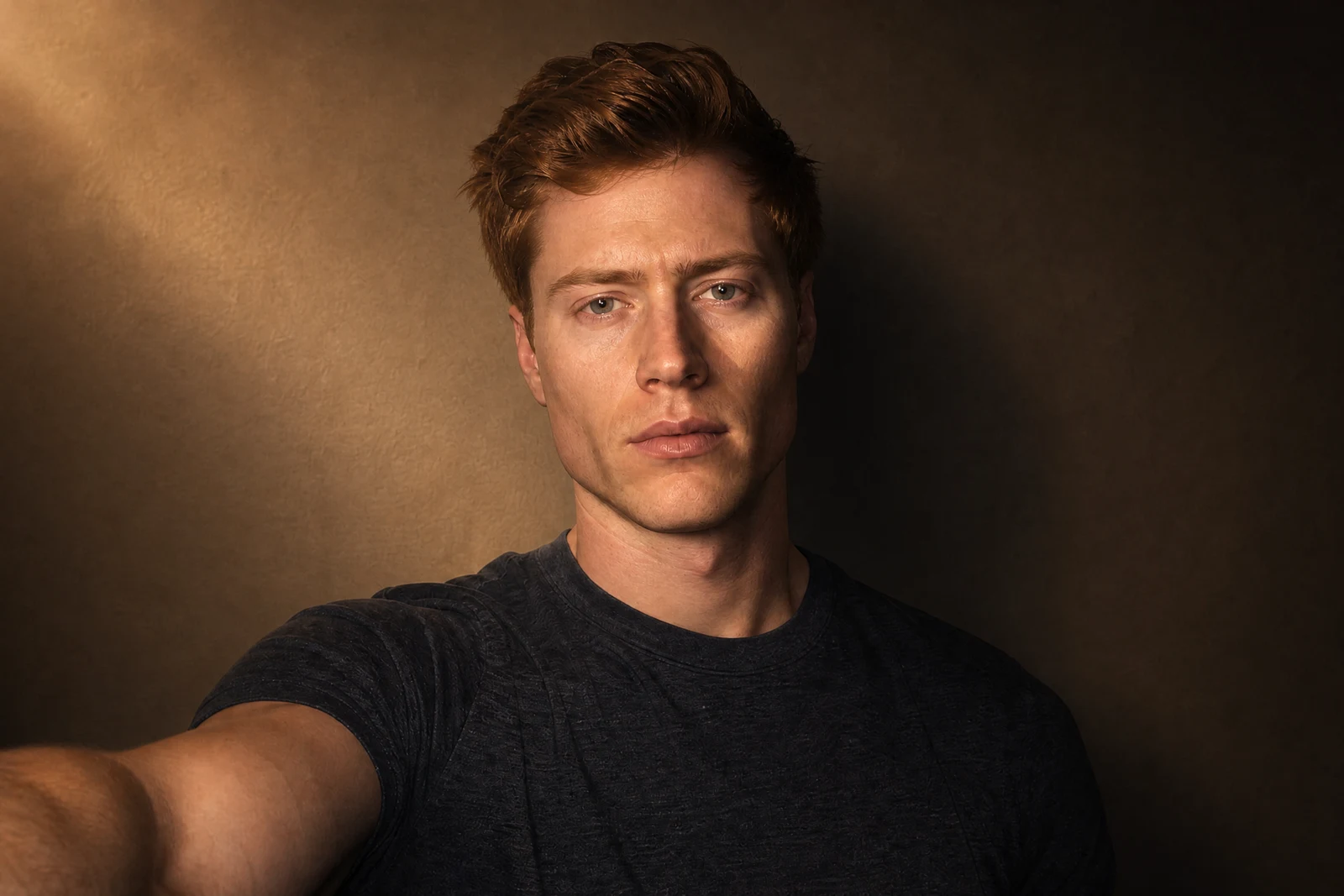
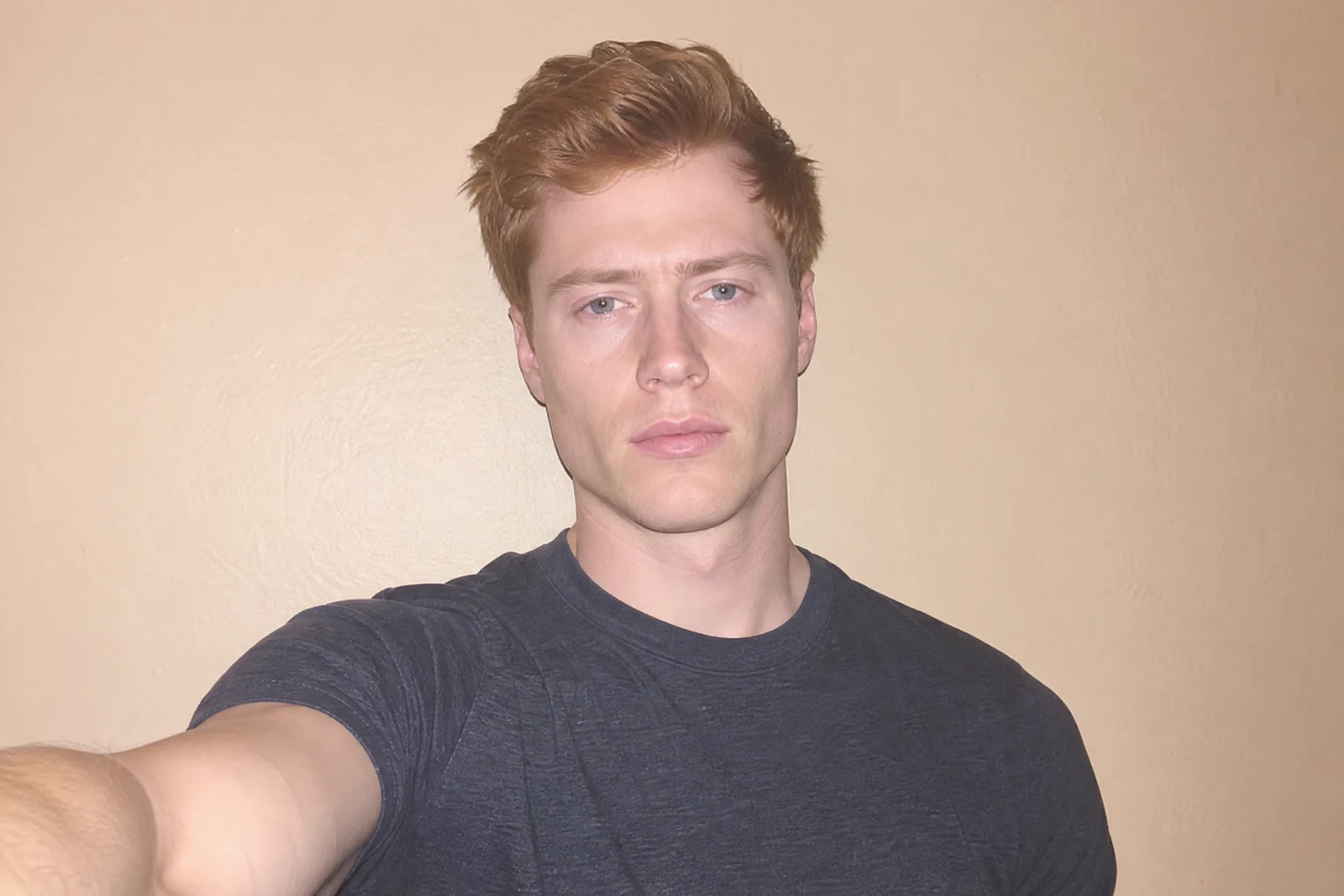
Real output from the editor — drag to compare.
Lighting is the difference between a snapshot and a photograph. The same face lit by a soft window reads warm and natural; lit from the side it turns cinematic; backlit it becomes a silhouette. Photographers spend careers learning to shape light, and until recently it had to be right at the moment of capture. Relighting moves that decision into the edit.
Pick a lighting style and the AI re-renders your photo as if it had been shot that way. The named portrait setups are the real ones: Rembrandt places the signature triangle of light on the shadow-side cheek, butterfly lights from above for glamour work, split lighting halves the face, rim lighting draws a bright edge around the subject. Beyond the studio, options like candlelight, neon cyberpunk, and film noir change the entire mood of a scene, adjusting shadows, color temperature, and falloff together.
Use it to rescue flat, front-flashed portraits, unify photos shot in different conditions, or push a shot toward a specific editorial mood. It pairs well with Color Correction first, and with Time of Day when the goal is a different hour rather than a different light source.
Why this tool
- Chain the result into any of the other tools
- Standard, Pro and Max quality tiers
- Results land in your creations library
- Upscale to print size or turn into video
Frequently asked questions
How can lighting be changed after a photo is taken?
The AI estimates the geometry of the scene, then re-renders illumination over it: where light lands, where shadows fall, and how color shifts. It is a reconstruction, so results are most faithful on clear, well-exposed source photos.
Which styles suit professional portraits?
Studio Soft and Natural Window are safe and flattering; Rembrandt and Loop add classic dimension; Butterfly suits beauty shots. Dramatic, Split, and Film Noir are stronger looks best used deliberately.
Does it work on non-portrait photos?
Yes. Product shots take well to studio and spotlight styles, interiors to window light and candlelight, and street scenes to neon and noir moods. The relight covers the whole frame, not just faces.
Will it change my photo's colors too?
Light and color are inseparable, so yes: candlelight warms the frame, neon introduces colored spill, noir goes monochrome. If you only want balanced color at the current lighting, use Color Correction instead.
Can I try AI Lighting Changer for free?
Yes — every new account starts with 4 free credits, enough to run this tool once at Standard quality. No credit card required.
Related tools