
Text & Objects
Text Behind Object
Layer bold text behind your subject for a 3D poster effect
Free credits on signup — no credit card required.
- 1Upload your photo, enter the text, and name the subject to overlap it
- 2The AI sets the type behind the subject with clean occlusion
- 3Download the finished graphic
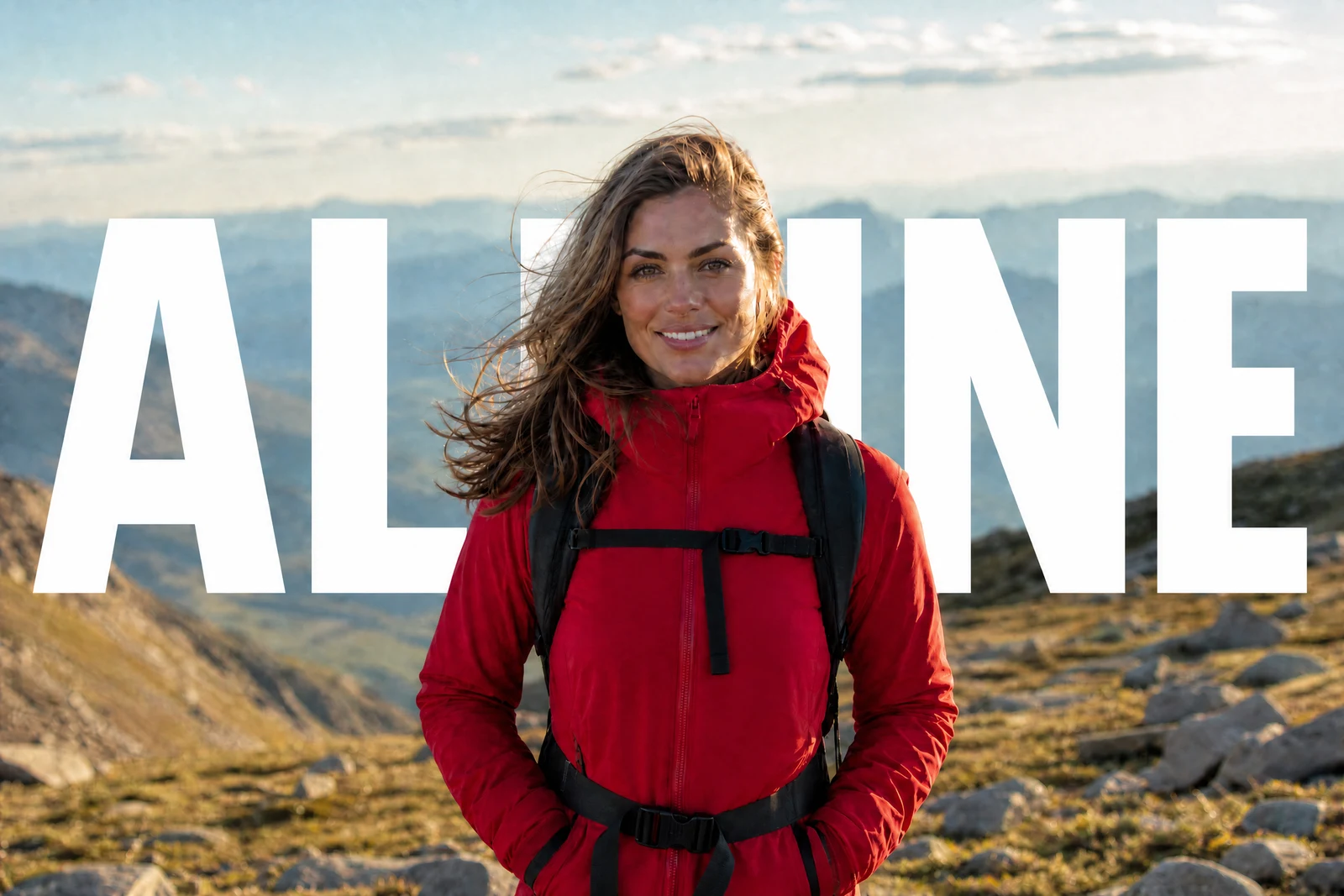
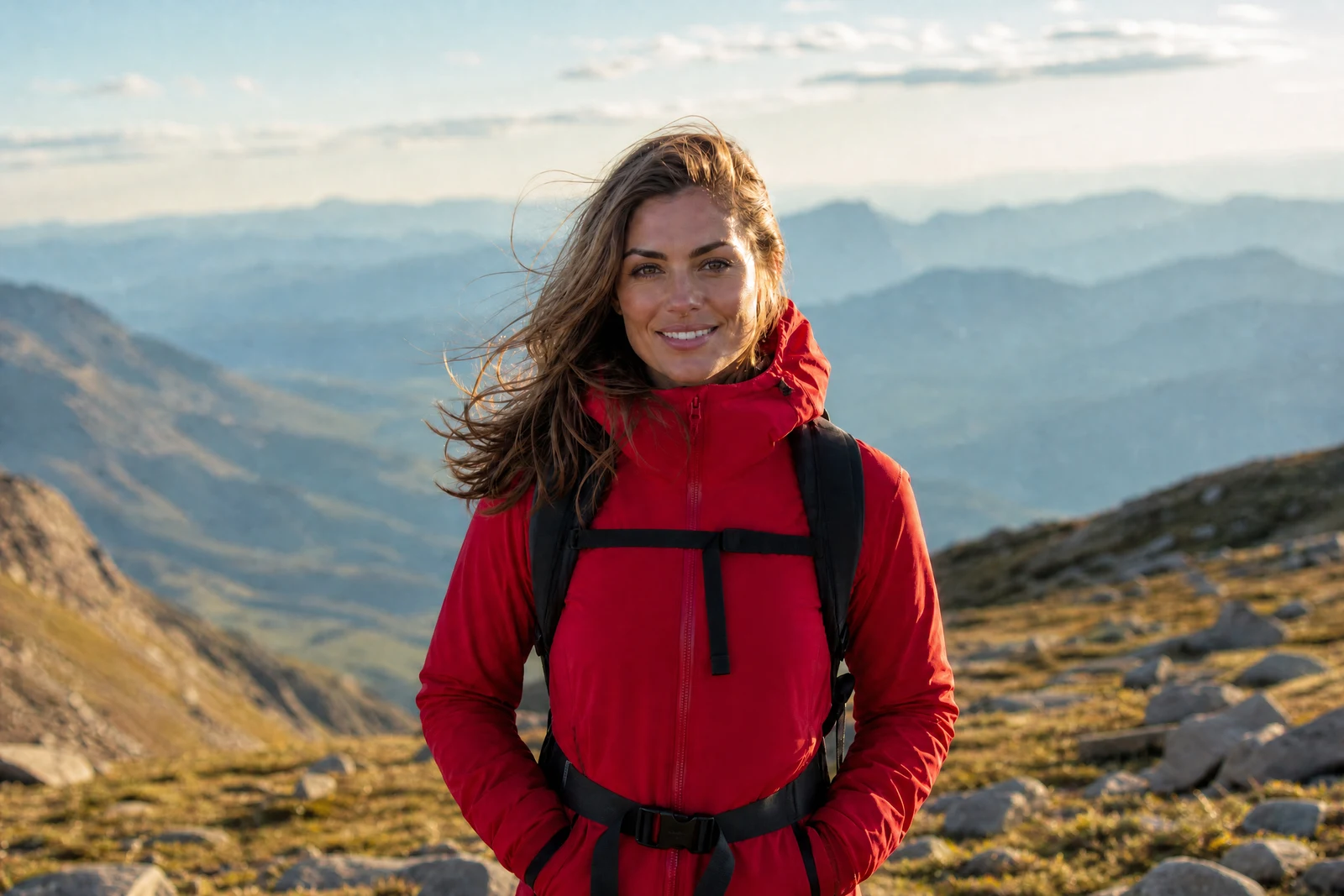
Real output from the editor — drag to compare.
The text-behind-subject look, where big display type slides behind a person or product while staying in front of the background, is a staple of album covers, sports graphics, and social thumbnails. Building it manually means duplicating the subject, masking it precisely, and sandwiching the type between layers. This tool collapses that whole workflow into one step.
Tell it what the text should say and which subject should overlap it. The AI cuts the subject, sets the type into the scene behind them, and re-composites so the letterforms are partially occluded exactly where the subject crosses them. The result reads as genuine depth: the text belongs to the space of the photo rather than floating on top of it.
It is built for social posts, YouTube thumbnails, posters, and product graphics where you want typography with dimensionality. Because the text is rendered into the image, treat the output as a finished graphic; if you need to iterate on wording, rerun with new text rather than trying to edit the flattened result.
Why this tool
- Chain the result into any of the other tools
- Standard, Pro and Max quality tiers
- Results land in your creations library
- Upscale to print size or turn into video
Frequently asked questions
What kind of text works best?
Short and bold: a single word or a few characters like a year or a city name. Big display type survives partial occlusion by the subject; long sentences become unreadable once a subject overlaps them.
Can I choose the font or color?
The AI picks typography that suits the photo's style and keeps contrast readable against the background. If you want a specific treatment, describe it in the text field, e.g. 'SUMMER in white outlined letters'.
Why do I need to describe the subject?
The subject description tells the AI which element sits in front of the text. In a photo with several candidates, 'the skateboarder' vs 'the dog' produces very different layering, so being explicit keeps control in your hands.
Can I edit the text afterwards?
The text is rendered into the image, so it cannot be re-edited as live type. Rerunning the tool with new text takes seconds, which in practice is the iteration loop.
Can I try Text Behind Object for free?
Yes — every new account starts with 4 free credits, enough to run this tool once at Standard quality. No credit card required.
Related tools