
Use case
Create Podcast Cover Art with AI
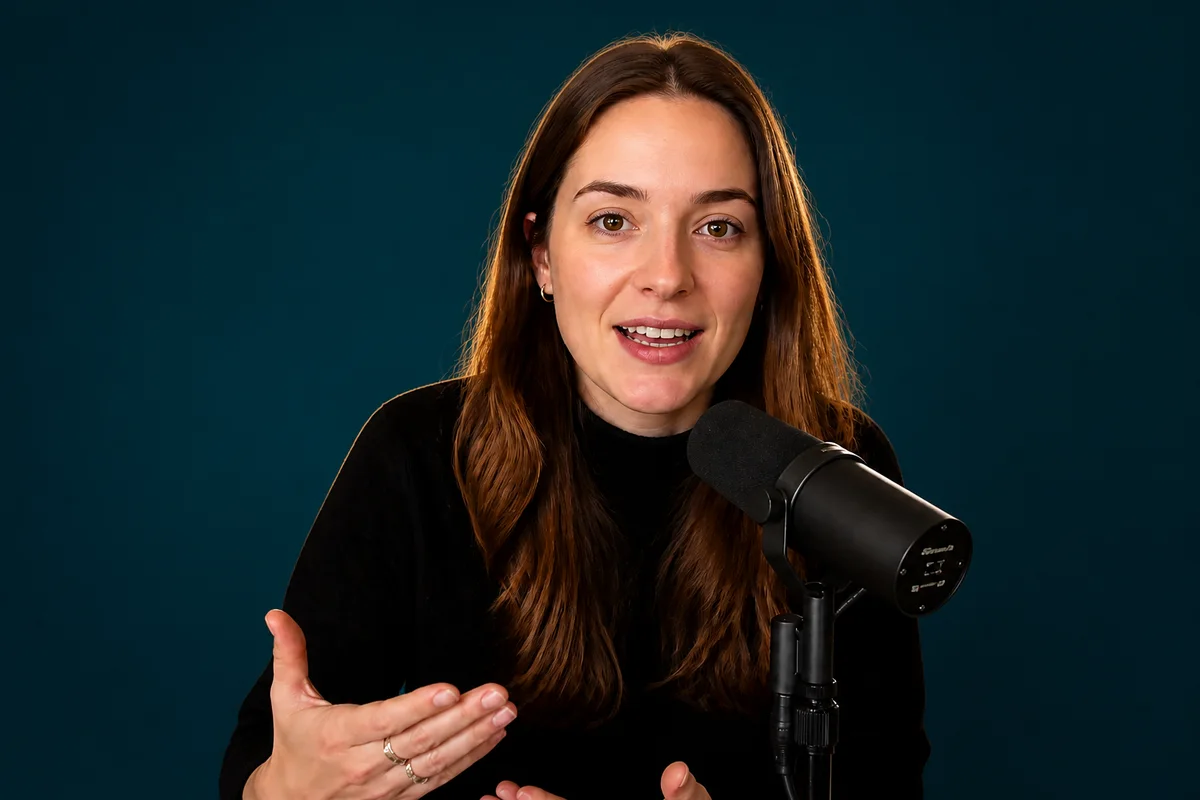
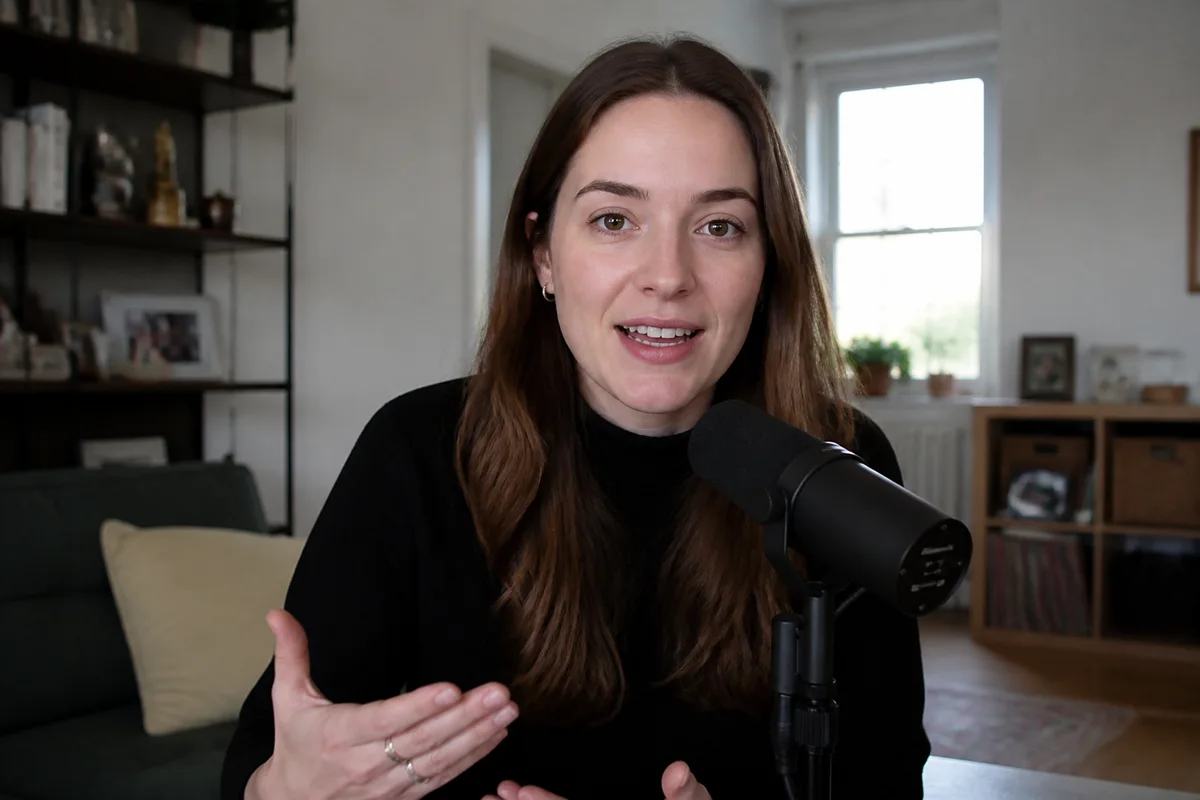
The workflow in action — drag to compare.
Podcast cover art is judged at two extremes: a 60-pixel thumbnail in a directory list and a 3000-pixel square on a show page. It has to survive both — bold enough to register in a scrolling list, sharp enough to hold up full-size, and distinctive enough that regular listeners can spot new episodes at a glance.
AI editing handles the visual heavy lifting without a designer. Clean up the host portrait — good light, clean cutout, natural retouch — and generate a background that carries the show's tone, from minimal color fields to detailed illustrated scenes. Composite, sharpen, and export at the 3000x3000 spec Apple Podcasts and Spotify expect.
The same workflow produces matching episode art, audiogram backgrounds, and social banners, so the show looks coherent everywhere it appears.
The problems this solves
- Cover concepts that look good full-size turn to mush at directory thumbnail size.
- Host photos were taken casually and don't hold up as the face of a show.
- Custom cover design is a real cost for a show that may still be finding its footing.
- Directories require exact specs — 3000x3000, RGB, under file-size limits — that homemade covers miss.
A workflow that works
Generate the background concept
Describe the show's vibe and get bold background options — color fields, textures, or illustrated scenes — without commissioning art.
AI Image GeneratorCut the host portrait out clean
A crisp cutout lets the host sit on the generated background like a designed composite, not a pasted photo.
AI Background RemoverPolish the portrait
The cover follows the show everywhere for years; a naturally retouched, well-lit host photo is worth the two minutes.
AI Face RetouchSharpen for thumbnail survival
Directory lists render covers tiny; strong sharpness keeps the face and shapes legible at 60 pixels.
AI Image SharpenerExport at directory spec
Crop to exact square and export at 3000x3000 to match Apple Podcasts and Spotify artwork specs.
AI Photo ReframeFrequently asked questions
What are the technical requirements for podcast cover art?
Apple Podcasts requires 1400x1400 to 3000x3000 pixels, square, JPG or PNG, RGB color space — and 3000x3000 is the recommended target. Spotify accepts the same. Design at 3000 square and you're covered everywhere.
Should the cover include the host's face?
Faces perform well for interview and personality-driven shows because they create recognition and connection. Topic-driven shows often do better with a bold graphic mark. Either way, test the design at thumbnail size — that's where listeners actually meet it.
How much text should be on the cover?
The show name, large — and usually nothing else. Taglines and episode details vanish at thumbnail size and clutter the full-size view. Directories display the show name as text anyway, so the art's job is recognition, not information.
Can I make matching episode art from the main cover?
Yes — reuse the background system and host cutout, varying one element (color, guest photo, episode number) per episode. Consistent structure with one changing element is what makes episode feeds look professionally designed.
Related use cases