
Background
AI Time of Day
Reshoot your photo at golden hour, without the reshoot
Free credits on signup — no credit card required.
- 1Upload your photo and pick the target time of day
- 2The AI relights the scene: sun angle, shadows, color, and sky together
- 3Download the photo at its new hour
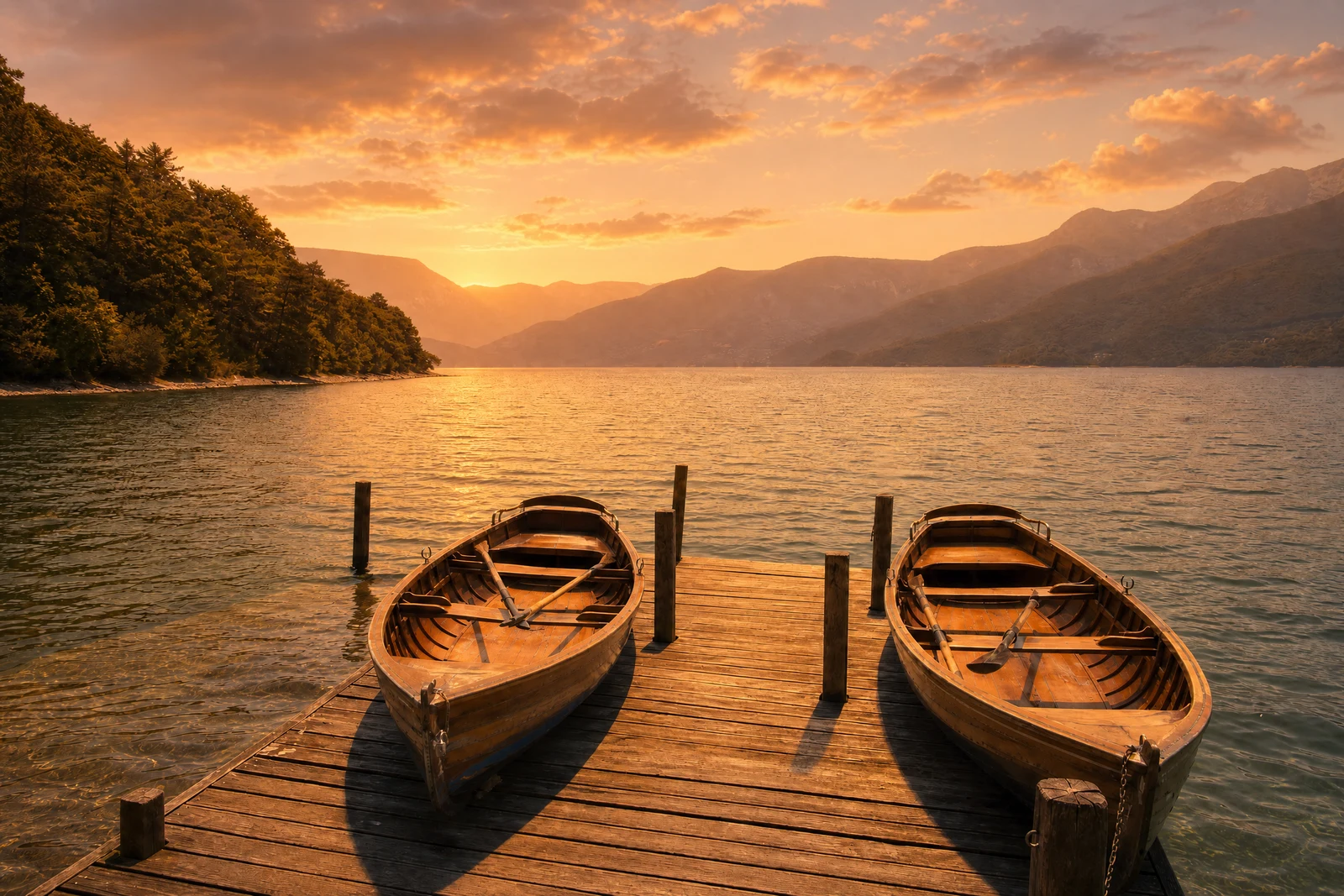
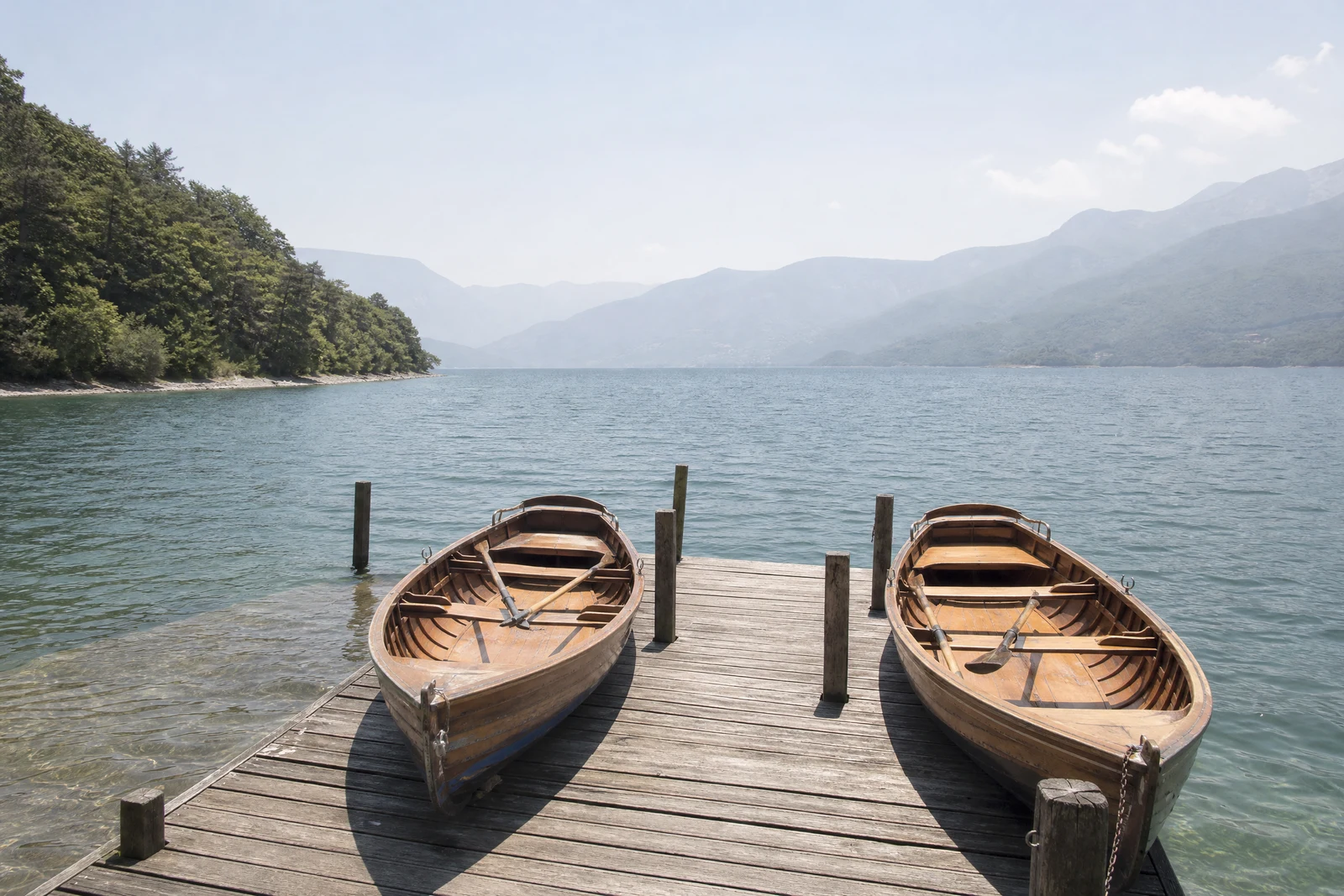
Real output from the editor — drag to compare.
Photographers organize their lives around the sun. Golden hour, the hour after sunrise and before sunset, wraps everything in warm, low, flattering light; blue hour trades it for cool serenity; midday is accurate but harsh. The right light for your shot lasted forty minutes and you were at lunch. This tool moves the photo to the hour you missed.
Choose a time and the AI re-renders the scene's full lighting state: sun angle and shadow direction, shadow length and softness, color temperature, sky appearance, and, for night settings, the transition to ambient and artificial light sources. A photo moved to golden hour gets long warm shadows and a glowing sky; moved to night, windows light up and the scene falls into believable darkness. The relight is global and consistent, which is what separates it from dropping an orange filter over midday sun.
Use it to give listing photos the sunset treatment, unify a day's worth of shots into one apparent hour, or explore which light serves a scene best. Sky Replacement changes only the sky; Time of Day changes the world under it.
Why this tool
- Chain the result into any of the other tools
- Standard, Pro and Max quality tiers
- Results land in your creations library
- Upscale to print size or turn into video
Frequently asked questions
How is this different from a warm or cool filter?
A filter tints existing pixels; this re-renders the lighting. Shadow directions and lengths change, skies transform, highlights move, and at night artificial lights switch on. The physics of the scene are recomputed, not just its color balance.
Which conversions look most natural?
Moves between adjacent daylight states (midday to late afternoon to golden hour) are nearly seamless. Full day-to-night conversions are more interpretive since the AI must invent light sources, but they remain convincing for most scenes.
Does it work on indoor photos?
Indoor scenes lit by windows respond well: the window light changes hour and the room follows. Interiors lit purely by lamps have little daylight signal to change, so effects there are subtler.
Golden hour vs blue hour: which should I pick?
Golden hour flatters people and warm scenes: soft, directional, warm light. Blue hour suits architecture, cityscapes, and moody water scenes with its cool, even glow, especially when artificial lights are in frame.
Can I try AI Time of Day for free?
Yes — every new account starts with 4 free credits, enough to run this tool once at Standard quality. No credit card required.
Related tools