
People
AI Expression Changer
Change the expression, keep the person
Free credits on signup — no credit card required.
- 1Upload a portrait and choose the target expression
- 2The AI re-poses mouth, eyes, and brows together, keeping your identity
- 3Download the new expression, or generate several variants
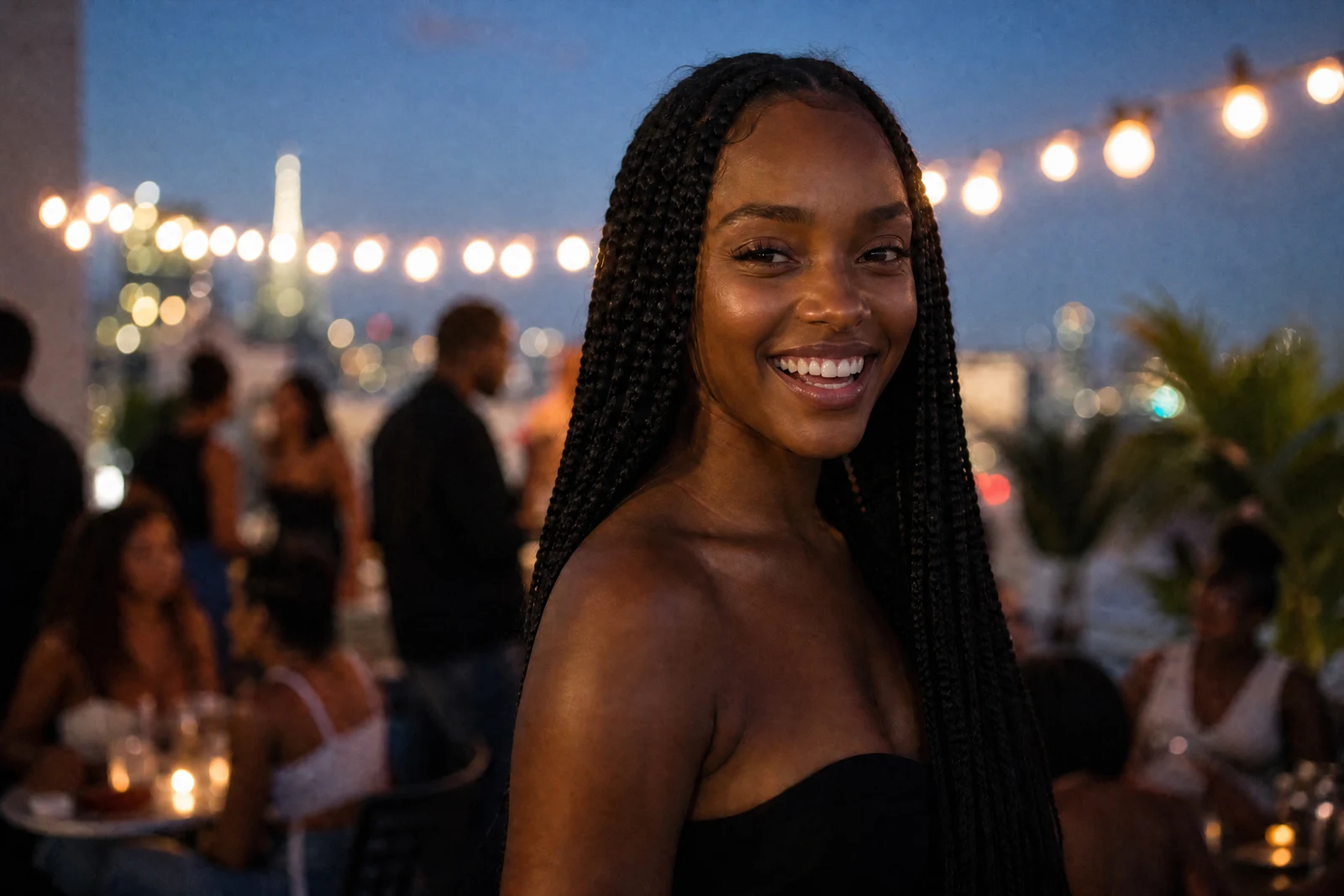
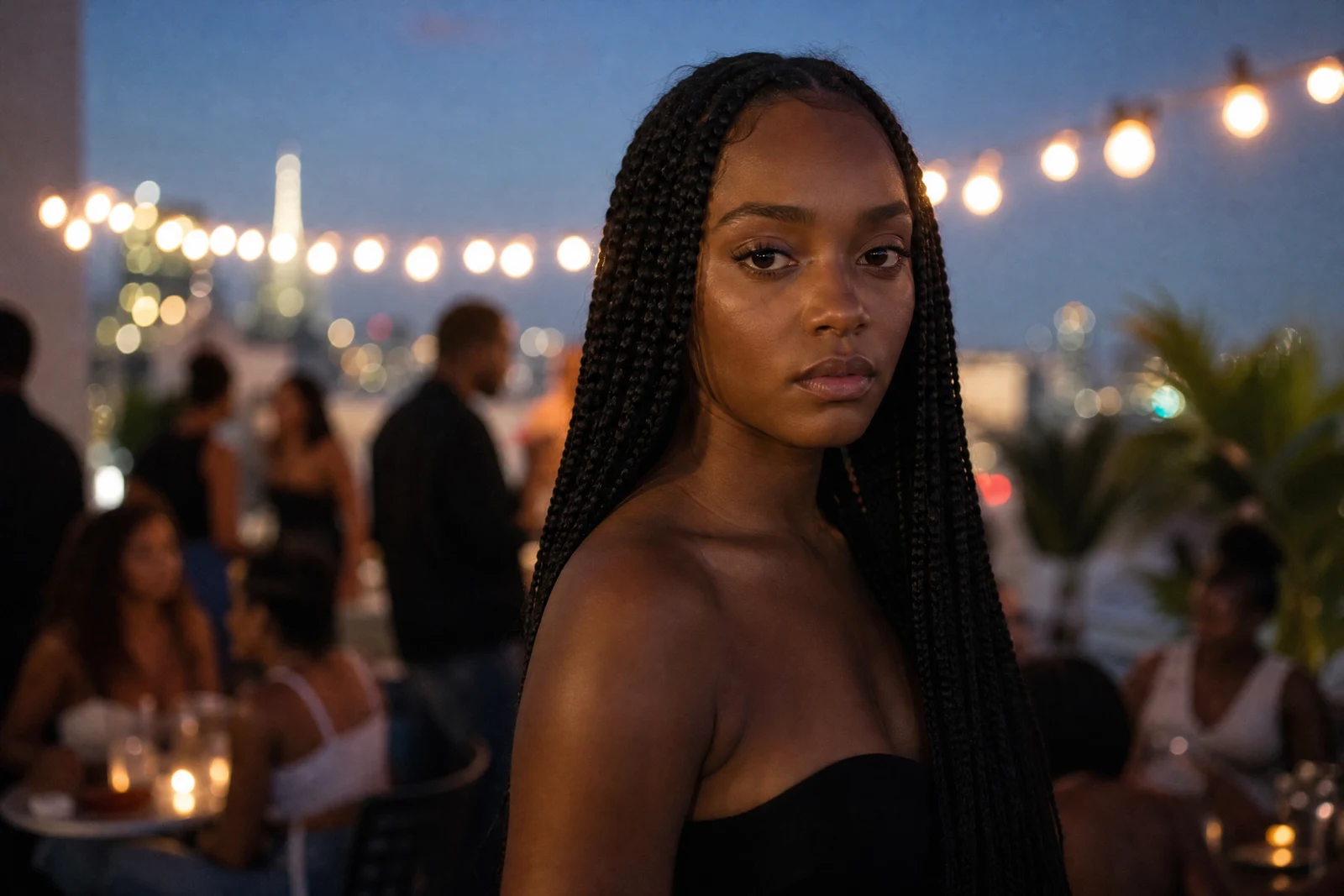
Real output from the editor — drag to compare.
An expression is a full-face event. A genuine smile lifts the cheeks and narrows the eyes; surprise raises the brows and opens the lids; determination sets the jaw. Editing only the mouth, the way crude tools do, produces the uncanny mismatch everyone recognizes instantly. This tool re-poses the entire facial expression as a coordinated whole.
Pick from a wide menu: smiles at three intensities, professional and confident looks for work contexts, and expressive options like surprised, playful, thoughtful, and determined. The AI adjusts mouth, eyes, brows, and the surrounding muscles together, constrained by your bone structure and features so the new expression is one your face genuinely makes. Identity is the hard constraint; the photo remains unmistakably you.
Practical uses are everywhere: converting a stiff headshot into a warm one, matching expressions across a set of team photos, fixing the one shot where your expression collapsed, or producing variants of a portrait for different contexts (serious for the bio, warm for the social profile). For simply improving an existing smile rather than replacing the expression, Perfect Smile is the lighter touch.
Why this tool
- Chain the result into any of the other tools
- Standard, Pro and Max quality tiers
- Results land in your creations library
- Upscale to print size or turn into video
Frequently asked questions
Why do the results look natural?
Because the whole face moves together. The AI models how your specific features form the target expression, mouth, eyes, and brows in concert, instead of editing the mouth in isolation, which is what makes typical smile filters look wrong.
Which expressions work best for professional photos?
Subtle Smile, Professional, Confident, and Warm & Friendly are the headshot workhorses. Genuine Smile suits approachable roles; Serious fits formal or editorial contexts.
Can I get multiple expressions from one photo?
Yes, and it is a recommended workflow: one good source portrait can yield a set of variants for different uses, all consistent in lighting and framing because they share the same original.
Will it work on side-angle or partially visible faces?
Front and three-quarter views work best because the full expression is visible to edit. Strong profiles and heavily obscured faces give the model less to work with, so expect subtler changes there.
Can I try AI Expression Changer for free?
Yes — every new account starts with 4 free credits, enough to run this tool once at Standard quality. No credit card required.
Related tools