
Use case
Edit Passport and ID Photos with AI
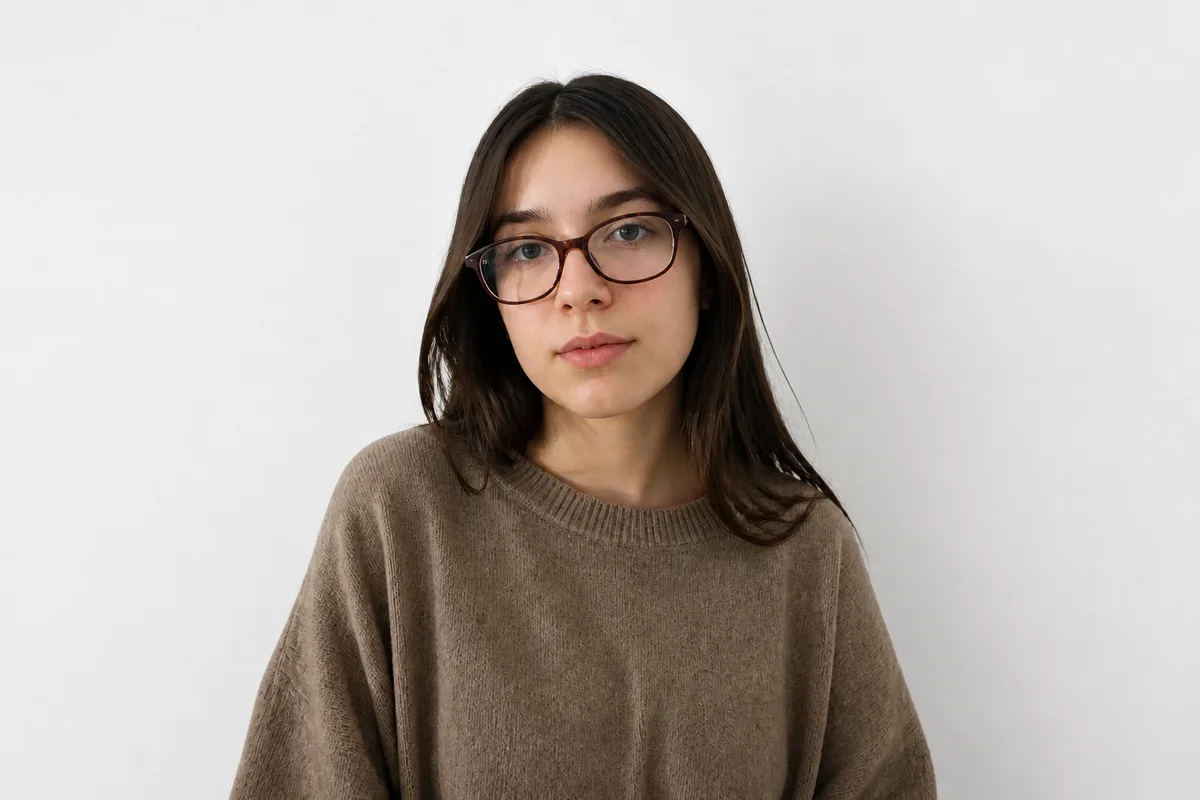
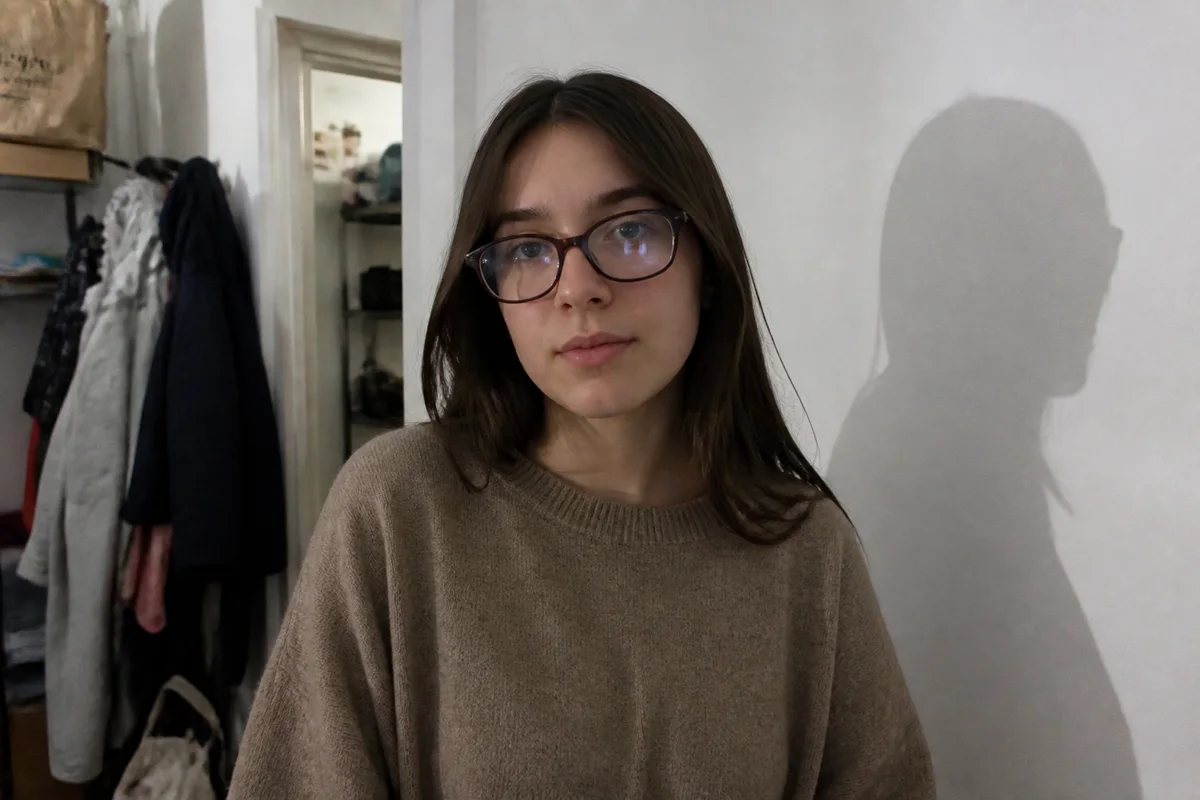
The workflow in action — drag to compare.
Passport and ID photos are the most rule-bound photos you'll ever take: plain light background, even lighting with no shadows, neutral expression, eyes open and visible, no glare on glasses, and your head sized and positioned within exact tolerances. Pharmacy photo booths handle this for a fee — but they're also famous for producing the least flattering photo you'll carry for ten years.
Taking your own photo gives you attempts until you get one you can live with, and AI editing handles the formatting details: replace whatever wall you stood against with a uniform white or off-white background, even out the lighting so there are no shadows across your face or behind your head, remove the reflection on your glasses, and crop to your country's exact head-size specification.
One firm boundary: formatting edits only. Background, lighting, glare, and crop are fine to fix. Retouching your features is not — issuing authorities reject photos that appear altered, and border systems match your face against the photo.
The problems this solves
- No plain white wall at home that photographs evenly without shadows.
- Overhead lighting casts shadows under the eyes and behind the head — a common rejection reason.
- Glasses catch glare that obscures the eyes, another top rejection cause.
- Every country has different size and head-position requirements that are hard to crop by hand.
A workflow that works
Replace the background with uniform white
A perfectly even, shadow-free light background is required almost everywhere and is nearly impossible to shoot against a real wall at home.
AI Background ChangerEven out the lighting
Shadows across the face or behind the head are among the most common reasons passport photos get rejected.
AI Lighting ChangerRemove glare from glasses
If your country allows glasses at all, the eyes must be fully visible with no reflections on the lenses.
AI Glare RemovalCrop to your country's specification
Head size and position tolerances are exact — for example, US passports require the head to be 1 to 1 3/8 inches within a 2x2 inch photo.
AI Photo ReframeFrequently asked questions
Will an edited photo be accepted by passport authorities?
Photos edited for background, lighting, and crop are routinely accepted — that's what photo services do too. Photos with altered facial features, removed moles or scars, or smoothed skin are grounds for rejection. Fix the photo conditions, never the face.
How should I take the source photo at home?
Stand about half a meter from a plain wall, face a large window for even light, keep a neutral expression with mouth closed and eyes open, and have someone shoot from about 1.5 to 2 meters away at eye level. Take several — the editing fixes the setting, not a blink.
Can I wear glasses in my passport photo?
The US has banned glasses in passport photos since 2016. Many other countries allow them if the eyes are fully visible with no glare and the frames don't cover the eyes. Check your issuing authority's current rules before editing.
What are the standard photo dimensions?
Common formats include 2x2 inches (US), 35x45 mm (UK, EU, and much of the world), and 33x48 mm (China). Crop to your target format and export at high resolution so both printed and digital submissions stay sharp.
Related use cases