
Background
AI Background Changer
Put your subject anywhere: studio, beach, or pure imagination
Free credits on signup — no credit card required.
- 1Upload your photo and describe the background you want
- 2The AI keeps the subject and generates the new scene with matched lighting
- 3Download the composite or refine the prompt and rerun

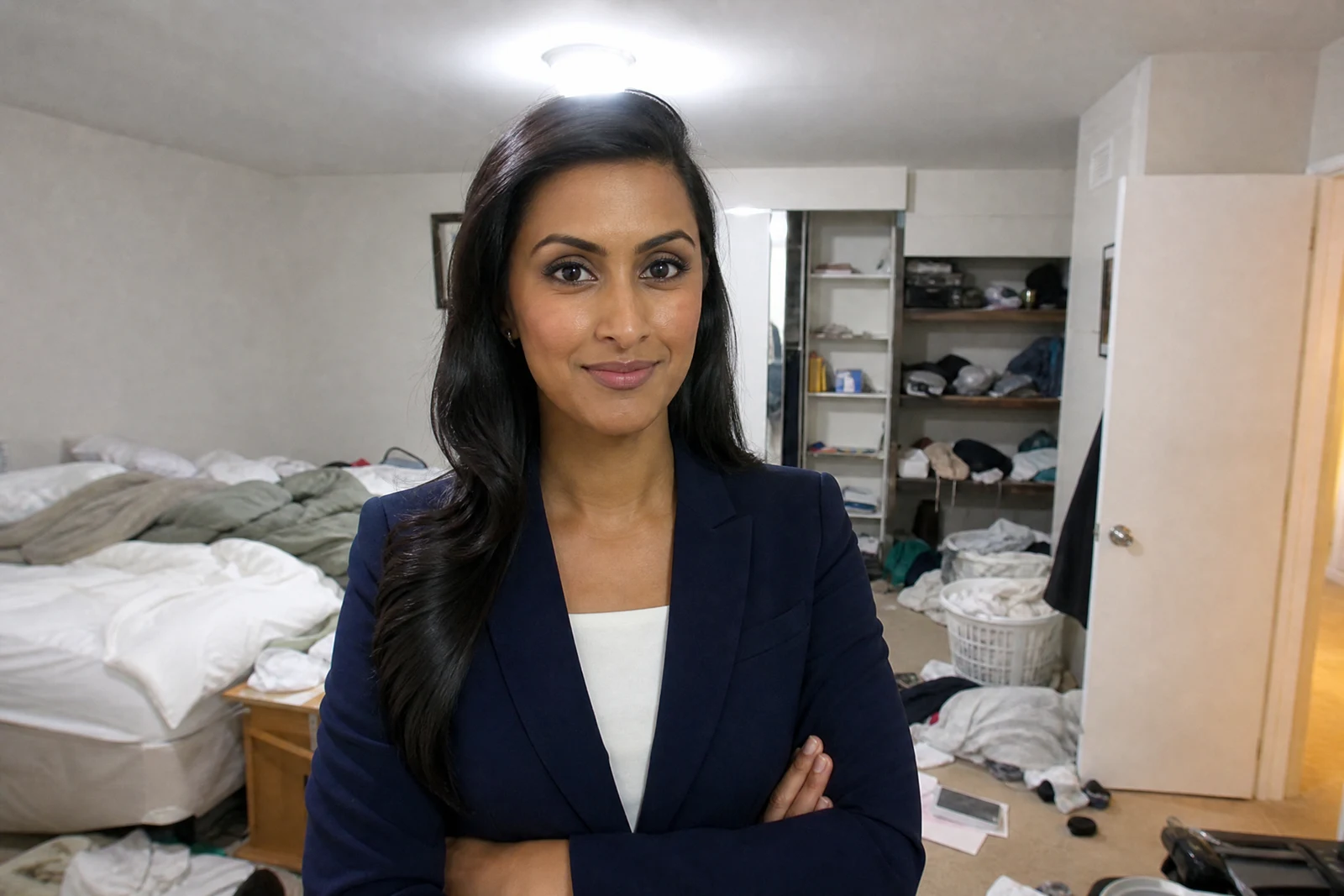
Real output from the editor — drag to compare.
Swapping a background convincingly involves more than a cutout. The new scene has to agree with the subject about where the light comes from, how strong the shadows are, and where the horizon sits; get any of those wrong and the composite looks pasted. This tool generates the background around your subject rather than sliding a stock photo behind it, so the lighting and perspective are built to match from the start.
You describe the scene you want in plain language. That can be practical ('a clean white studio backdrop for a product listing'), aspirational ('a cliffside terrace in Santorini at sunset'), or stylistic ('a blurred rainy window with bokeh lights'). The AI keeps your subject intact, replaces everything else, and grounds the subject with appropriate contact shadows.
It is a workhorse for e-commerce photos, LinkedIn-ready headshots shot in a bedroom, and travel photos you did not get to take. If you only need the existing background softened rather than replaced, Blur Background is the lighter touch; if you want just the sky changed, Sky Replacement preserves the rest of the scene. Low, medium, and high quality tiers control rendering fidelity.
Why this tool
- Chain the result into any of the other tools
- Standard, Pro and Max quality tiers
- Results land in your creations library
- Upscale to print size or turn into video
Frequently asked questions
How detailed should my background description be?
A sentence is usually enough, but specifics pay off: mention time of day, lighting mood, and key objects. 'A quiet cafe interior with warm afternoon window light' produces a far more controlled result than just 'cafe'.
Will my subject be altered?
The subject is preserved; the generation targets the scene around it. Edge lighting on the subject is adjusted just enough to sit naturally in the new environment, which is what makes the composite believable.
Can I use it for product photos?
Yes, it is one of the most common uses. Describe a surface and backdrop ('white marble countertop, soft daylight, light gray background') and the tool renders a catalog-style scene with a natural contact shadow under the product.
What if I want the background removed entirely instead?
Use Remove Background, which returns the subject on a transparent PNG. Change Background is for when you want a finished photo with a new scene rather than a cutout to composite yourself.
Can I try AI Background Changer for free?
Yes — every new account starts with 4 free credits, enough to run this tool once at Standard quality. No credit card required.
Related tools