
Retouch
AI Face Retouch
Clean, natural skin retouching without the airbrushed look
Free credits on signup — no credit card required.
- 1Upload a portrait where the face is clearly visible
- 2The AI removes blemishes and evens skin while keeping natural texture
- 3Review the before/after and download the retouched portrait
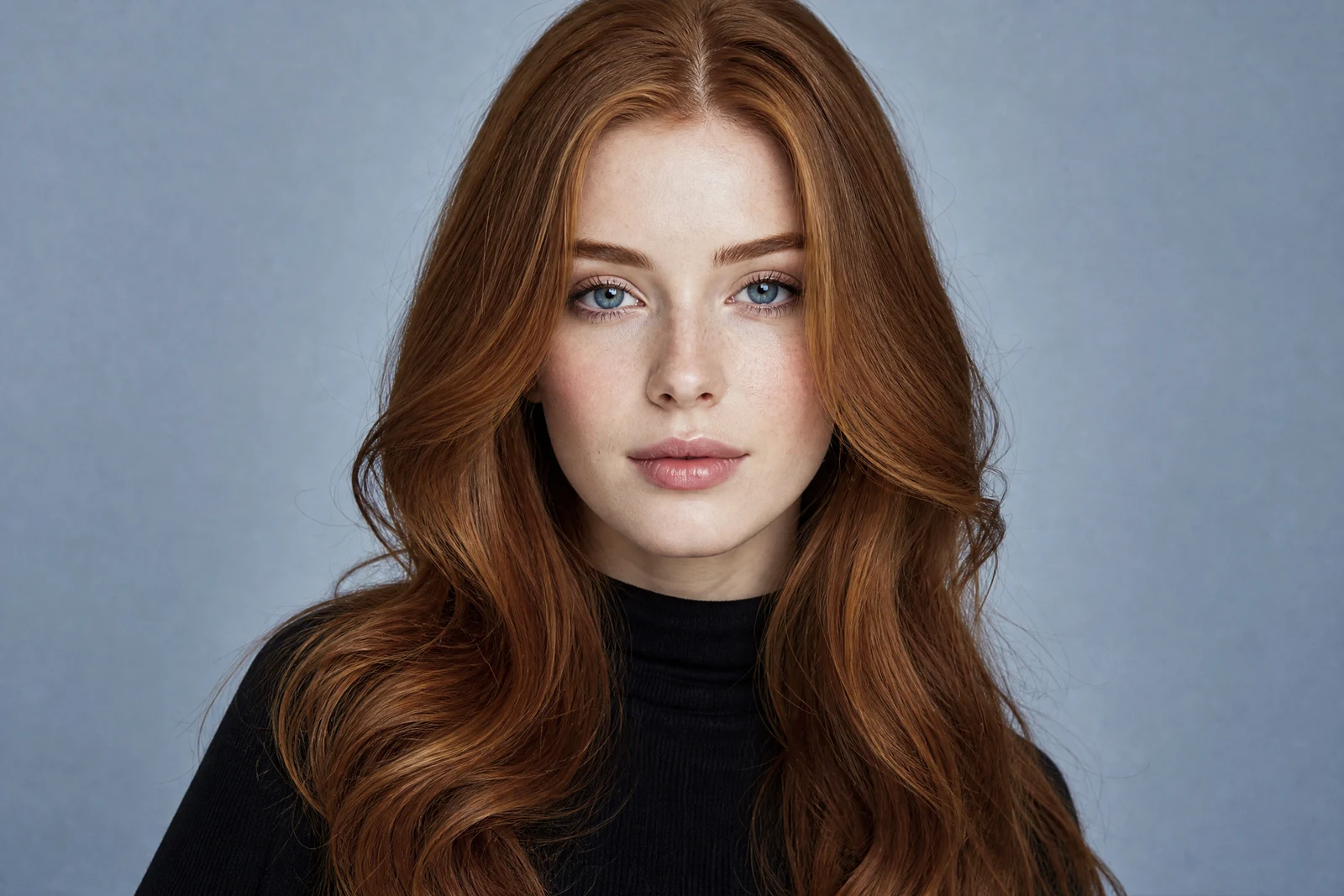
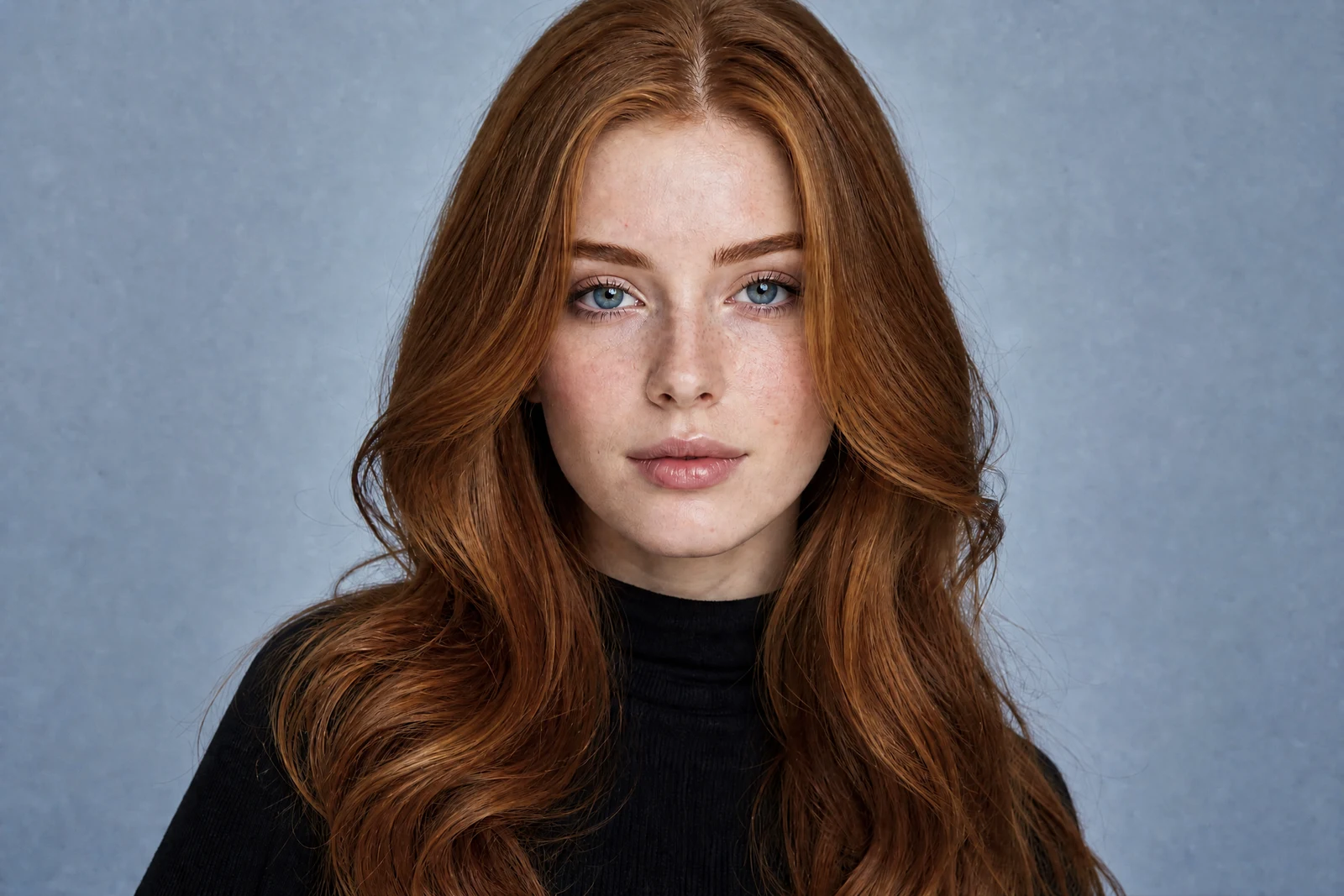
Real output from the editor — drag to compare.
Good retouching is invisible. The goal is a portrait that looks like you on a great day, not a plastic render, and that balance is exactly what generic smoothing filters get wrong: they blur pores, flatten freckles, and leave skin looking like wax. This tool takes the approach a professional retoucher would, working on blemishes, under-eye shadows, and uneven tone while deliberately preserving skin texture.
Upload a portrait and the AI removes temporary imperfections such as spots, redness, and shine, softens harsh shadows, and evens the complexion. Permanent features that make a face recognizable, including freckles, moles, beauty marks, and fine texture, are kept in place. Eyes and teeth are cleaned up subtly rather than bleached.
It works on selfies, professional headshots, and group portraits alike. If you want to go further, pair it with Perfect Smile or Perfect Teeth for expression work, or Face Enhancement for overall feature refinement. All quality tiers, low, medium, and high, are supported; high is worth it for large prints and profile photos that will be viewed close up.
Why this tool
- Chain the result into any of the other tools
- Standard, Pro and Max quality tiers
- Results land in your creations library
- Upscale to print size or turn into video
Frequently asked questions
Will it remove my freckles or moles?
No. The retouch targets temporary imperfections such as blemishes, redness, and shine. Permanent identifying features like freckles, moles, and scars you have had for years are treated as part of your face and preserved.
Why does it look more natural than a beauty filter?
Beauty filters blur the whole skin surface, which destroys texture. This tool edits specific problems and leaves pore-level detail intact, which is the same principle professional frequency-separation retouching follows.
Does it work on group photos?
Yes, every detected face in the frame is retouched with the same natural-skin approach. Faces that are very small in frame get proportionally lighter treatment.
What is the difference from Face Enhancement?
Retouch Face focuses on skin: blemishes, tone, and shine. Face Enhancement goes a step further, subtly brightening eyes, refining lighting on the face, and lifting overall clarity. Many portraits benefit from either one, but rarely need both.
Can I try AI Face Retouch for free?
Yes — every new account starts with 4 free credits, enough to run this tool once at Standard quality. No credit card required.
Related tools