
Use case
Edit Engagement Announcement Photos with AI
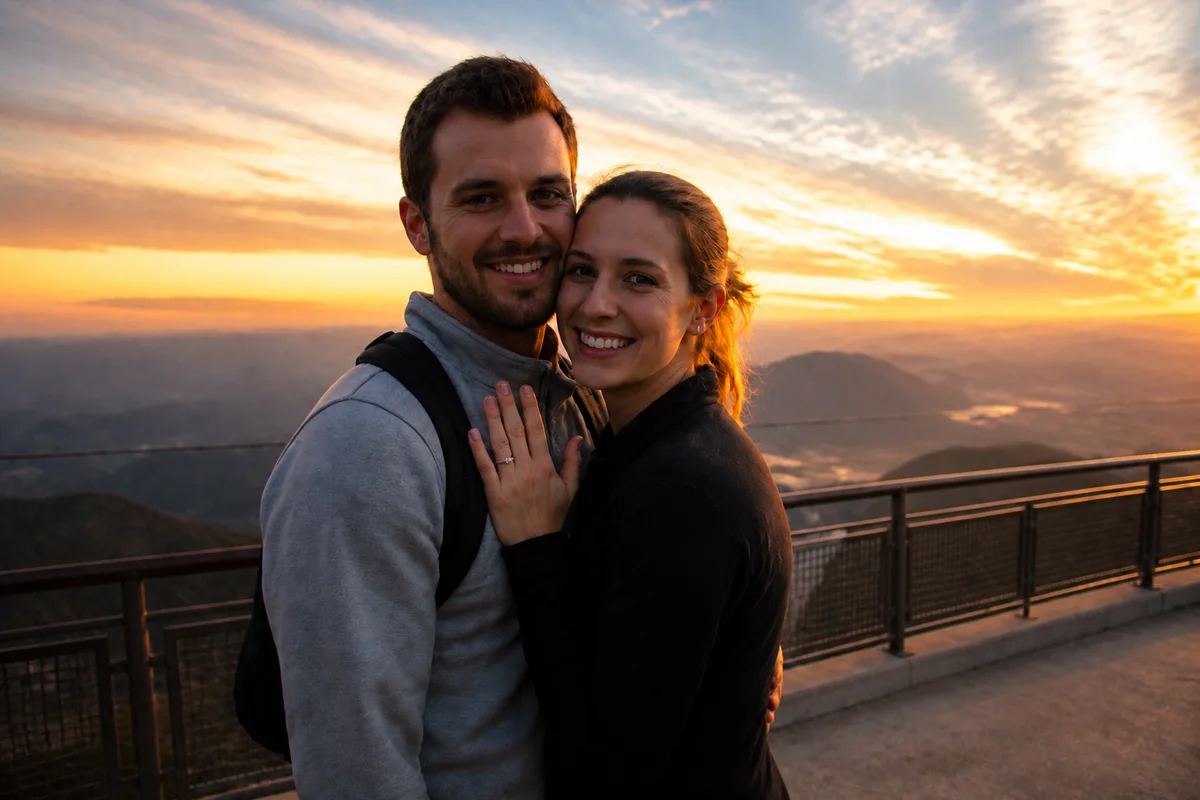
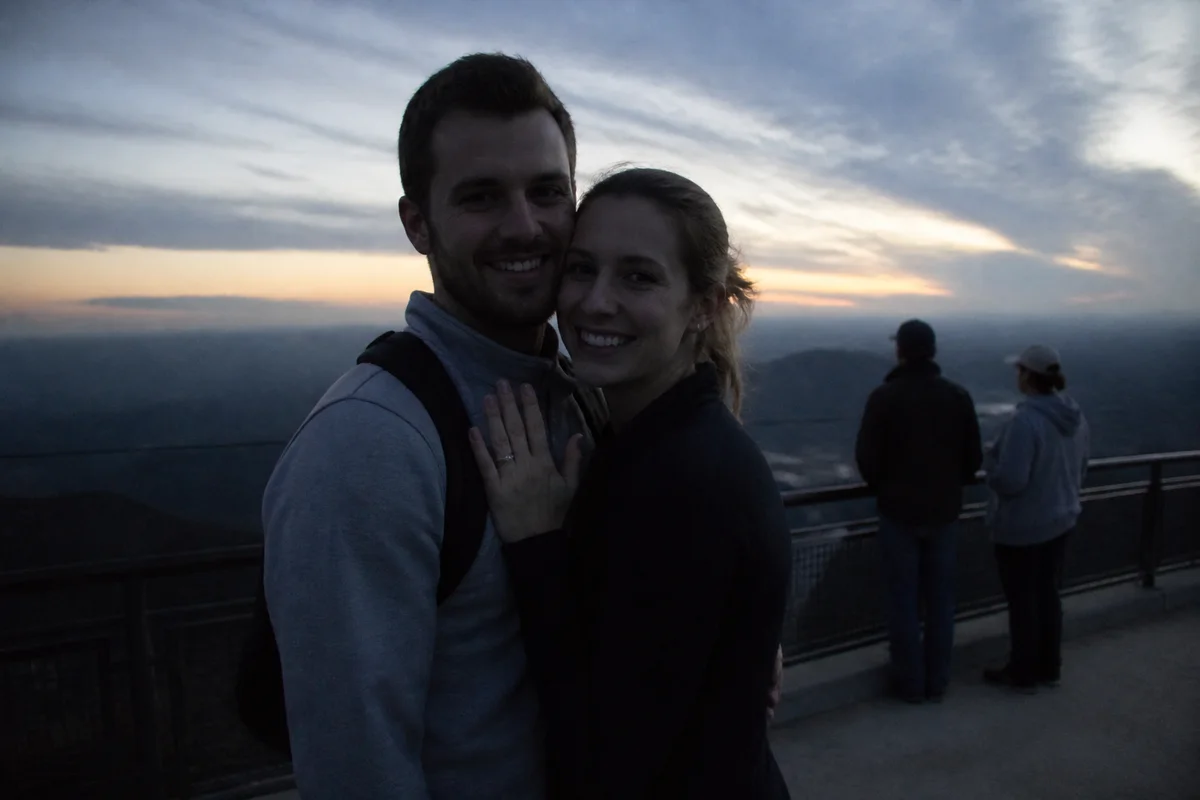
The workflow in action — drag to compare.
The engagement announcement is one of the few photos that all your family, friends, and coworkers will see at the same time — and often it's a phone photo taken minutes after the proposal, shaking hands and all. The moment is perfect; the photo usually isn't.
AI editing lets you announce with the real photo from the real moment, cleaned up: remove the strangers from the proposal spot, brighten the restaurant shot so the ring is actually visible, warm the light to match how the evening felt, and gently retouch the happy-crying closeups. Then crop versions for Instagram's feed, Stories, and whatever your parents will print.
If you did a planned engagement shoot, the same tools polish the gallery — fix the one great pose where a car drove into the background, or extend a tight crop so it works as a save-the-date layout.
The problems this solves
- The proposal photo was taken in a hurry — strangers in the background, tilted framing, dim light.
- Restaurant and evening proposals produce dark, grainy photos where the ring disappears.
- One favorite shot from the engagement session has a distraction ruining the background.
- The same photo needs different crops for feed posts, Stories, save-the-dates, and prints.
A workflow that works
Remove bystanders from the proposal spot
Public proposals come with public backgrounds; removing passersby keeps the focus on the two of you.
AI Person RemoverBrighten the low-light moment
Evening proposals photograph dark; relighting recovers faces and makes the ring shot legible.
AI Lighting ChangerRetouch naturally
Happy tears and a sprint to the proposal spot are not a skincare routine — light cleanup keeps the emotion and loses the shine.
AI Face RetouchExtend the frame for announcement layouts
Expanding the canvas gives you room for text on save-the-dates and makes a vertical phone shot work as a wide announcement card.
Generative ExpandCrop per platform
One edit, several exports: 4:5 for the feed post, 9:16 for Stories, and a print-friendly crop for the family.
AI Photo ReframeFrequently asked questions
The only photo of the actual proposal is blurry and dark. Is it worth editing?
Usually yes. Brightening plus deblurring can take a barely-usable candid to genuinely shareable. It won't become a studio portrait, but the authentic moment tends to get a better response than a polished reshoot anyway.
Can I make the ring stand out more?
Yes — relight the shot so the hand isn't in shadow and sharpen the image so the stone reads clearly. Avoid exaggerating the ring itself; friends will see it in person soon enough.
What crop works best for an Instagram announcement?
4:5 portrait fills the most feed space. Keep both faces (or the hands-with-ring composition) in the middle 60% of the frame so nothing important gets clipped in previews, and export a 9:16 version for Stories.
Can I turn one engagement photo into a save-the-date card?
Yes. Expand the canvas to add clean space above or beside you for the date and names, and export at print resolution — 300 DPI at your card size, so about 1500x2100 pixels for a 5x7 card.
Related use cases