
Use case
Edit Airbnb Listing Photos with AI
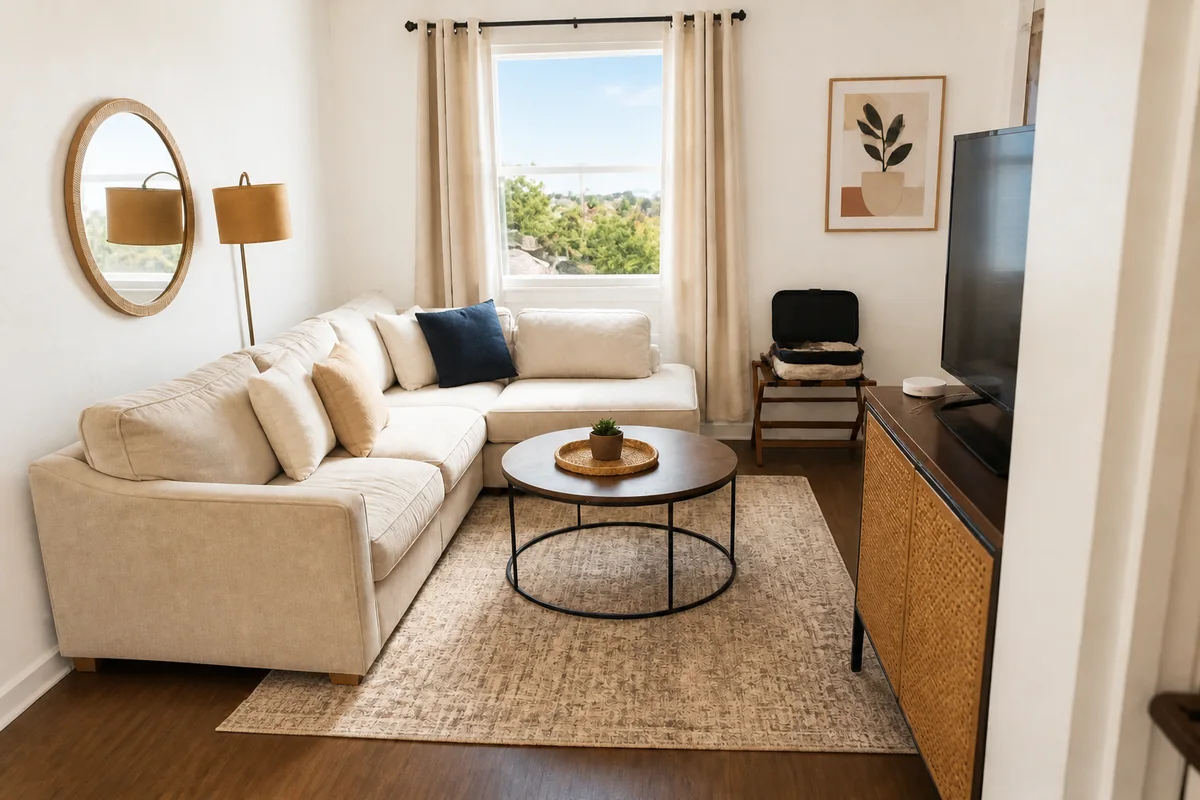
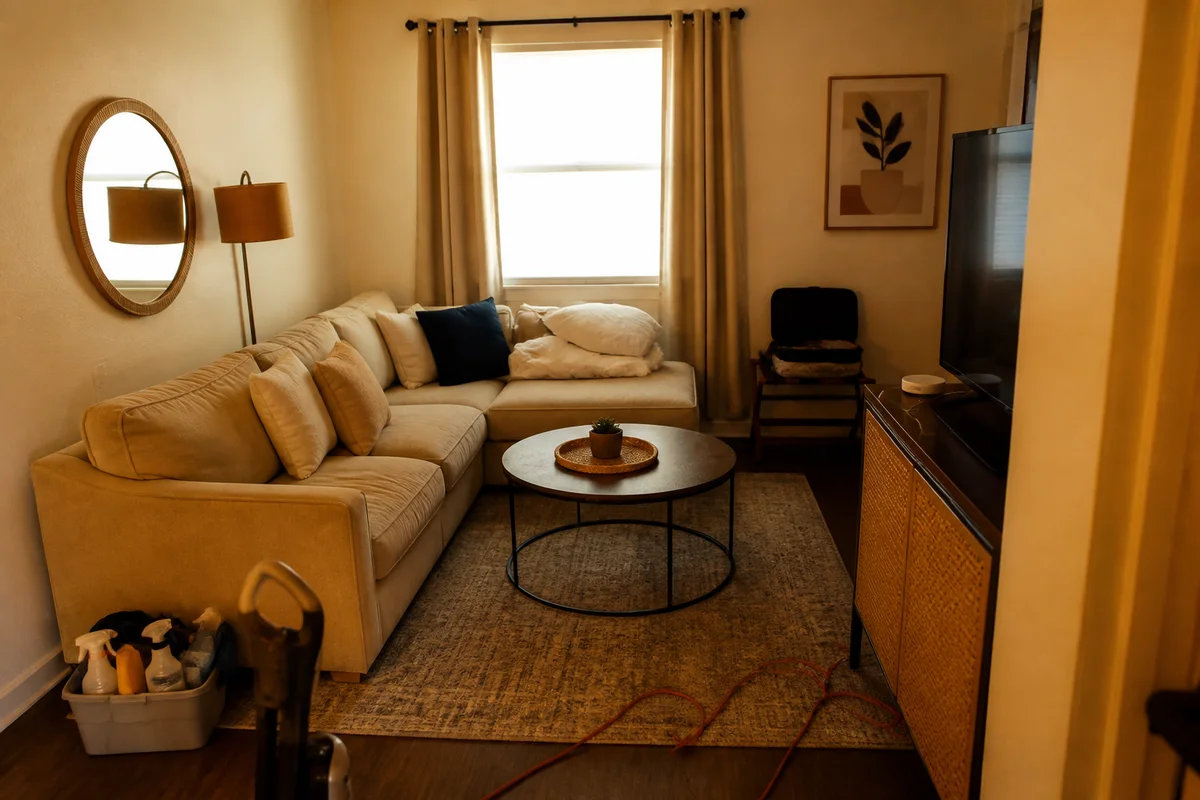
The workflow in action — drag to compare.
On Airbnb and other short-term rental platforms, the cover photo is your storefront. Guests filter dozens of nearly identical listings, and the ones with bright, warm, clutter-free photos get the clicks. Most hosts shoot their own photos between turnovers — which means phone shots, mid-day glare through the windows, and the occasional cleaning caddy left in frame.
AI editing turns those turnover-day snapshots into listing photos that compete with professionally shot properties. Brighten the living room so it looks inviting rather than dim, erase the extension cords and cleaning supplies, correct the yellow cast from warm bulbs, and shift an exterior to golden-hour light so the cover photo has some atmosphere.
Guests will stand in the actual room, so fix light, color, and temporary clutter — not the size of the pool or the view from the window.
The problems this solves
- Rooms photograph darker and smaller than they feel, especially with bright windows blowing out.
- Cleaning supplies, cords, and personal items sneak into turnover-day photos.
- Warm bulbs make white linens and walls look yellow.
- The cover photo looks flat compared to competing listings shot at golden hour.
A workflow that works
Brighten and balance each room
Bright rooms read as clean and spacious — the two qualities guests scan for first.
AI Lighting ChangerRemove clutter and personal items
Erase the vacuum, the cords, and the shampoo bottles so every room looks guest-ready.
AI Object RemoverNeutralize the color cast
White linens that photograph yellow read as dingy; correction restores the crisp, hotel-clean look.
AI Color CorrectionGive the cover photo golden-hour light
A warm early-evening exterior or a sunlit patio makes a far stronger cover photo than flat noon light.
AI Time of DayUpgrade a gray sky on exterior shots
Pools, patios, and balconies sell the listing — and they all look better under blue sky than overcast gray.
AI Sky ReplacementFrequently asked questions
Which photo should I edit first?
The cover photo, since it drives clicks from search results. Pick the most distinctive space you offer — a pool, a view, a striking living room — brighten it, and consider a golden-hour treatment for warmth.
How much editing is too much for a rental listing?
Guests review harshly when reality disappoints. Lighting, color, sky, and removing temporary clutter are fine; changing the apparent size of rooms, hiding wear, or fabricating views invites bad reviews and refund requests.
My windows are blown out white in every interior shot. Can that be fixed?
Relighting can balance a bright window against a darker room so both read naturally. For rooms where the view matters, take one shot exposed for the window and one for the room and edit each accordingly.
How many photos should a listing have?
Platforms generally reward complete photo sets — every bedroom, every bathroom, kitchen, living areas, and exteriors. Editing a full set for consistent brightness and color makes the whole listing feel professionally managed.
Related use cases