
Use case
Edit E-commerce Product Photos with AI
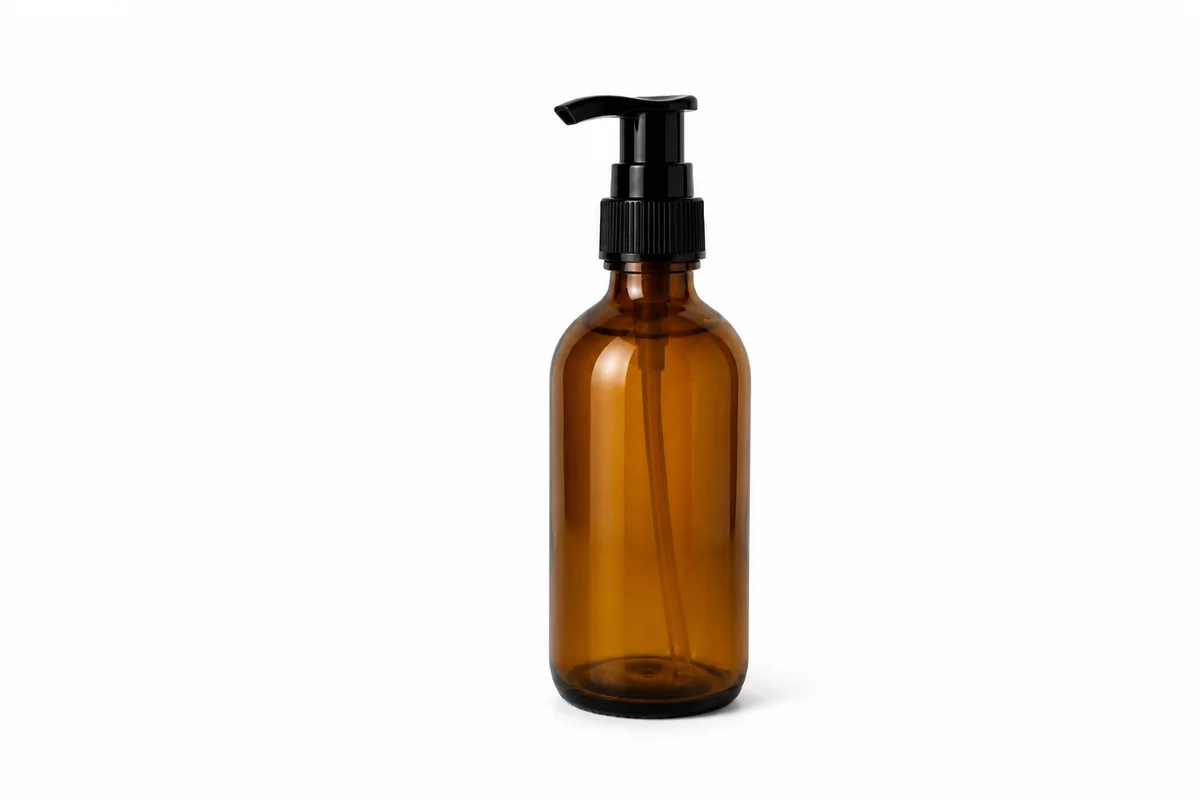

The workflow in action — drag to compare.
Product photos sell products. Shoppers can't touch what you're selling, so the photo does all the work: it has to show accurate color, sharp detail, and a background that doesn't distract from the item. Most online sellers don't have a lightbox or a photographer — they have a phone, a kitchen table, and whatever light comes through the window.
That's exactly the gap AI editing closes. Shoot your product with your phone, then use the editor to strip the background, replace it with clean white or a lifestyle scene, correct the color cast from indoor lighting, and remove the glare that shiny packaging always picks up. Finish by upscaling so the image stays crisp when a marketplace zooms in on it.
Every tool below runs in the browser at aiphotoeditor.com — no Photoshop, no plugins, and no learning curve beyond uploading a photo and describing what you want changed.
The problems this solves
- Backgrounds are inconsistent across the catalog — one photo on carpet, another on a desk, another outdoors.
- Shiny packaging, glass, and metal pick up reflections and glare from indoor lights.
- Phone photos come out with a yellow or blue color cast, so the product color doesn't match reality.
- Marketplace zoom features expose low-resolution, slightly soft images.
A workflow that works
Cut the product out of its original scene
A clean cutout is the foundation for every product image — it lets you place the item on any background and keeps your whole catalog consistent.
AI Background RemoverPlace it on a clean or lifestyle background
Swap in pure white for marketplace listings or a styled scene for your own store and social ads, without reshooting anything.
AI Background ChangerRemove reflections from glossy surfaces
Glass jars, foil bags, and plastic clamshells almost always catch a hotspot from indoor lighting; removing it makes labels readable.
AI Glare RemovalFix the color cast so the product looks true to life
A 'navy' shirt that photographs purple sets the wrong expectation — adjust the cast, then compare the result with the item before publishing.
AI Color CorrectionUpscale for zoom and large displays
Marketplaces magnify images on hover; upscaling keeps edges and texture sharp instead of pixelated.
AI Image UpscalerFrequently asked questions
Can I get a pure white background that meets marketplace requirements?
Yes. Remove the original background first, then use the background changer to place the product on a clean white backdrop. This produces the plain white background most marketplaces ask for on main images.
What does color correction adjust?
It adjusts white balance and reduces color casts, like the warm shift from tungsten bulbs. Always compare the edited photo with the item in person and re-shoot or re-edit before publishing.
What resolution should my final product images be?
Most platforms recommend at least 1000 to 1600 pixels on the longest side so zoom works. If your source photo is smaller or soft, run it through the upscaler before exporting.
Do I need to reshoot photos taken on my phone?
Usually not. A phone photo taken near a window with the product in focus gives the editor enough to work with — background, lighting, glare, and resolution can all be fixed afterward.
Related use cases