
Retouch
AI Makeup Try-On
Try any makeup look from a written description
Free credits on signup — no credit card required.
- 1Upload a clear front-facing portrait
- 2Describe the makeup look, from natural to full glam
- 3The AI applies it to your features; adjust the description and rerun freely
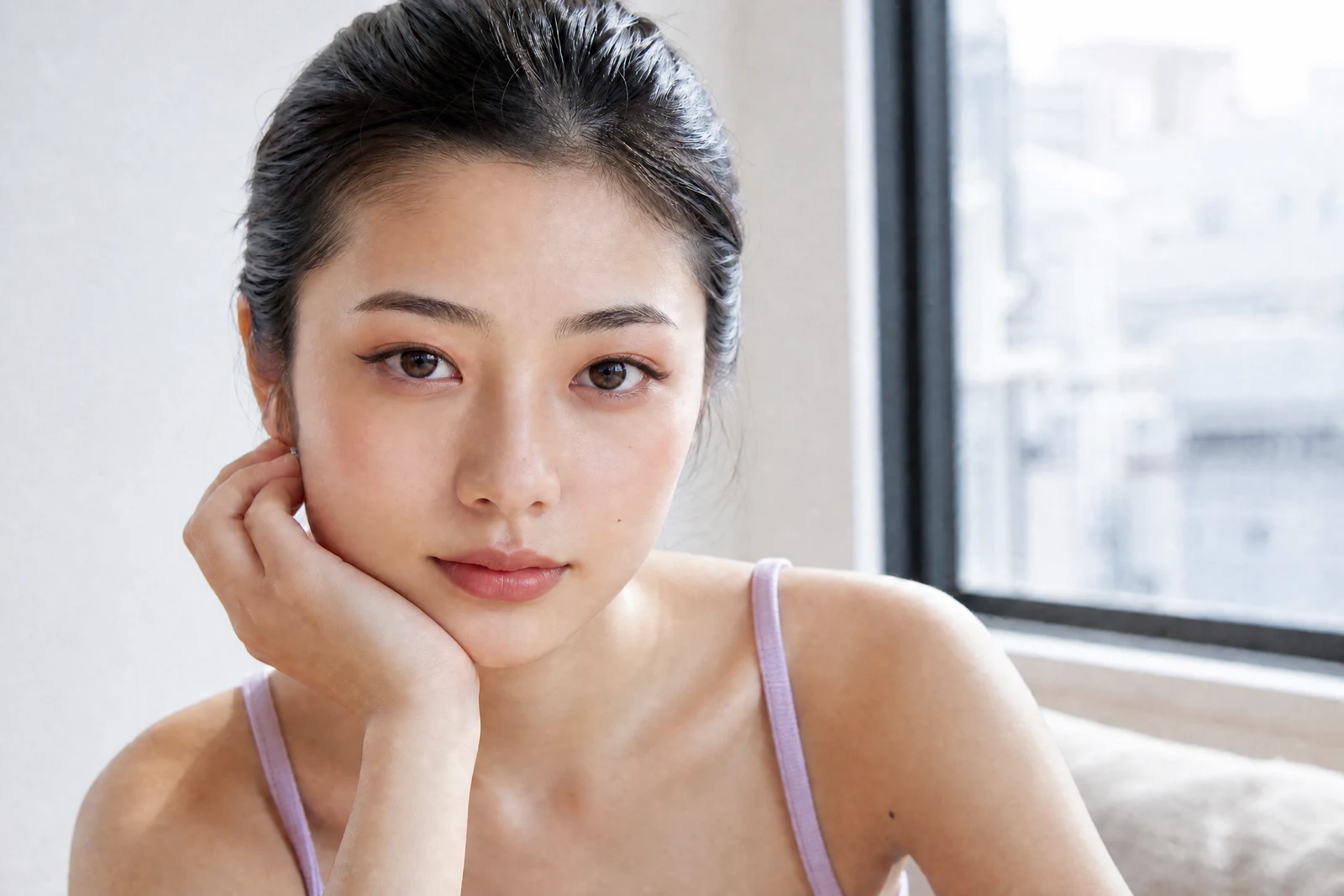
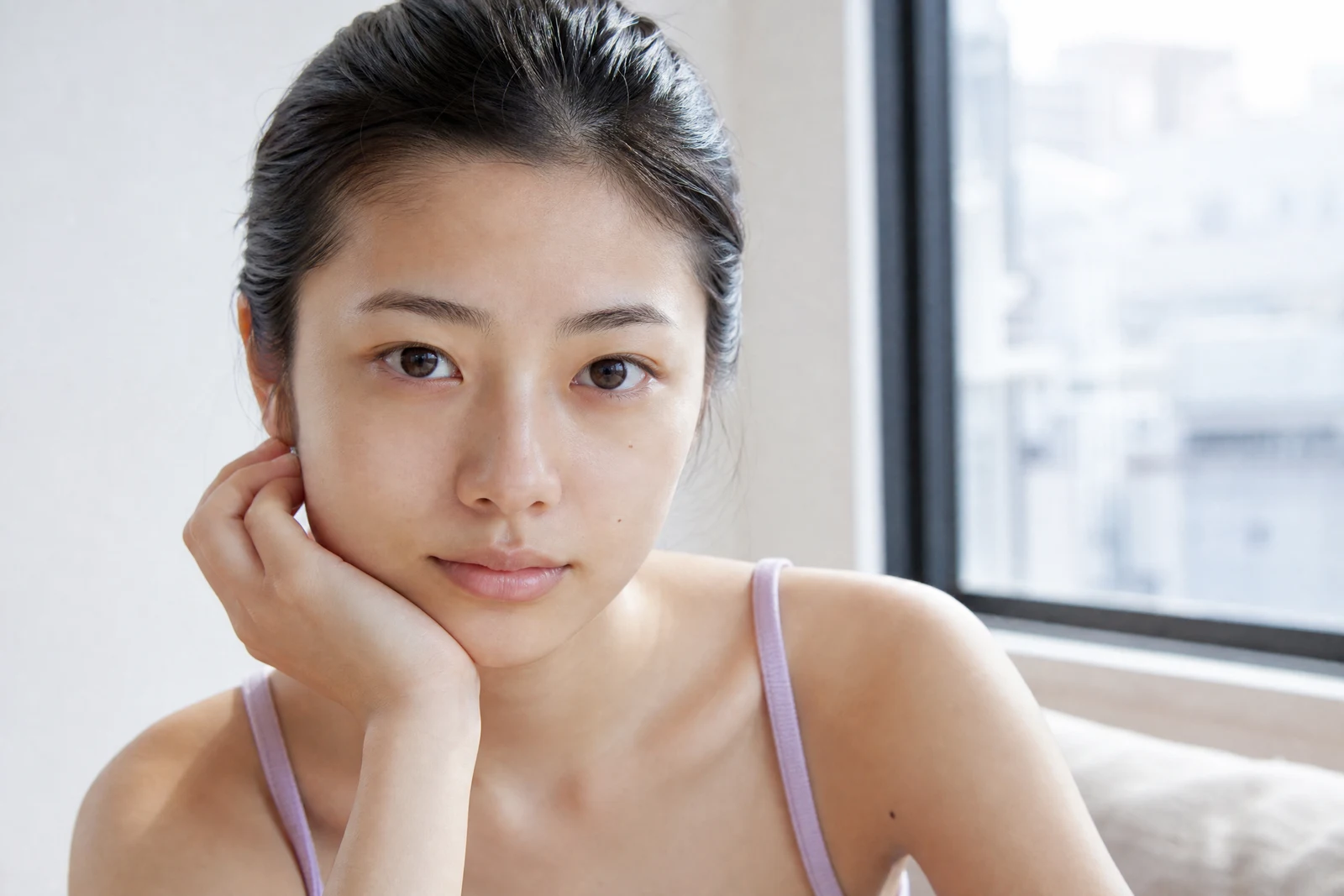
Real output from the editor — drag to compare.
Makeup is applied to a three-dimensional face, and that is what separates convincing virtual makeup from a colored overlay. Eyeshadow sits in the crease and deepens toward the lash line; blush follows the cheekbone; lipstick has texture, whether matte, satin, or gloss; eyeliner tapers along the lid. This tool renders makeup with that dimensionality, mapped to your actual features.
You describe the look in words, at whatever level of detail you like. 'Natural everyday makeup' produces a subtle polish; 'smoky bronze eye, sharp winged liner, glossy nude lip' executes each element as specified. Product-level vocabulary works: name finishes (matte, dewy, shimmer), colors, and eras ('90s brown-toned look'), and the AI translates them onto your face while leaving your features and skin identity intact.
Use it to preview a look before an event, test whether bold choices suit you before buying products, polish photos where you wish you had worn makeup, or produce consistent looks across a set of portraits. Pair with Hair Style Changer to preview a complete transformation before a big occasion.
Why this tool
- Chain the result into any of the other tools
- Standard, Pro and Max quality tiers
- Results land in your creations library
- Upscale to print size or turn into video
Frequently asked questions
How specific can my description be?
As specific as you like. Colors, finishes, techniques, and intensity all register: 'copper shimmer shadow, thin liner, peach blush, satin rose lip' will be followed element by element. Vague briefs like 'evening makeup' get a tasteful default.
Will it look painted on?
No, application follows facial geometry: shadow in the crease, blush on the cheekbone, liner along the lash line. Skin texture remains visible under the makeup, which is the main tell separating realistic renders from filters.
Can it do a no-makeup or minimal look?
Yes, ask for 'natural no-makeup look' and it applies the real-world equivalent: evened tone, groomed brows, subtle lip tint. It is a popular option for professional headshots.
What does the tool target?
Makeup only, not face shape, eyes, skin identity, or hair — review the result to confirm. For skin retouching underneath, run Retouch Face first for the cleanest canvas.
Can I try AI Makeup Try-On for free?
Yes — every new account starts with 4 free credits, enough to run this tool once at Standard quality. No credit card required.
Related tools