
Restore
AI Photo Restoration
Bring damaged and faded family photos back to life
Free credits on signup — no credit card required.
- 1Scan or photograph the old print and upload it
- 2The AI repairs damage, revives tones, and corrects aged color
- 3Download the restored photo, ready for reprinting or sharing
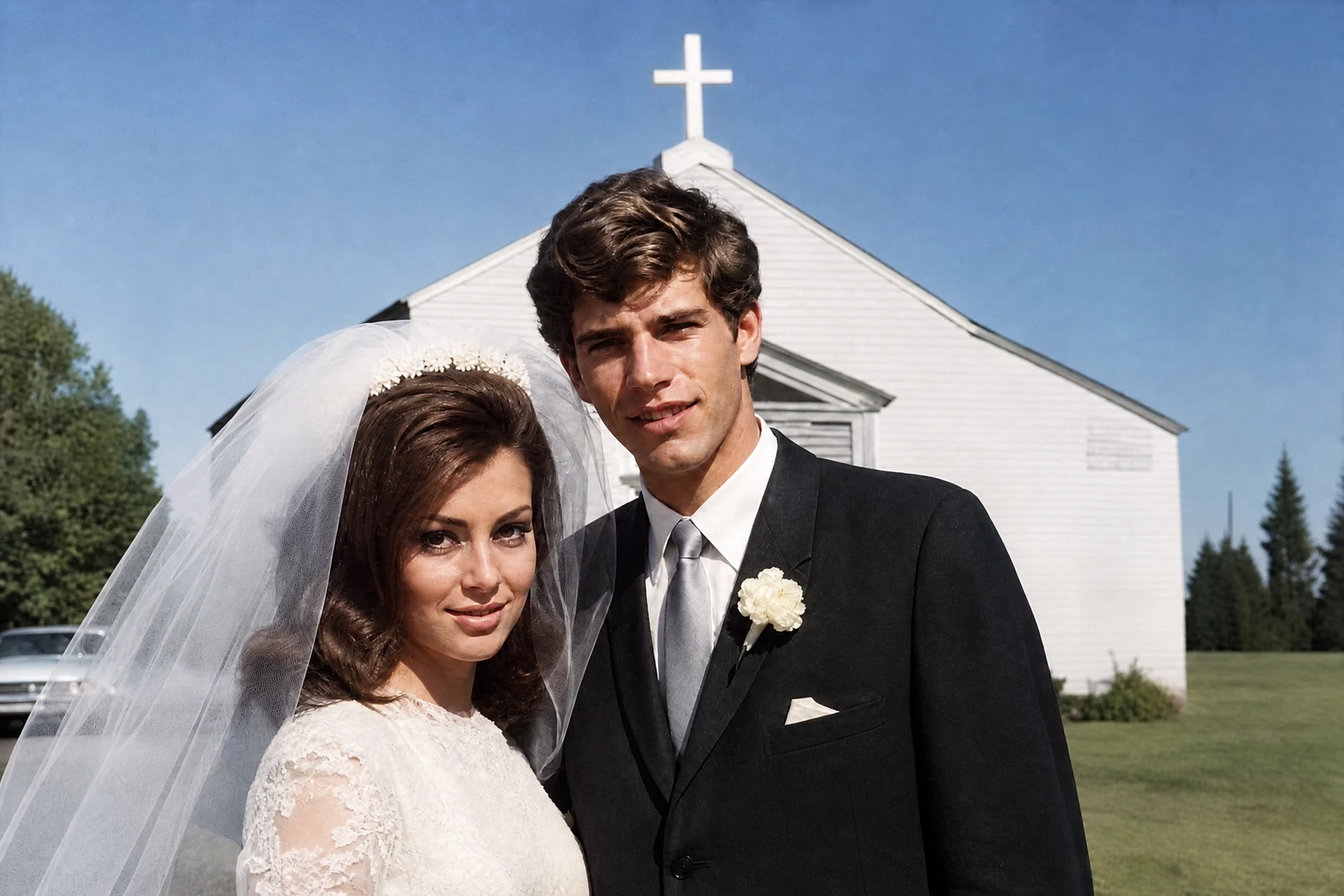
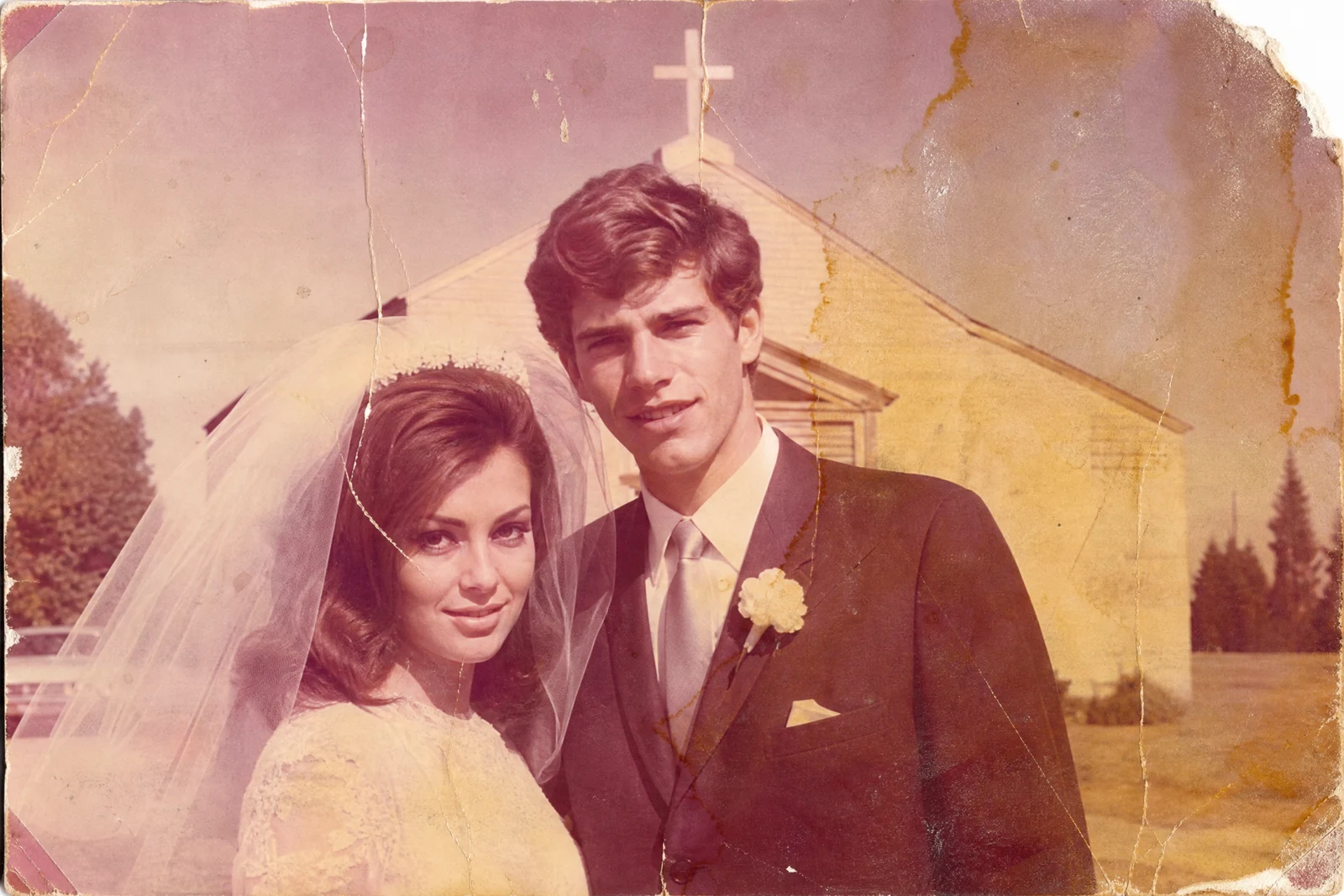
Real output from the editor — drag to compare.
Printed photographs age badly: paper cracks and tears, chemistry fades, colors shift toward magenta or yellow, and decades of handling leave scratches and stains. For many families these prints are the only copies that exist. Restoration used to mean hours of skilled cloning and repainting per photo; this tool compresses that work into a single pass.
Upload a scan or a clear phone photo of the print. The AI repairs physical damage by reconstructing what the cracked or torn regions contained, lifts fading to restore contrast and tonal depth, corrects the color shifts of aged dyes, and cleans dust and stains. Faces receive particular care, since a restored family photo is worthless if grandpa no longer looks like grandpa: identity is preserved while clarity is recovered.
Restoration combines well with other tools: run Upscaler afterwards to make a small print enlargeable, or Sharpen Image if the original was softly focused. For the best source material, scan prints flat at high resolution in even light, avoiding flash reflections on glossy paper.
Why this tool
- Chain the result into any of the other tools
- Standard, Pro and Max quality tiers
- Results land in your creations library
- Upscale to print size or turn into video
Frequently asked questions
What kinds of damage can it repair?
Scratches, creases, tears, water stains, dust, fading, and color shift from aged dyes. Missing regions are reconstructed from context; the larger the missing area, the more the fill is an educated guess.
Will faces still look like my relatives?
Preserving identity is the priority. The AI recovers clarity within the structure the photo provides rather than inventing new features. On heavily damaged faces, review the result critically; reconstruction has limits.
Does it colorize black-and-white photos?
The focus of this tool is repair and revival of the photo as it was. If you want a colorized version of a black-and-white original, run restoration first, then ask the AI Editor to colorize the restored result.
How should I digitize the print for best results?
A flatbed scan at 600 DPI is ideal. Failing that, photograph the print straight-on in bright indirect daylight, filling the frame, with no flash. Glare and perspective distortion are harder to undo than the damage itself.
Can I try AI Photo Restoration for free?
Yes — every new account starts with 4 free credits, enough to run this tool once at Standard quality. No credit card required.
Related tools