
Use case
Edit Real Estate Listing Photos with AI
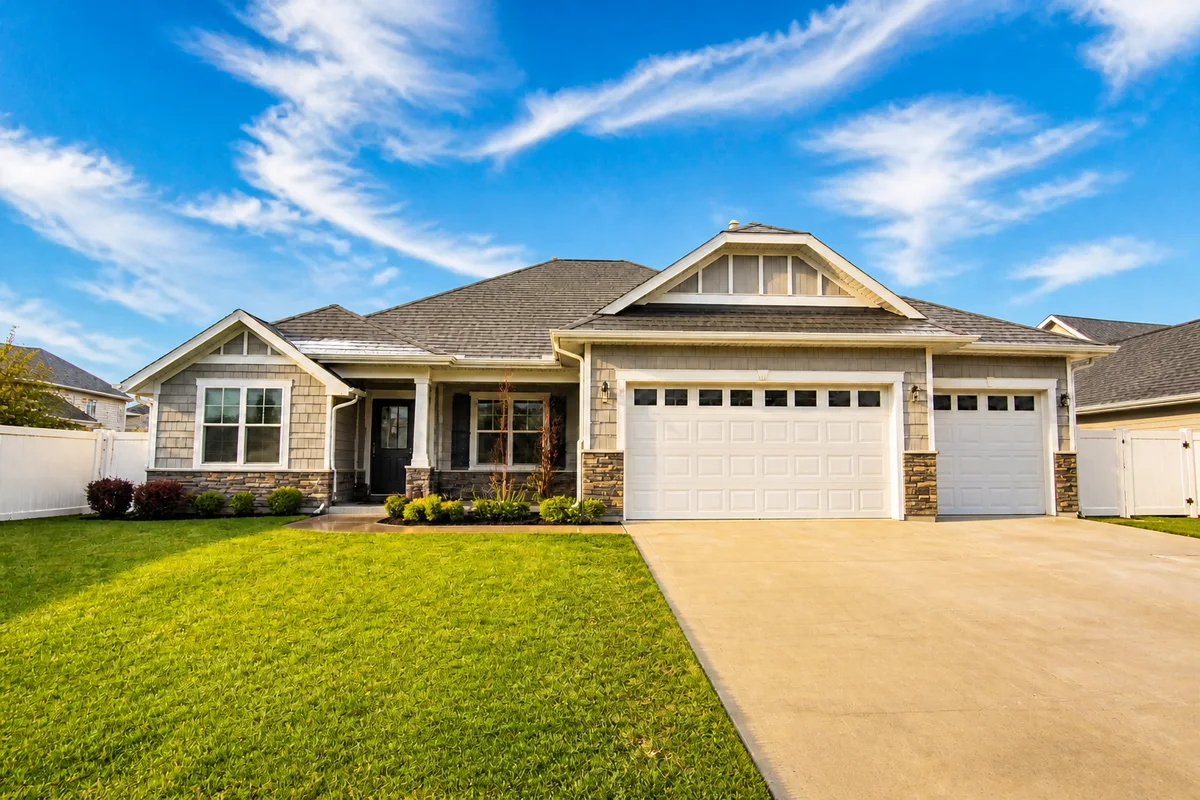
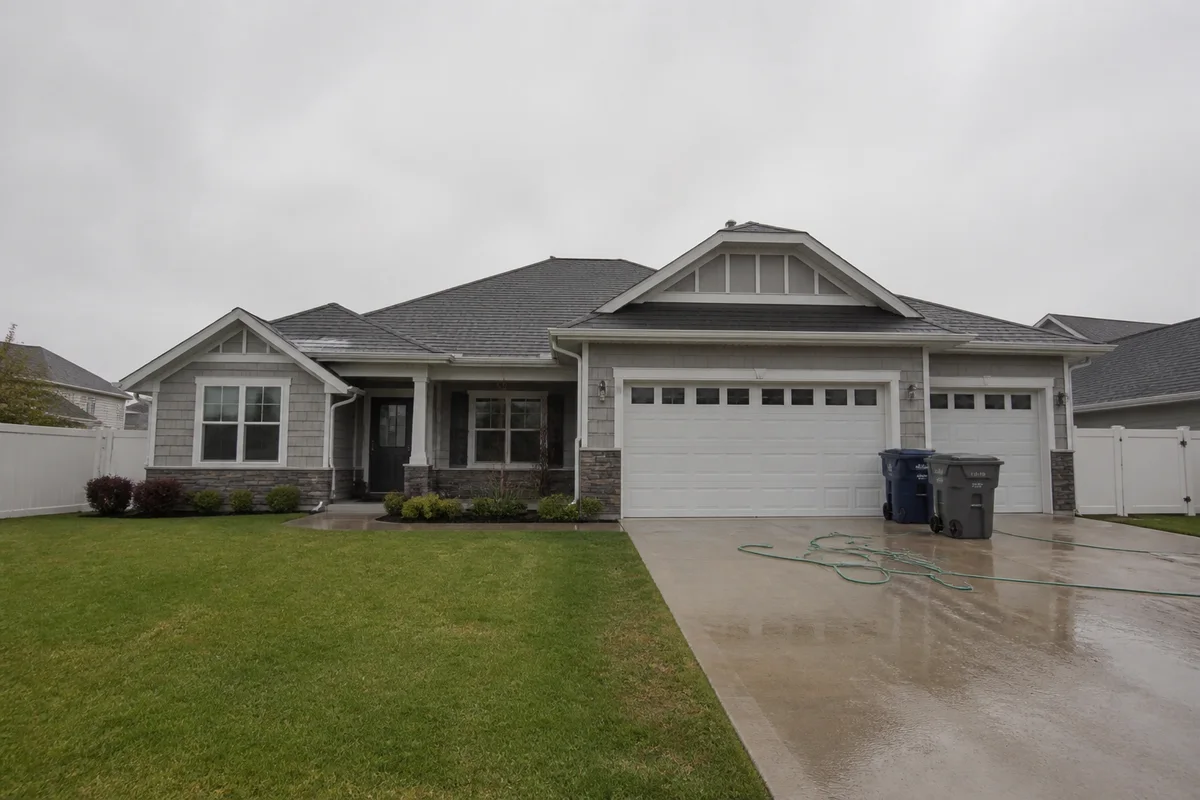
The workflow in action — drag to compare.
Buyers form an opinion about a property within seconds of opening the listing, and the photos carry almost all of that first impression. The problem is that shoot day rarely cooperates: the sky is overcast, the neighbor's trash cans are out, a car is parked in front of the house, and interior rooms photograph darker and yellower than they feel in person.
AI editing fixes shoot-day luck without a reshoot. Swap the gray sky for a believable blue one, brighten interiors so rooms read as spacious and warm, remove the bins and vehicles that date the photo, and correct the mixed lighting that makes white walls look orange. The house is the same — the presentation finally matches it.
A note on ethics: edit presentation, not substance. Improving sky and lighting is standard practice; removing permanent defects like cracks or power lines that affect the property can mislead buyers and cause problems at showing time.
The problems this solves
- Overcast shoot days leave every exterior under a flat gray sky.
- Interiors photograph dark, with mixed yellow-and-blue light from bulbs and windows.
- Cars, trash cans, hoses, and yard clutter sneak into exterior shots.
- Vertical phone shots don't fit the wide format MLS galleries favor.
A workflow that works
Replace the gray sky
A natural blue sky is the single biggest visual upgrade to an exterior shot, and it's an accepted standard practice in listing photography.
AI Sky ReplacementBrighten and warm the interiors
Dark rooms read as small. Relighting makes interiors feel the way they do when you're standing in them with the lights on.
AI Lighting ChangerRemove cars, bins, and clutter
Temporary objects like vehicles and trash cans date the photo and distract from the property itself.
AI Object RemoverFix mixed-light color casts
Tungsten bulbs plus daylight windows produce orange walls and blue shadows; correction makes whites white again.
AI Color CorrectionExtend tight shots to a wider frame
Expanding the canvas turns a cramped vertical shot into the wide composition MLS galleries and listing sites expect.
Generative ExpandFrequently asked questions
Is it acceptable to edit real estate listing photos?
Enhancing lighting, sky, and color is standard industry practice. The line: don't remove permanent features like power lines, stains, or structural issues, and don't alter the property in ways a buyer would discover at a showing.
Can I fix photos of dark rooms without reshooting?
Yes. The lighting tool brightens interiors and balances window light against room light, which handles most dark-room problems. Severely underexposed shots benefit from a lighting pass followed by color correction.
Will a replaced sky look fake?
Sky replacement matches the lighting direction and adds appropriate reflections in windows when possible. Choose a sky that fits the photo's light — a soft blue with clouds looks natural on almost any daytime exterior; a dramatic sunset behind a noon-lit house does not.
What photo size works best for MLS uploads?
Most MLS systems want landscape images around 1024 to 2048 pixels wide. Shoot or expand to a roughly 3:2 or 4:3 landscape frame and upscale anything soft before uploading.
Related use cases