
Use case
Edit Author Headshots with AI
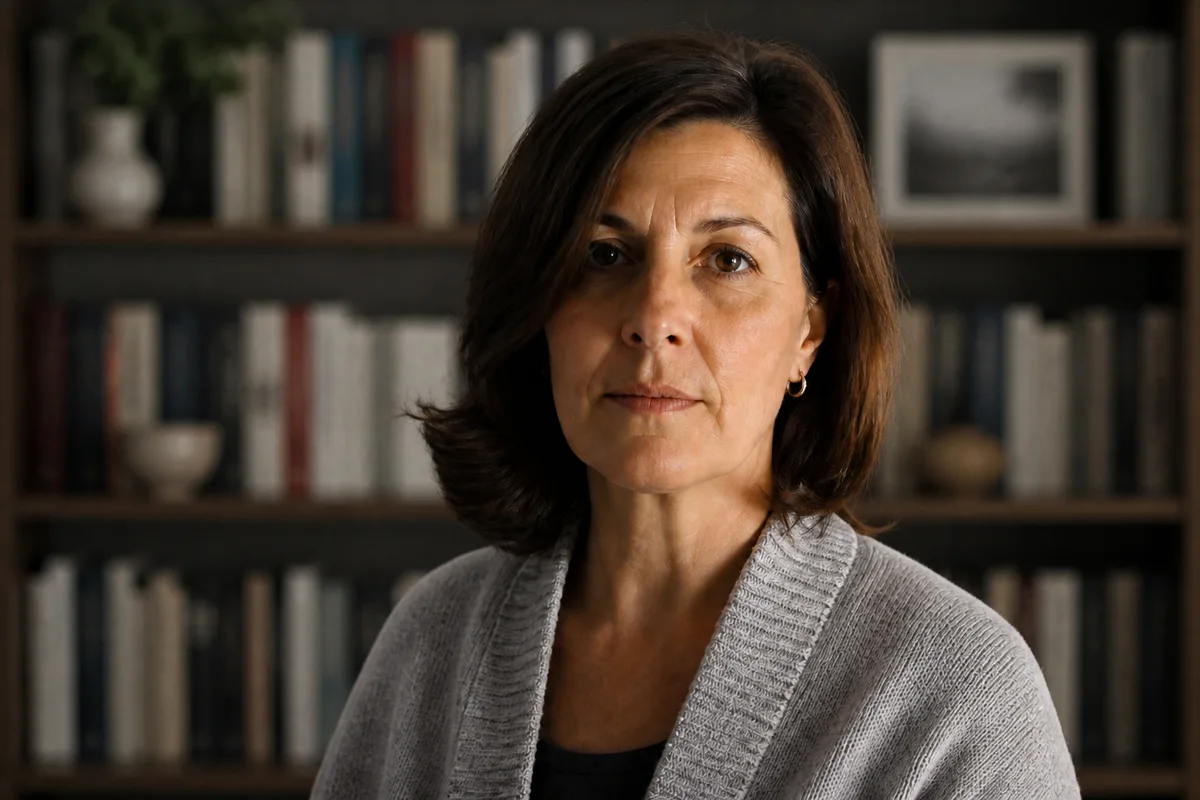
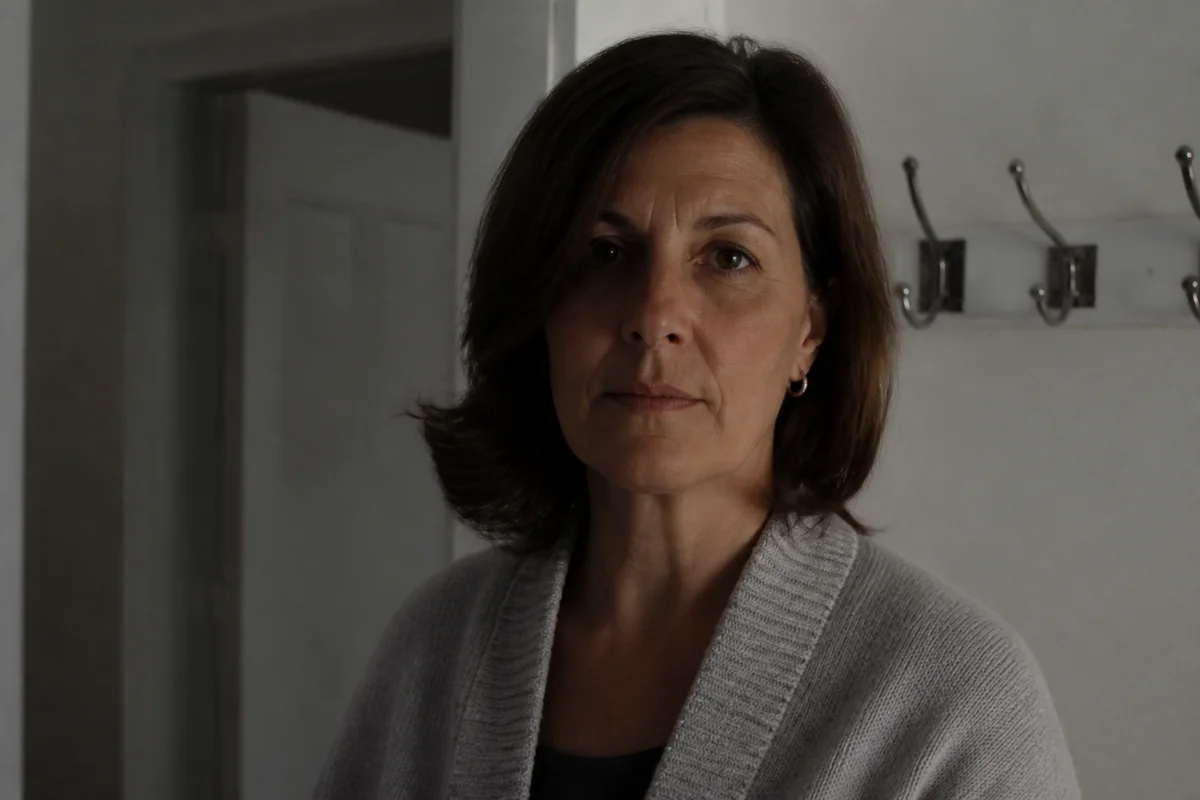
The workflow in action — drag to compare.
The author photo follows a book everywhere: the back flap, the Amazon author page, festival programs, interview features, and the publisher's catalog. It needs to do a specific job — look like a credible person readers want to spend three hundred pages with — and it needs to work in both color and the black-and-white print treatments jackets often use.
Most writers would rather do anything else than sit for a portrait, which is where AI editing helps: a decent photo taken by a friend near a window becomes jacket-ready. Swap the background for something quiet — a soft neutral, a blurred bookshelf — apply restrained retouching, balance the light, and export the formats the publisher, retailers, and event organizers each request.
Aim for a photo that matches your book's register: warm and approachable for commercial fiction, plainer and quieter for literary work. The tools are the same; the choices differ.
The problems this solves
- No professional portrait exists, and the publisher's deadline for author materials is real.
- Available photos have distracting home backgrounds and uneven lighting.
- The same photo must work in color online and black-and-white on the jacket.
- Different outlets request different crops, sizes, and resolutions.
A workflow that works
Choose a quiet background
A soft neutral or gently blurred bookshelf reads 'author photo' immediately and removes household distractions.
AI Background ChangerBalance the lighting
Soft, slightly directional light gives the portrait dimension and works equally well in the black-and-white jacket version.
AI Lighting ChangerRetouch with restraint
Readers will meet you at events; the photo should look like you on a rested day, not a different person.
AI Face RetouchSharpen for print
Jacket printing softens images slightly; a crisply sharpened original survives the press.
AI Image SharpenerCrop each requested format
The jacket, the retailer author page, and the festival program all want different crops of the same portrait.
AI Photo ReframeFrequently asked questions
What do publishers typically require for an author photo?
A high-resolution image — commonly 300 DPI at around 5x7 inches, so roughly 1500x2100 pixels or larger — with clear rights for the publisher to use it. If a friend takes the photo, confirm they're fine with publication use.
Color or black-and-white?
Deliver color; the publisher can convert. But check your edit in black-and-white too — jackets often print mono, and a photo that depends on color contrast can go flat. Good directional lighting is what survives the conversion.
What background suits an author photo?
Quiet ones: neutral tones, a blurred bookshelf, soft window light. The convention exists because the photo's job is credibility, not spectacle. Save the conceptual portrait for the feature interview.
How current does the photo need to be?
Readers and event organizers expect to recognize you. If the photo predates a major change in your appearance, update it — editing can polish an old photo but shouldn't be used to keep one artificially current.
Related use cases