
Enhance
AI Image Upscaler
Enlarge photos with real detail, not just bigger pixels
Free credits on signup — no credit card required.
- 1Upload the image and pick crisp or creative mode
- 2The AI enlarges it, reconstructing texture and cleaning artifacts
- 3Download the high-resolution result
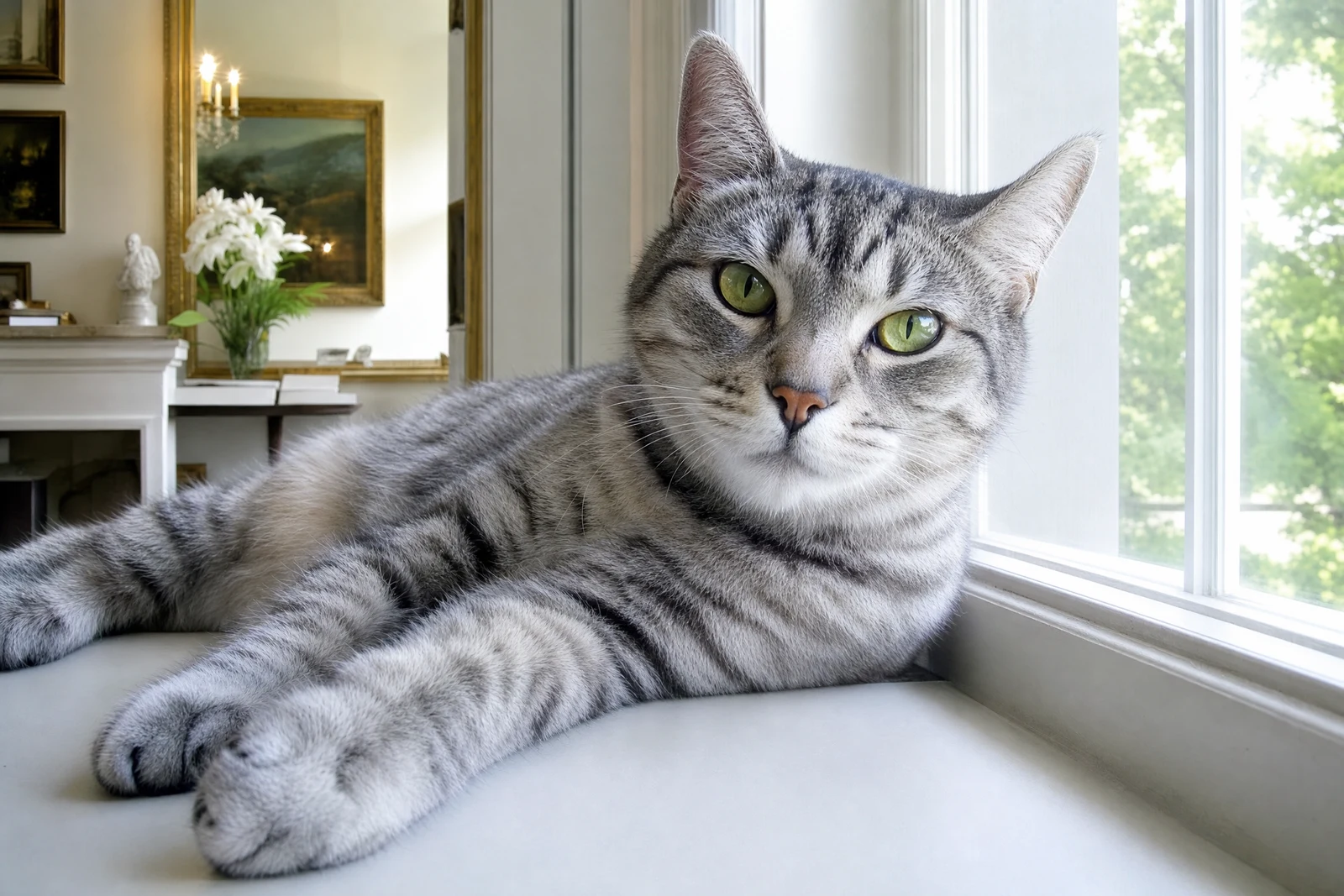
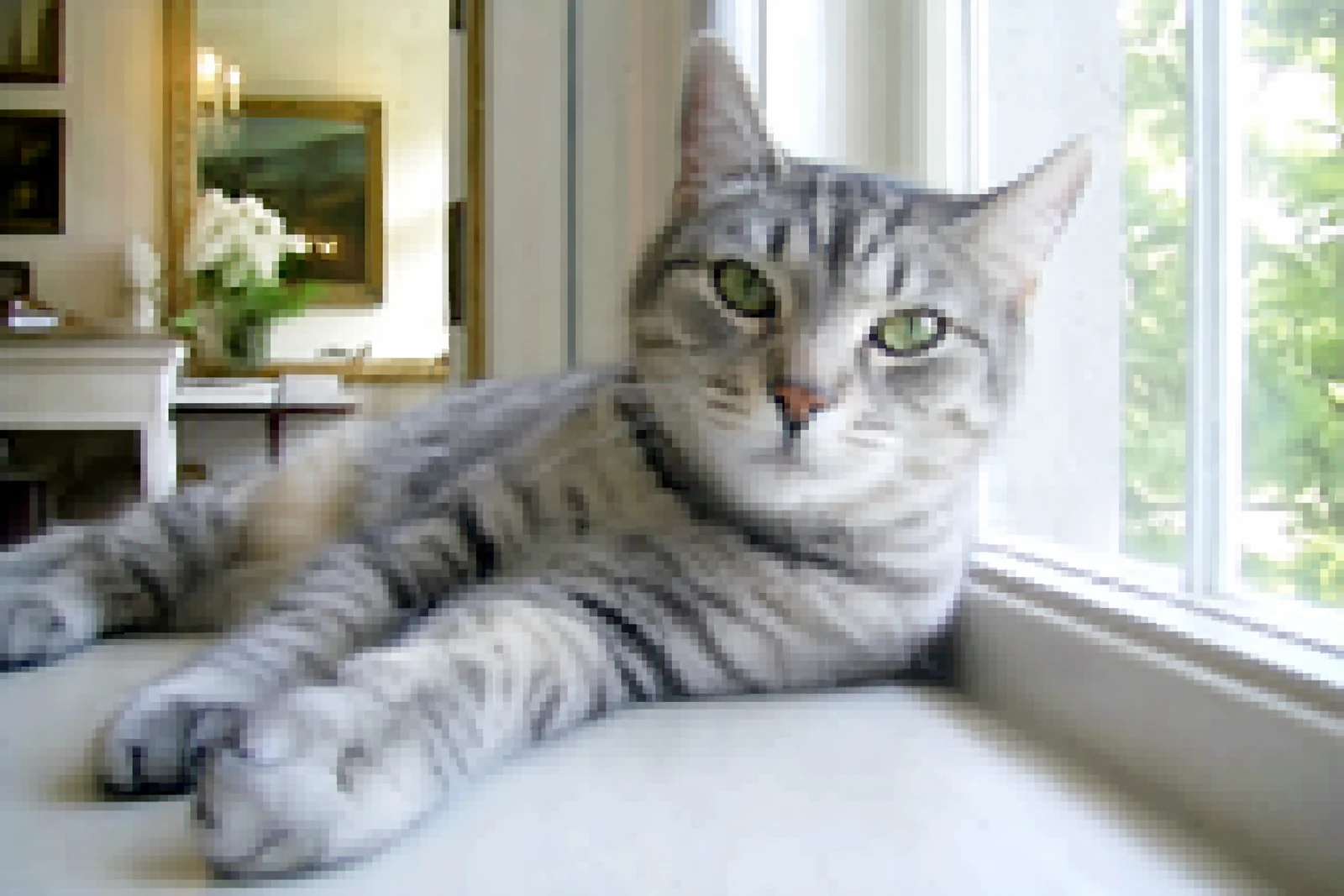
Real output from the editor — drag to compare.
Traditional upscaling interpolates between existing pixels, which is why enlarged photos look soft and blocky: no new information is added. AI upscaling works differently. The model has learned what textures such as skin, fabric, foliage, and text look like at high resolution, and it uses that knowledge to reconstruct plausible detail as it enlarges, removing noise and compression artifacts along the way.
Two modes cover the two jobs people actually have. Crisp mode stays faithful to the source: it sharpens edges and cleans artifacts without inventing anything, which is right for documents, product shots, and photos of people where accuracy matters. Creative mode gives the model more freedom to synthesize fine texture, which can rescue heavily degraded images and small thumbnails at the cost of some literal fidelity.
Typical uses include preparing web images for print, restoring old low-resolution photos, cleaning up screenshots, and enlarging AI-generated art. Upscaling pairs naturally with Photo Restoration for old scans and with Sharpen Image when the source is soft rather than small.
Why this tool
- Chain the result into any of the other tools
- Standard, Pro and Max quality tiers
- Results land in your creations library
- Upscale to print size or turn into video
Frequently asked questions
When should I choose crisp vs creative mode?
Crisp for anything where accuracy matters: faces you need to stay recognizable, products, text, and logos. Creative when the source is very small or degraded and you would rather have convincing detail than a faithful but soft enlargement.
Does it fix JPEG compression artifacts?
Yes. Blockiness, ringing around edges, and color banding from heavy compression are removed during upscaling, so the output is typically cleaner than the input even before considering the size increase.
Can it recover a face that is only a few pixels?
There are limits. If a face occupies only a handful of pixels, the model has to invent most of it, and the result may not match the real person. For identity-critical work, upscale in crisp mode and inspect the output closely before relying on it.
How large can the output get?
The upscaler multiplies your source resolution several times over, which takes web-sized images comfortably into print territory. Very large sources take longer to process; the generous timeout on this tool exists for exactly that reason.
Can I try AI Image Upscaler for free?
Yes — every new account starts with 4 free credits, enough to run this tool once at Standard quality. No credit card required.
Related tools