
Text & Objects
AI Color Changer
Recolor anything: clothes, cars, walls, products
Free credits on signup — no credit card required.
- 1Upload a photo, name the object, and name the new color
- 2The AI recolors just that object, preserving texture and lighting
- 3Download the recolored photo or try more colorways
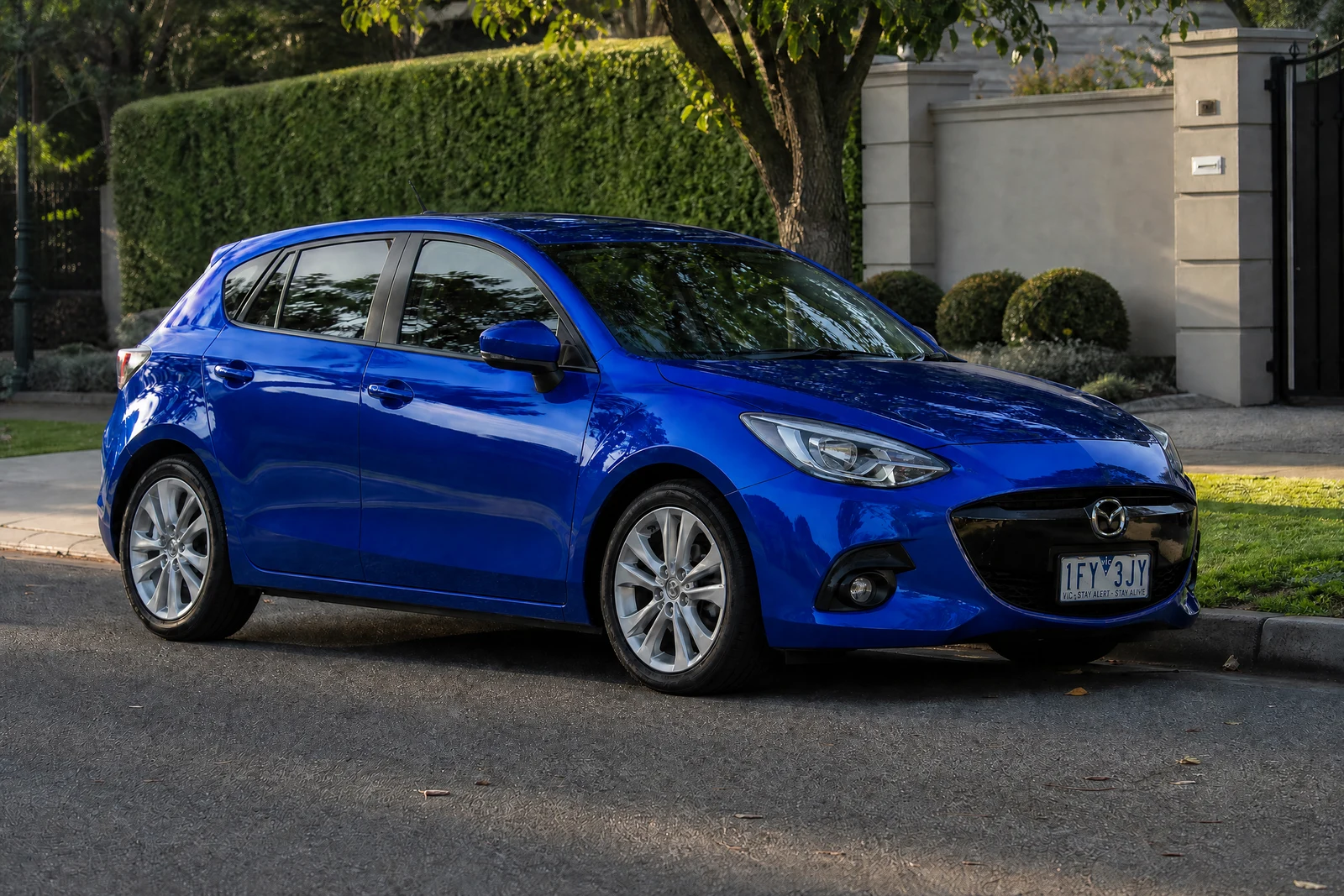
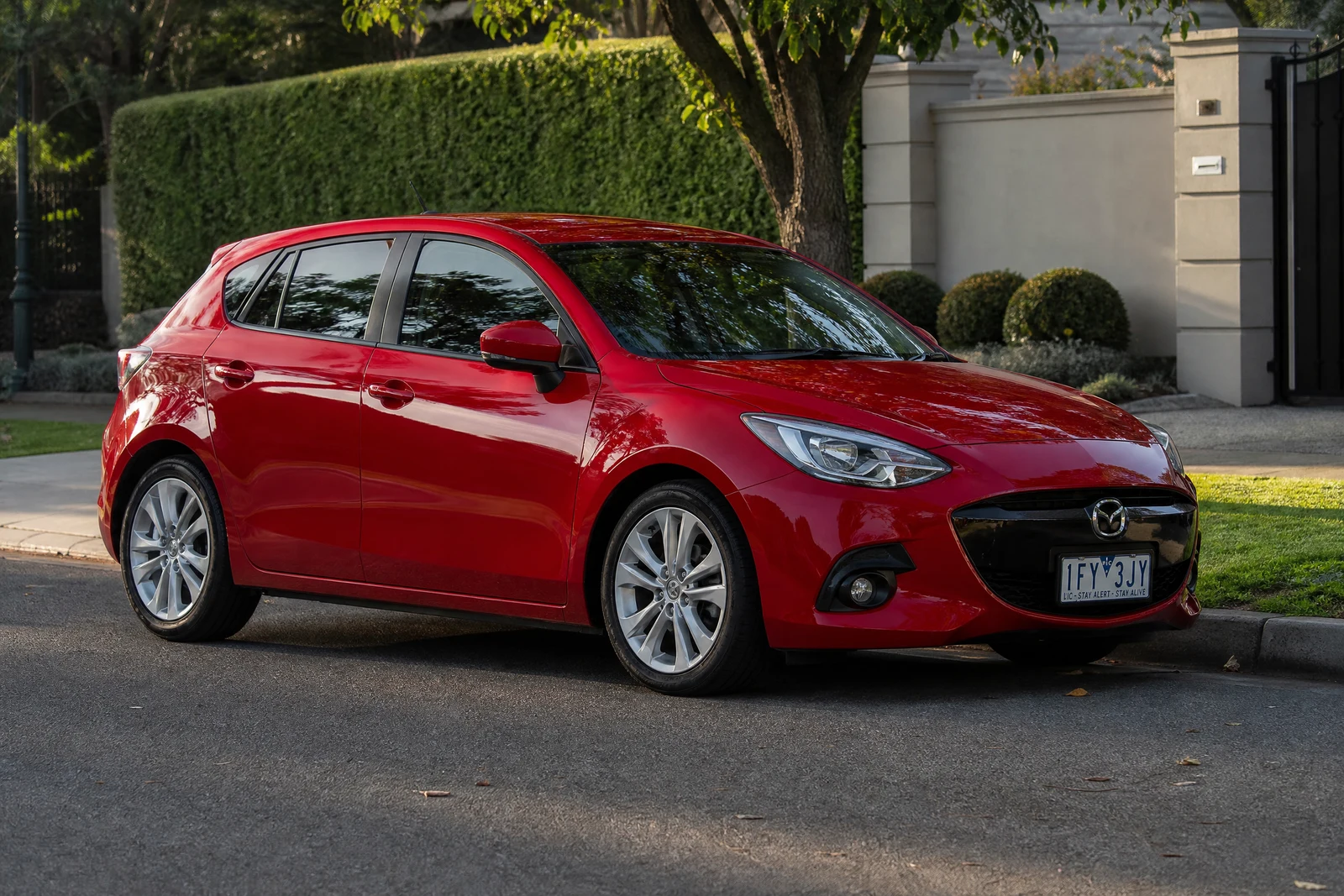
Real output from the editor — drag to compare.
Recoloring an object properly is a materials problem, not a paint-bucket problem. A red dress in sunlight is not one red: it is highlights, midtones, shadow tones, and reflected color from the environment, all consistent with the fabric's texture. Selecting the object and shifting its hue flattens that structure, which is why naive recolors look like stickers.
This tool takes the object and the target color as plain text: 'the sofa' and 'forest green'. The AI isolates exactly that object, including around fine edges and partial occlusions, and re-renders its color while preserving the material's behavior: weave and grain stay visible, shadows deepen the new color correctly, highlights and reflections keep their physics. Named colors, specific shades, and finishes ('matte black', 'pearl white') are all understood.
It has obvious commercial uses, generating every colorway of a product from one photograph, and equally practical personal ones: previewing a wall color before painting, testing whether the car looks better in gray, or matching an outfit photo to a brand palette. For changing an object's material rather than color ('make the table marble'), the free-form AI Editor handles that broader request.
Why this tool
- Chain the result into any of the other tools
- Standard, Pro and Max quality tiers
- Results land in your creations library
- Upscale to print size or turn into video
Frequently asked questions
How precisely does it target the object?
The object description drives the selection: 'the car' recolors the body but not the windows or tires, 'her jacket' stops at the jacket's edges. If several similar objects exist, add position: 'the left chair'.
Will texture and shadows survive the recolor?
Yes, that is the point of the tool. Fabric weave, leather grain, and paint finish remain visible, and the new color shades correctly through highlights and shadows instead of being applied flat.
Can I specify exact or unusual colors?
Descriptive color names work best: 'dusty rose', 'navy blue', 'seafoam green', including finishes like matte or metallic. The more precisely you name the color, the closer the match.
Does it work for product colorway mockups?
Yes, it is a fast way to produce every color variant of a product from one hero photo, with consistent lighting across the set because they all share the same source.
Can I try AI Color Changer for free?
Yes — every new account starts with 4 free credits, enough to run this tool once at Standard quality. No credit card required.
Related tools