
Use case
Amazon-Ready Listing Images, Edited with AI
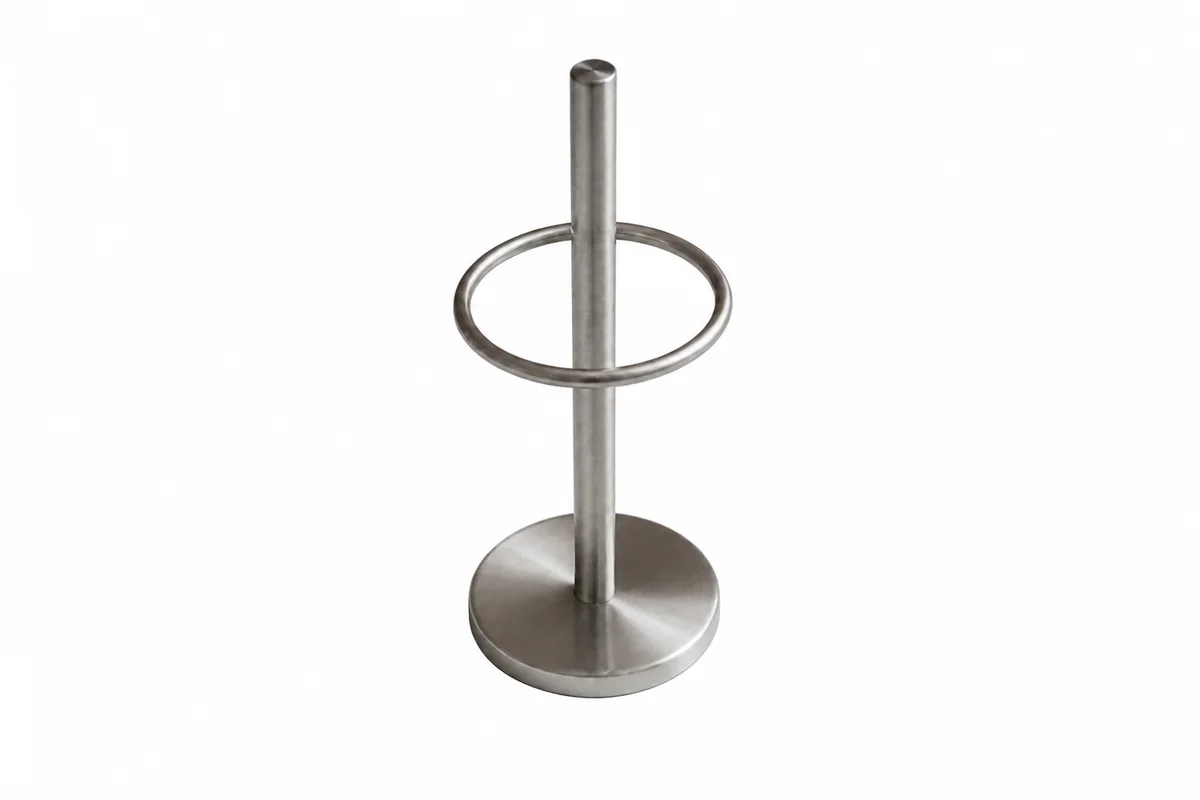
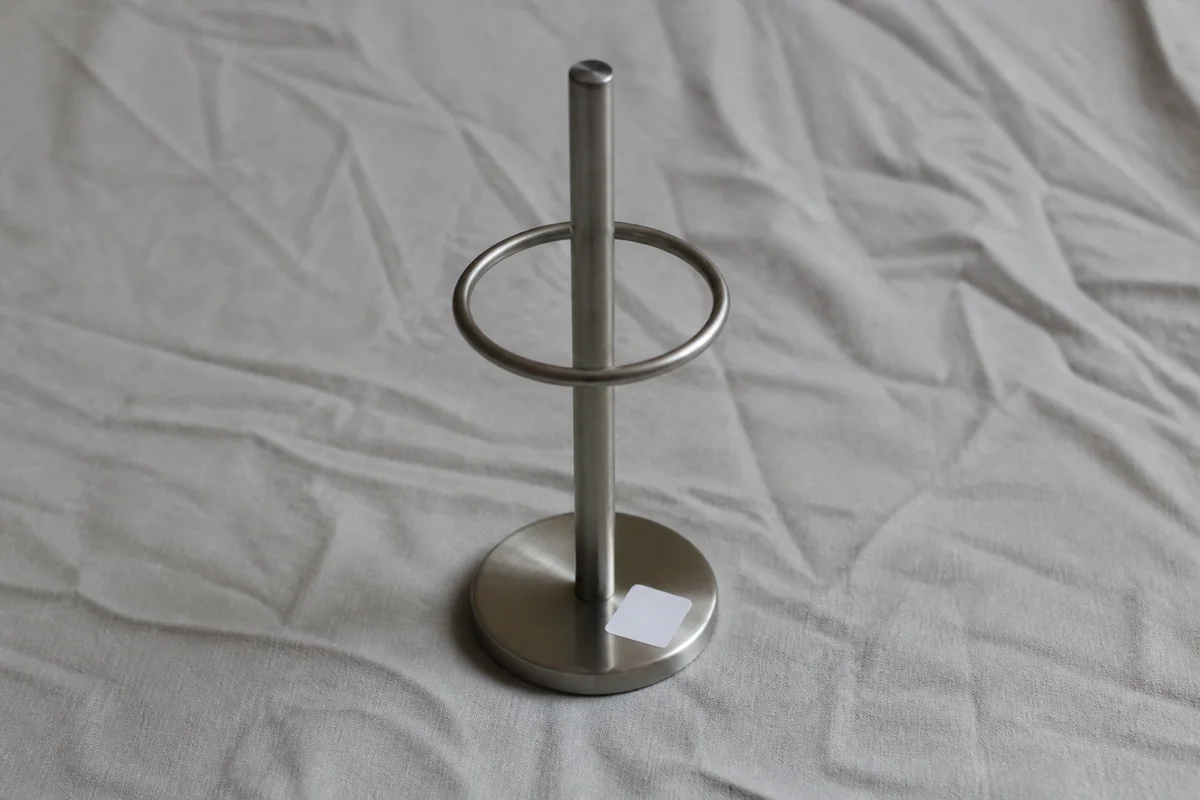
The workflow in action — drag to compare.
Amazon has some of the strictest image rules of any marketplace: the main image needs a pure white background, the product should fill most of the frame, and text, logos, or watermarks that aren't on the product itself can get a listing suppressed. Getting there with a home photo setup usually means fighting with gray-ish backgrounds and shadows that never quite disappear.
AI editing gets your images into that format in minutes. Cut the product out cleanly, drop it on true white, strip any stray text or stickers from the scene, and upscale to the resolution Amazon wants for zoom. For your secondary images, the same tools build lifestyle scenes and comparison shots from the exact same source photos.
Upload once, edit in the browser, and export images that pass listing checks instead of bouncing back.
The problems this solves
- Main images get flagged because the 'white' background is actually light gray with shadows.
- Stray text, price stickers, or brand logos in the scene violate main-image rules.
- Images under about 1000 pixels don't qualify for Amazon's zoom feature.
- Secondary lifestyle images require scenes and props sellers don't have on hand.
A workflow that works
Cut the product out of the original shot
A precise cutout removes shadows and background tint in one step — the root cause of most main-image rejections.
AI Background RemoverPlace it on pure white
Amazon requires a true white background on the main image; placing your cutout on a clean white canvas matches the white-background style Amazon asks for — verify against Amazon's current image requirements before uploading.
AI Background ChangerRemove stray text and stickers
Price tags, barcodes on the shelf, or promotional text in the scene can suppress a listing — erase anything that isn't printed on the product itself.
AI Text RemoverSharpen the product edges and label
Crisp label text builds trust and survives Amazon's compression better than a soft image.
AI Image SharpenerUpscale for zoom
Amazon enables hover zoom on images at least 1000 pixels tall; upscaling to 1600px or more keeps the zoomed view sharp.
AI Image UpscalerFrequently asked questions
What exactly does Amazon require for the main image background?
A pure white background (RGB 255,255,255), the actual product only, no props or text that aren't part of the product, and the product filling roughly 85% of the frame. Background removal plus a white backdrop handles the first two; reframing handles the fill requirement.
Can I use edited lifestyle images in secondary slots?
Yes — secondary images have looser rules. You can place the same product cutout into a styled scene, add context props, or show it in use. Keep the product depiction accurate to what ships.
Why was my listing image rejected for text when there's no text on it?
Common culprits are barcodes, size stickers, or packaging inserts visible in the shot. Zoom in and use text removal on anything printed that isn't part of the product's own label.
What resolution should I upload?
At least 1000 pixels on the longest side to enable zoom; 1600 to 2000 pixels is a safer target. Upscale smaller source photos rather than uploading them as-is.
Related use cases