
Use case
Edit Church Directory Photos with AI
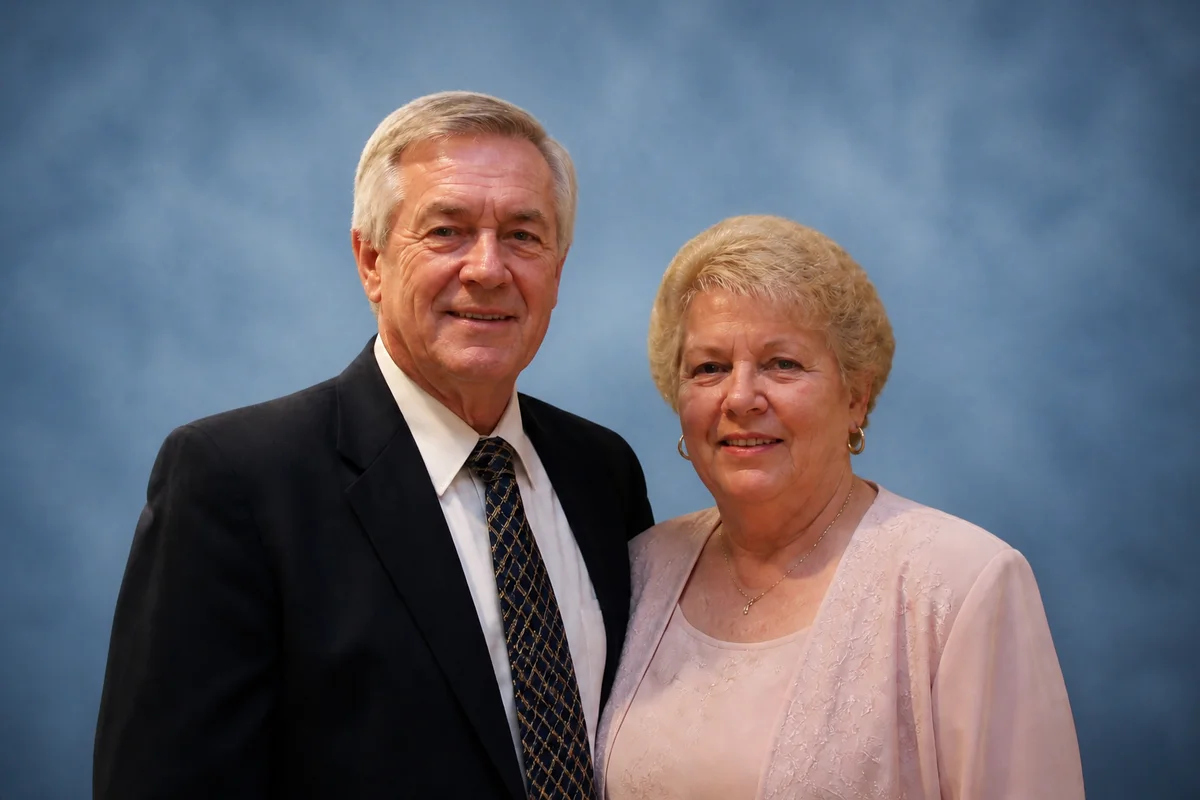
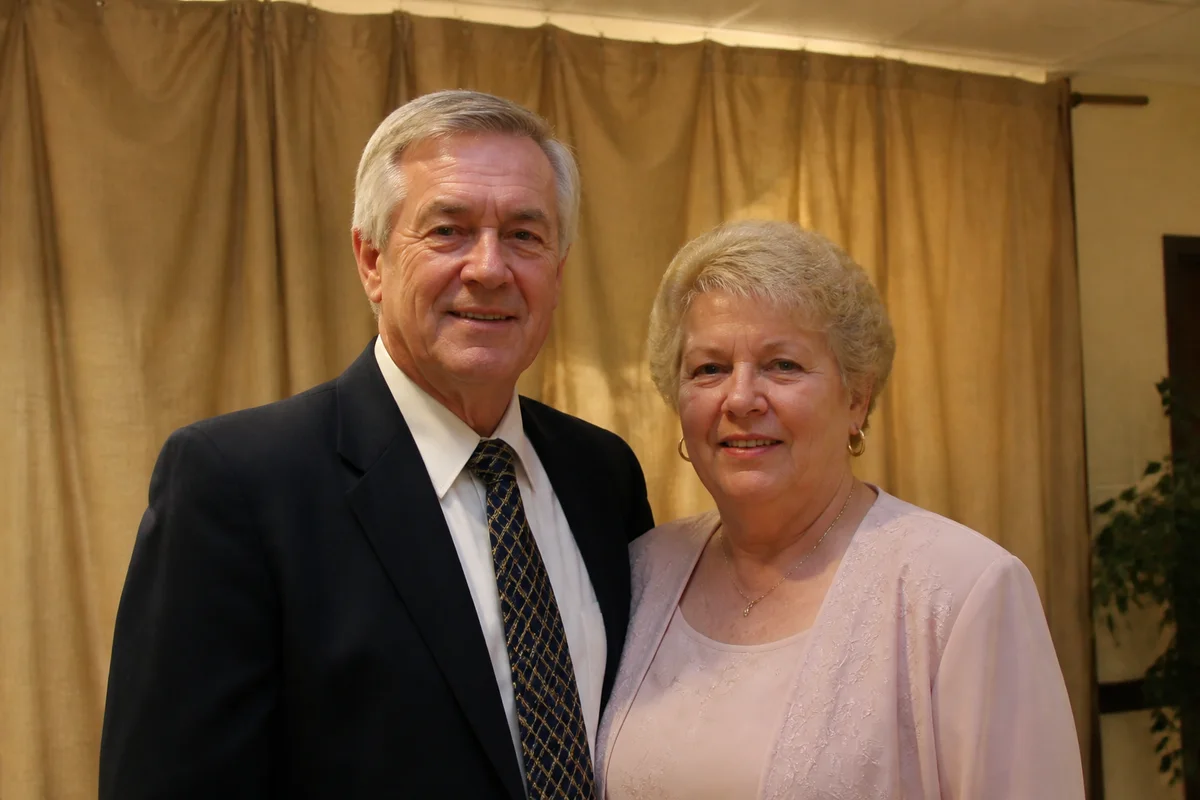
The workflow in action — drag to compare.
A church directory sounds simple until you're the volunteer assembling it: two hundred families submitting photos taken on different phones, in different decades of quality, against kitchen walls, gardens, and restaurant booths. Professional directory companies solved this with on-site photo days — at prices many congregations skip.
AI editing lets a volunteer produce directory-quality consistency from whatever families submit. Give every portrait the same warm, neutral background, fix the dim living-room lighting, gently retouch where appropriate, and crop everything to the same dimensions so the printed pages look composed rather than collaged.
The same workflow serves the adjacent needs — staff pages on the website, new-member welcome boards, and the memorial photos that congregations prepare with particular care.
The problems this solves
- Submitted photos vary wildly in quality, lighting, background, and framing.
- Older members often submit older photos — sometimes damaged prints that were rephotographed.
- Directory pages look chaotic when each portrait has a different background and crop.
- Volunteers, not designers, do the assembly, usually on a deadline before printing.
A workflow that works
Give every portrait the same background
One consistent, warm backdrop across all submissions is the single change that makes a directory look professionally produced.
AI Background ChangerFix the submitted lighting
Dim living rooms and harsh flash both normalize to soft, even portrait light.
AI Lighting ChangerRestore the older submissions
Rephotographed prints from longtime members get their fading and damage repaired instead of being printed as-is.
AI Photo RestorationMatch color across the whole directory
Two hundred photos from two hundred cameras need one consistent, natural skin-tone baseline on the printed page.
AI Color CorrectionCrop everything to the template
Identical head-and-shoulders crops at identical dimensions are what make directory grids read cleanly.
AI Photo ReframeFrequently asked questions
What's an efficient process for handling 200 family submissions?
Set a simple submission guideline (recent photo, faces clearly visible, decent light), then run each through the same recipe: background, lighting, color, crop. Budget a few minutes per photo — a few volunteer evenings covers most congregations.
Should directory photos be retouched?
Lightly and evenly: fix red-eye, harsh shadows, and obvious photo problems, and skip cosmetic retouching unless a family asks. The directory's warmth comes from people looking like themselves.
A member only has an old damaged print. Can it work?
Yes — have them photograph the print flat in window light, then restore, enhance the face, and give it the standard background and crop. Restored photos of longtime members often become the most appreciated pages in the book.
What resolution does the printed directory need?
300 DPI at printed portrait size — for a typical 2x3 inch directory portrait, about 600x900 pixels minimum. Standardize the exported size once and every submission slots into the layout.
Related use cases