
Use case
Edit Family Portraits with AI
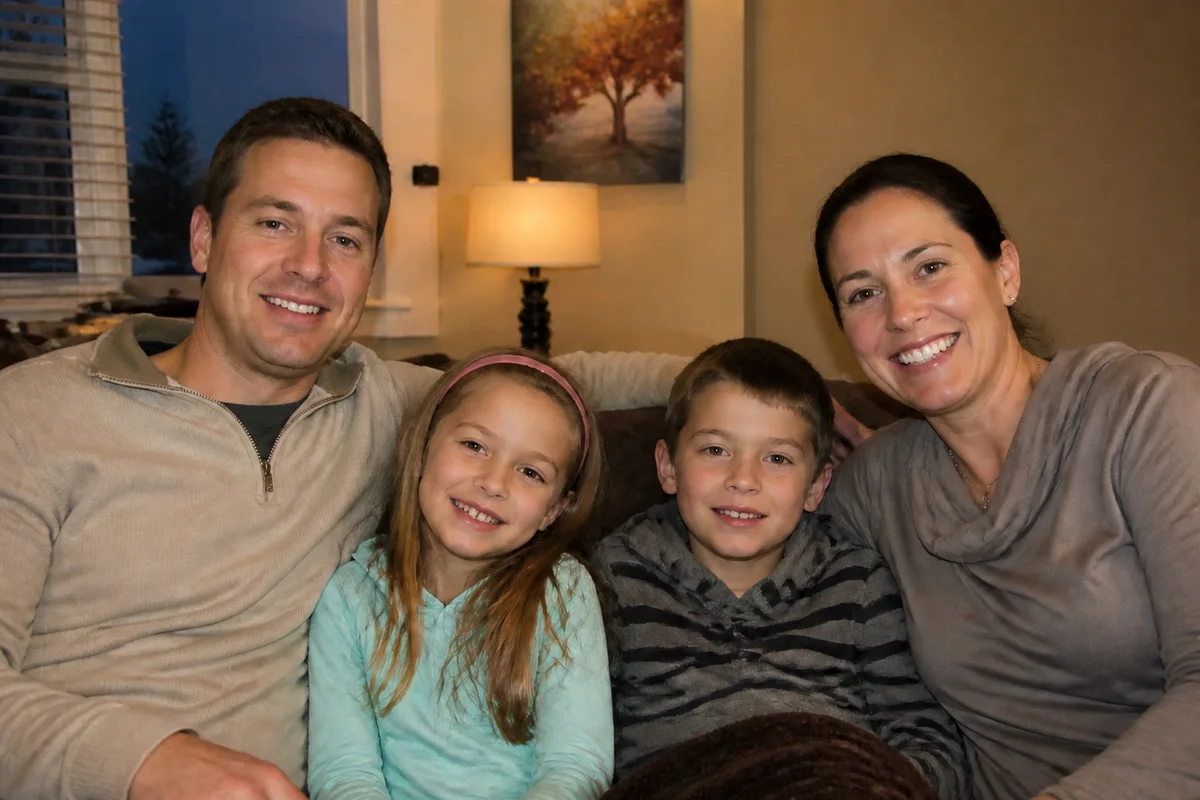
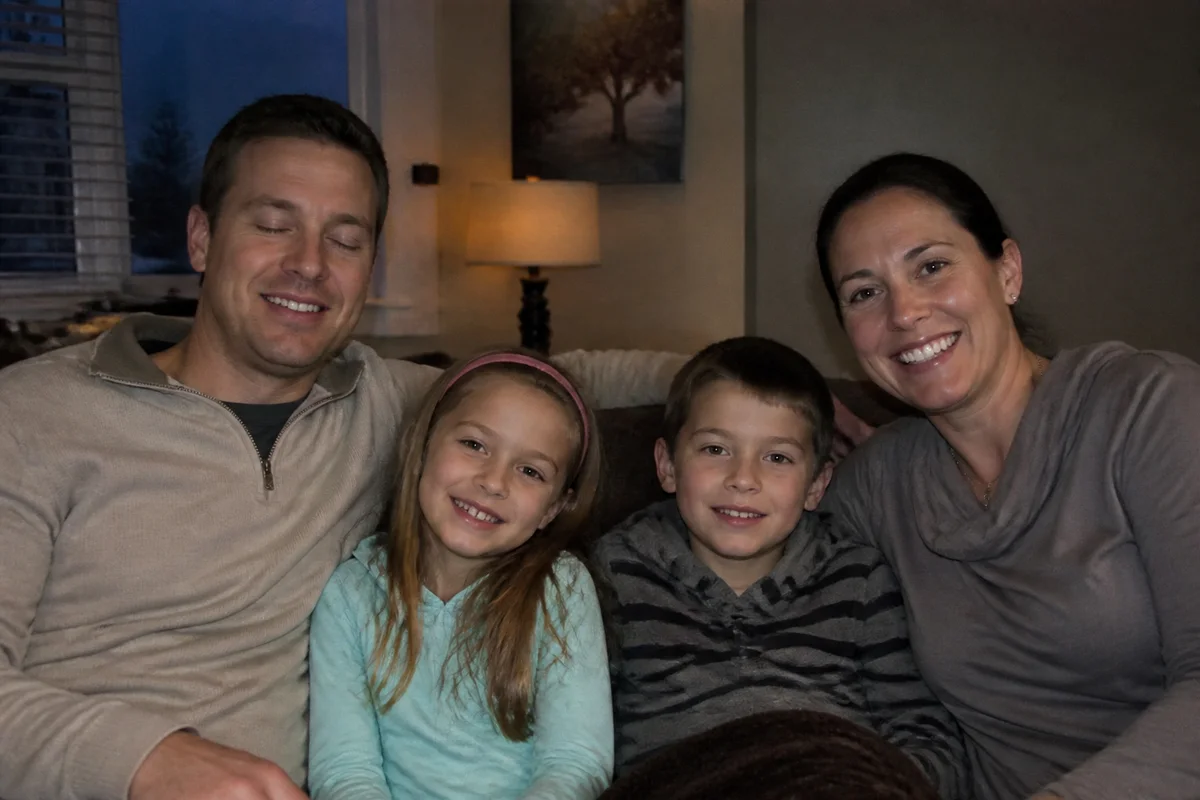
The workflow in action — drag to compare.
Every family knows the math: the more people in the photo, the smaller the chance everyone is simultaneously looking at the camera, smiling, and not blinking. You end up with twelve frames of the same pose where a different person ruins each one — and the trip, reunion, or holiday that occasioned the photo is over.
AI editing solves the group-photo lottery. Open the eyes of the uncle who blinked in the otherwise perfect frame, fix the toddler's mid-meltdown expression, and even add the family member who was stuck at work when the photo was taken. Then correct the color and lighting so the shot prints beautifully.
These are the photos that end up framed on walls and mailed in holiday cards, so the last step matters: upscale and sharpen before printing large.
The problems this solves
- In every group frame, at least one person is blinking, looking away, or grimacing.
- A family member missed the photo entirely — deployed, working, or living far away.
- Indoor family photos have dull, mixed-color lighting that prints badly.
- The one good frame is slightly soft and doesn't hold up enlarged for framing.
A workflow that works
Open blinked eyes in the best frame
Fix the one blink that ruined the frame where everyone else was perfect — the most common group-photo failure.
AI Open Closed EyesFix a sour expression
Adjust the toddler's mid-tantrum face or grandpa's accidental scowl to a natural, relaxed look that matches the rest of the group.
AI Expression ChangerAdd the missing family member
Blend in the relative who couldn't be there from a separate photo, so the family record is complete.
AI Add People to PhotosBalance color and light
Mixed indoor lighting makes skin tones inconsistent across the group; correction evens everyone out for printing.
AI Color CorrectionUpscale for the wall print
A photo destined for an 11x14 frame needs more resolution than a phone screen does.
AI Image UpscalerFrequently asked questions
Can you really fix closed eyes convincingly?
Yes — eye-opening works well when the rest of the face is sharp and reasonably front-facing. Results look most natural on a relaxed face; a blink captured mid-laugh with scrunched features is harder.
How does adding a missing person work?
You provide a photo of the missing person in similar lighting and angle, and they're blended into the group shot. It works best when you plan slightly — leave a gap in the group and photograph the absent person standing in similar light.
Is compositing a missing relative into a family photo weird?
Families have done this since the darkroom era — for deployed relatives, distant grandparents, and loved ones who passed before a grandchild arrived. Most people note that it's a composite and treasure it anyway. It's your family record; you set the rules.
What resolution do I need to print an 8x10 or larger?
Aim for about 300 pixels per inch: 2400x3000 for an 8x10, 3300x4200 for an 11x14. Run the final edit through the upscaler if your source is below that.
Related use cases