
Use case
Edit School Photos with AI
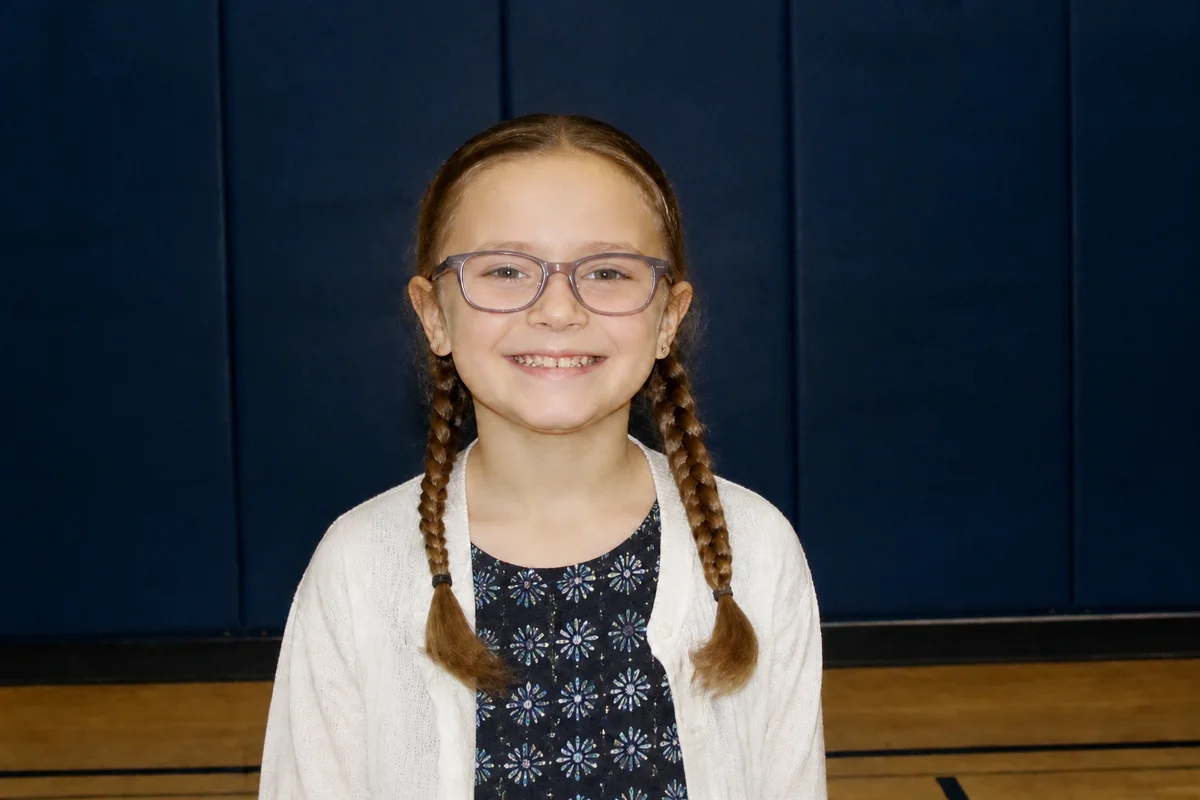
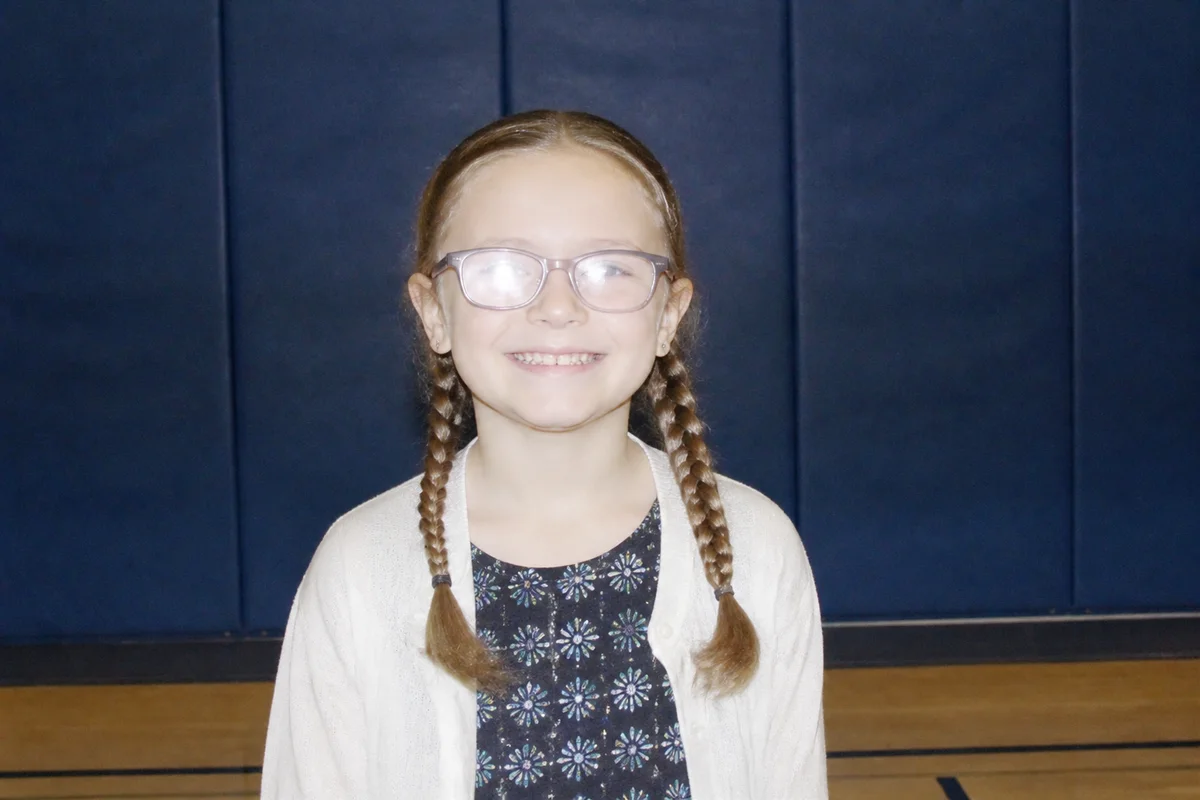
The workflow in action — drag to compare.
School picture day is a lottery: one shot, fluorescent-adjacent lighting, a backdrop older than the students, and a photographer moving four hundred kids through the line before lunch. The package arrives weeks later, and there's the cowlick, the mid-blink eyes, the glasses glare, and the smile that happened a half-second after the shutter.
Retake day helps sometimes, but AI editing fixes most picture-day problems from the photo you already have: natural cleanup of the blemish that showed up that morning, glare cleared from glasses, washed-out studio color corrected, and a blink fixed in an otherwise good frame.
Parents can also solve the package-size problem — the print set never has enough of the size grandma wants, so edit once, upscale, and print the sizes you actually need.
The problems this solves
- One-shot photo sessions capture blinks, grimaces, and that morning's bad hair.
- Flash lighting bounces glare off nearly every pair of glasses.
- Studio color often comes back washed-out or slightly off on skin tones.
- The print package never includes enough copies in the sizes family actually wants.
A workflow that works
Retouch temporary blemishes naturally
Clean up what showed up that morning while keeping the kid looking exactly like the kid.
AI Face RetouchClear glasses glare
Flash glare on lenses is one of the most common school-photo problems, and it can often be fixed after the fact.
AI Glare RemovalFix a blink
When the single frame caught a mid-blink, eye-opening rescues it without waiting for retake day.
AI Open Closed EyesCorrect the studio color
Rushed studio setups produce flat or off-tint color; correction restores healthy, printable skin tones.
AI Color CorrectionUpscale for extra prints
Enlarge the digital file so you can print the 8x10s the package didn't include.
AI Image UpscalerFrequently asked questions
Can I edit the photos from the school's photographer?
If you purchased a package with a digital copy, personal-use editing and printing is generally what the license covers — check your order's terms. Printing beyond your license or editing proofs you didn't buy isn't okay.
Is it better to wait for retake day or edit the original?
Editing fixes glare, blinks, color, and blemishes reliably. Retakes make sense when the problem is the pose or expression itself — those are the hardest things to change convincingly, and a second chance at a natural smile beats editing one in.
How do I keep edited school photos looking natural?
Fix only what's temporary: the blemish, the glare, the color cast. Skip skin smoothing on kids entirely — young skin doesn't need it, and the edited photo will sit next to unedited ones on the same wall.
What resolution do I need to print an 8x10 from the digital file?
About 2400x3000 pixels for a crisp 8x10 at 300 DPI. School digital files are often smaller than that, so upscale before sending anything to print.
Related use cases