
Use case
Edit Sports Team Photos with AI
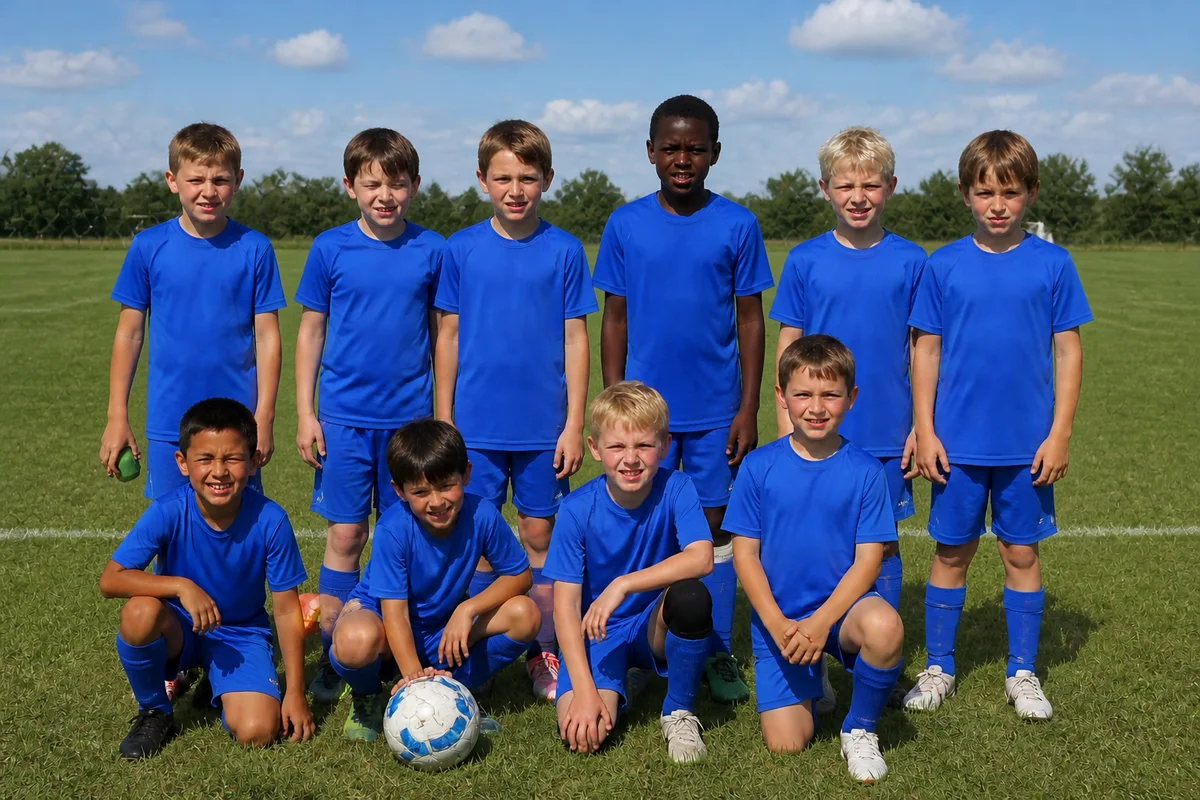
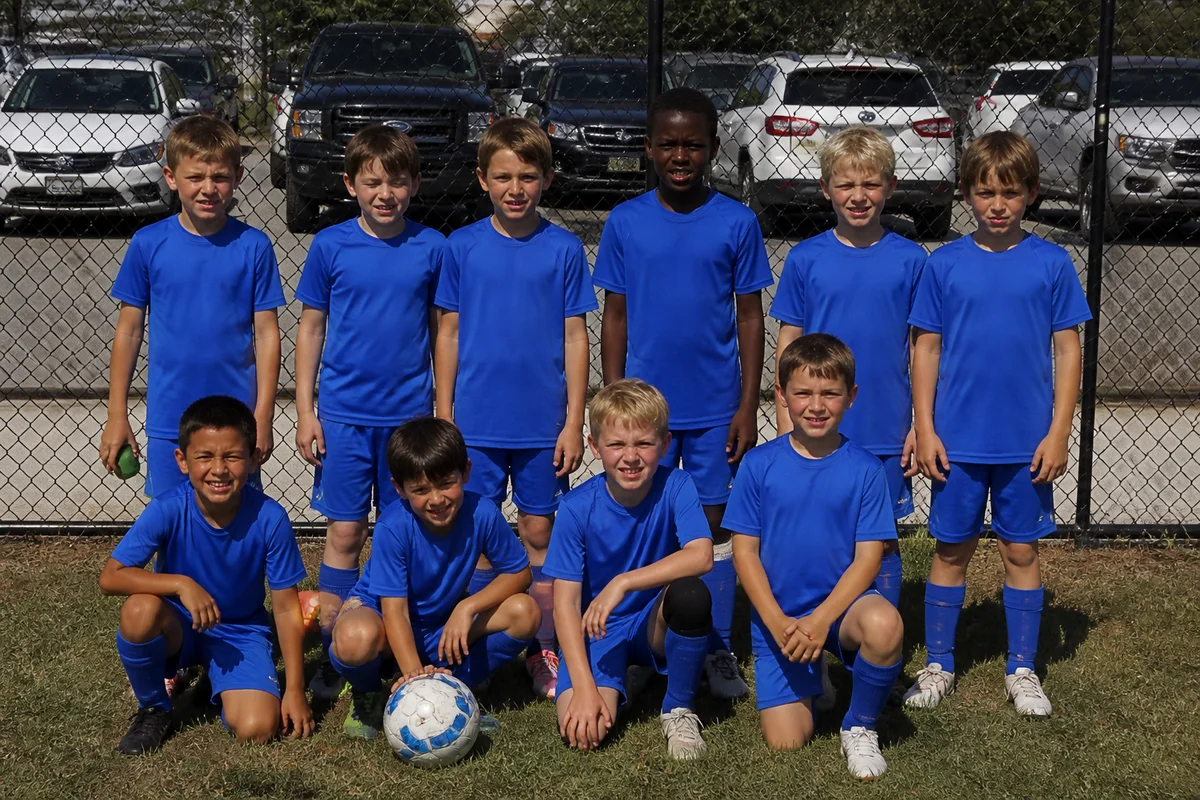
The workflow in action — drag to compare.
Team photo day never goes cleanly: one kid is home sick, the backdrop is a chain-link fence with parked cars behind it, and the sun puts half the roster in squint mode. Meanwhile, the action shots parents actually want — the goal, the layup, the slide into home — come out blurry from the bleachers.
AI editing fixes the roster and the setting. Add the missing player from a separate photo so the team picture is complete, replace the parking-lot backdrop with clean field or a neutral banner background, fix the harsh-sun lighting, and sharpen the zoomed action shots for the end-of-season slideshow.
Coaches and team parents can also prep the media kit: banner prints, trading-card style player photos, and the social posts that keep the team page alive all season.
The problems this solves
- Someone always misses photo day — the team photo ships incomplete.
- Backdrops are whatever the field offers: fences, parking lots, porta-potties.
- Harsh sun or gym lighting leaves the roster squinting or in shadow.
- Action shots from the stands are blurry at full zoom.
A workflow that works
Add the player who missed photo day
Blend the absent player in from a separate shot in the same uniform, so nobody is missing from the season's team photo.
AI Add People to PhotosReplace the parking-lot backdrop
A clean field, gym, or neutral banner background makes a phone-shot team photo look like a league-issued one.
AI Background ChangerFix the harsh lighting
Midday sun and gym fluorescents both punish faces; relighting evens the whole roster out.
AI Lighting ChangerSharpen the action shots
Crisped-up bleacher photos make the highlight moments usable for slideshows and team pages.
AI Image SharpenerUpscale for banners and prints
Senior-night banners and team prints need far more resolution than a phone photo carries natively.
AI Image UpscalerFrequently asked questions
How do I add a missing player convincingly?
Photograph them separately in the same uniform, similar lighting, and a similar angle — standing pose matching the row they'd join. The closer the source conditions, the more seamless the blend. Leaving a slight gap in the lineup on photo day helps if you know someone's out.
Can blurry action shots from the stands really be fixed?
Moderate motion blur and zoom softness recover well — enough for social posts, slideshows, and small prints. A severely blurred fast-motion shot recovers partially. Sharpening the best two or three per game beats trying to fix everything.
What do I need for a senior-night banner?
Banner printers typically want 100 to 150 DPI at final size — roughly 3000 to 4500 pixels tall for a standard 30x60 inch banner. Edit the photo first, then upscale to the printer's spec, and ask the print shop for their template.
Can I make trading-card style photos for the team?
Yes — remove the background from each player's photo, place them on a consistent backdrop, and crop identically. The uniform treatment across the roster is what sells the card look.
Related use cases