
Use case
Edit Yearbook Photos with AI
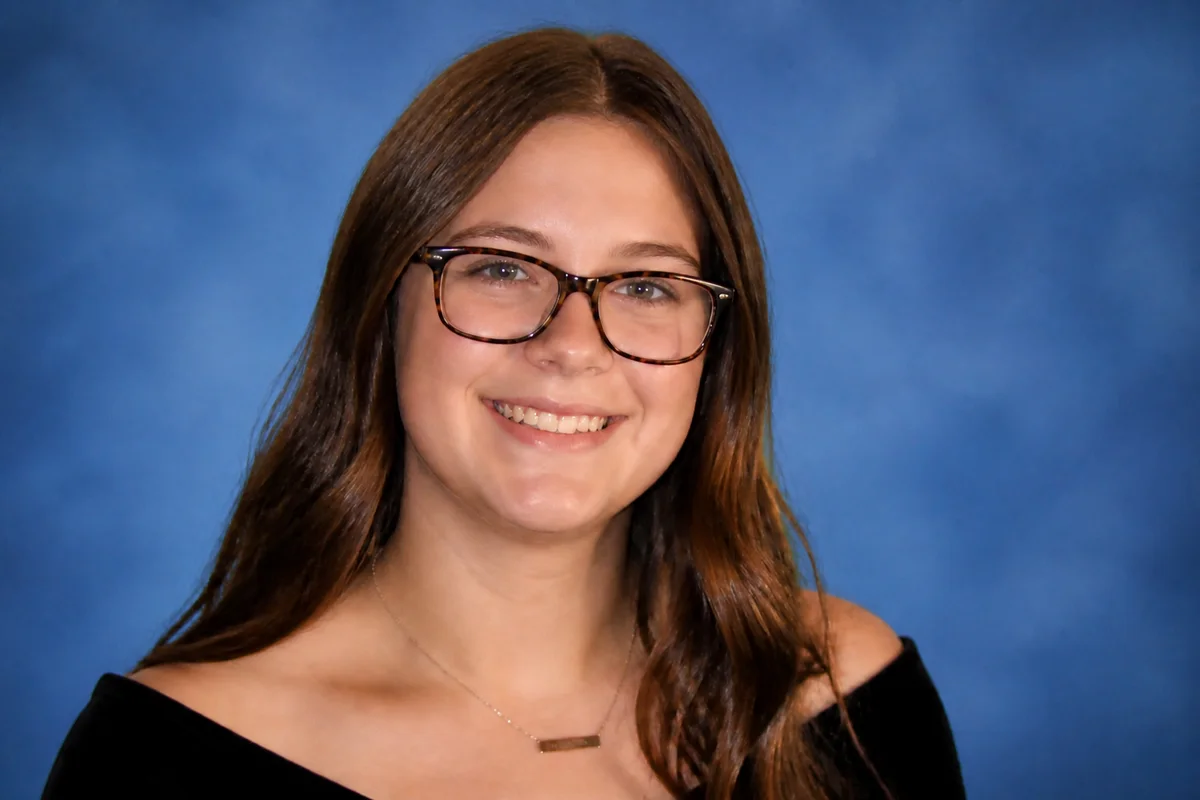
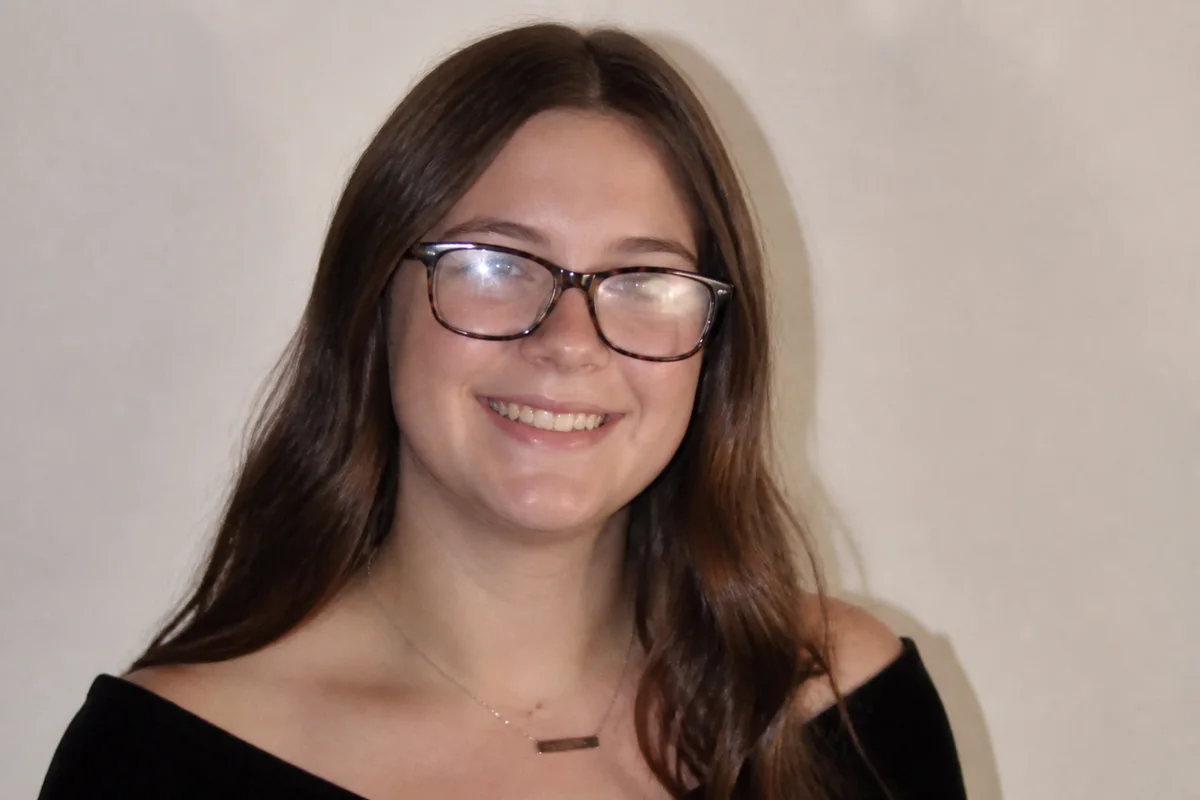
The workflow in action — drag to compare.
Yearbook photos are permanent in a way few photos are — printed, distributed to the whole class, and rediscovered at every reunion. For students and parents submitting senior portraits, the challenge is making a photo that meets the yearbook's technical specs and looks good in print. For yearbook editors, it's wrangling hundreds of submissions shot by different photographers into pages that look consistent.
AI editing serves both sides. Families can clean up a great photo — natural blemish removal, glasses glare gone, a distracting background swapped for something neutral — and crop it to the exact dimensions the yearbook requires. Editors can normalize submissions: match backgrounds, fix color casts from different cameras, and rescue the low-resolution files that inevitably arrive at deadline.
Print is unforgiving, so the finishing steps matter: sharpen, upscale, and check the crop against the book's spec before submitting.
The problems this solves
- Senior photo day comes with a breakout — and the photo is permanent.
- Glasses glare hides eyes in a large share of student portraits.
- Submitted photos have wildly different backgrounds, color, and quality across the class.
- Yearbook specs demand exact crops and resolutions that most submissions miss.
A workflow that works
Clean up skin naturally
Removing the temporary breakout while keeping real features means the photo looks like the student — this year, not airbrushed.
AI Face RetouchRemove glasses glare
Studio and flash lighting bounce off lenses constantly; clearing the glare restores eye contact in the portrait.
AI Glare RemovalStandardize the background
A neutral, consistent backdrop makes individual submissions match the rest of the page — the biggest factor in a clean-looking yearbook spread.
AI Background ChangerMatch color across submissions
Photos from different cameras and photographers arrive with different casts; correction unifies skin tones across the page.
AI Color CorrectionCrop and upscale to spec
Yearbook templates need exact aspect ratios and print resolution; reframing to spec prevents the stretched or clipped portraits that haunt final proofs.
AI Photo ReframeFrequently asked questions
How much retouching is appropriate for a yearbook photo?
The standard used by school photographers: remove temporary blemishes and stray hairs, keep permanent features like freckles, moles, and scars. The photo should look like the student on a clear-skin day, not like a different person.
What resolution do yearbook submissions need?
Print needs about 300 DPI at placed size — typically at least 600x900 pixels for a small portrait slot and more for feature placements. Check your book's spec sheet, and upscale any submission that falls short rather than letting it print soft.
Can editors batch-fix inconsistent submissions?
Each photo is edited individually, but applying the same recipe — neutral background, color correction, spec crop — across submissions gets consistent results quickly. Prioritize the portraits that share a page, where mismatches are most visible.
A student's only photo is a low-quality phone picture. Usable?
Often, yes. Upscale it, sharpen it, correct the color, and swap the background to match the page. It won't equal a studio portrait side by side, but it beats the gray 'photo not available' box.
Related use cases