
Restore
AI Image Sharpener
Crisp edges and recovered detail, without halos or noise
Free credits on signup — no credit card required.
- 1Upload a soft photo; optionally name the area that matters most
- 2The AI reconstructs edge detail without halos or added noise
- 3Download the sharpened image
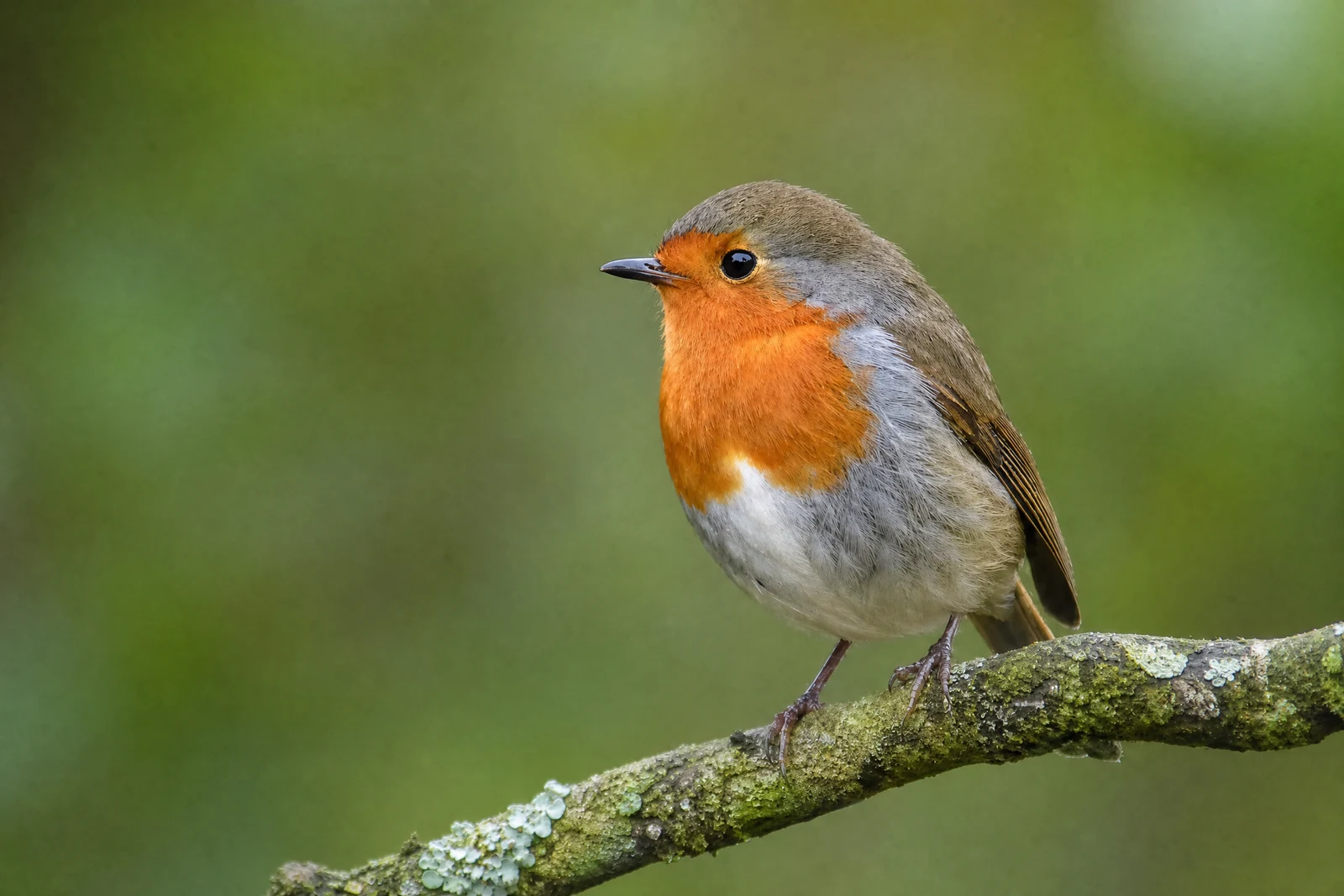
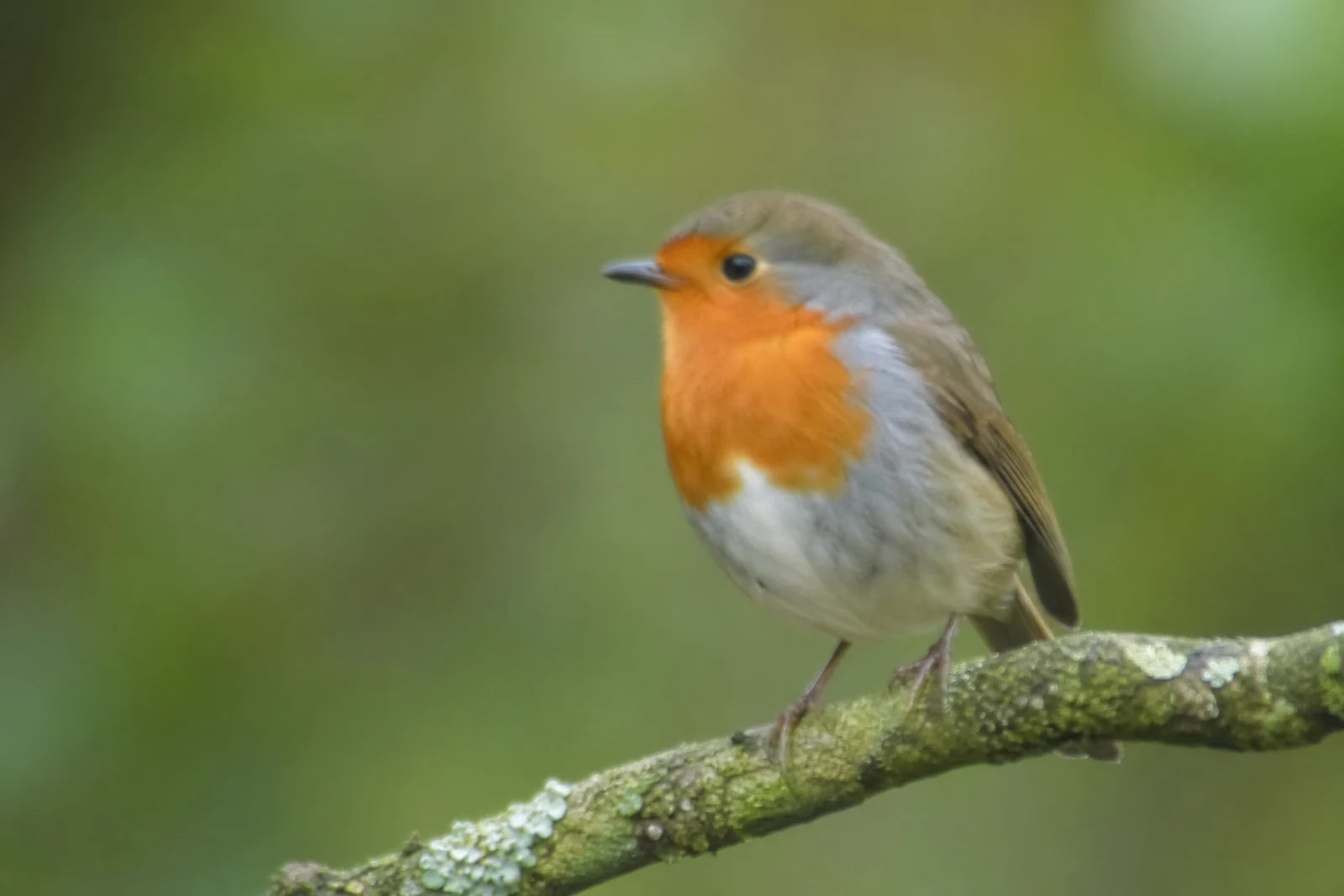
Real output from the editor — drag to compare.
Classic sharpening filters work by exaggerating contrast at edges, which is why oversharpened photos grow bright halos around outlines and gritty noise in smooth areas. They make an image look sharper without adding any detail. AI sharpening takes the opposite approach: the model recognizes what the soft detail was supposed to be, whether eyelashes, lettering, or leaf texture, and reconstructs it.
Upload a soft photo and the AI restores edge definition across the frame while leaving smooth regions like skin and sky clean. If only one part of the image matters, describe it: 'the eyes', 'the text on the sign', 'the watch face'. The sharpening then concentrates there, which mirrors how a retoucher would treat the shot and avoids over-processing the rest.
It is the right tool for slightly missed focus, softness from kit lenses and phone cameras, and images that went soft through resizing and compression. For motion blur and severe defocus, Unblur Image is built for heavier reconstruction; for enlarging a small image, Upscaler sharpens as part of the enlargement. Low, medium, and high quality tiers apply here as everywhere.
Why this tool
- Chain the result into any of the other tools
- Standard, Pro and Max quality tiers
- Results land in your creations library
- Upscale to print size or turn into video
Frequently asked questions
How is AI sharpening better than my editor's sharpen slider?
Sliders amplify edge contrast, creating halos and noise past a modest amount. The AI reconstructs plausible detail at the edges instead, so it can push much further before anything looks processed.
When should I fill in the specific area field?
When one region carries the photo: eyes in a portrait, lettering on a product, the subject of a wildlife shot. Targeted sharpening keeps the background natural and mimics professional selective treatment.
Can it fix motion blur?
Mild motion softness, yes. Distinct streaking from real camera or subject movement is a different problem; use Unblur Image, which is designed for stronger deblurring.
Will it add noise to my image?
No. Smooth regions are protected during sharpening, so skies and skin stay clean. That protection is the visible difference between reconstruction and naive contrast-based sharpening.
Can I try AI Image Sharpener for free?
Yes — every new account starts with 4 free credits, enough to run this tool once at Standard quality. No credit card required.
Related tools