
Use case
Edit Restaurant Food Photos with AI
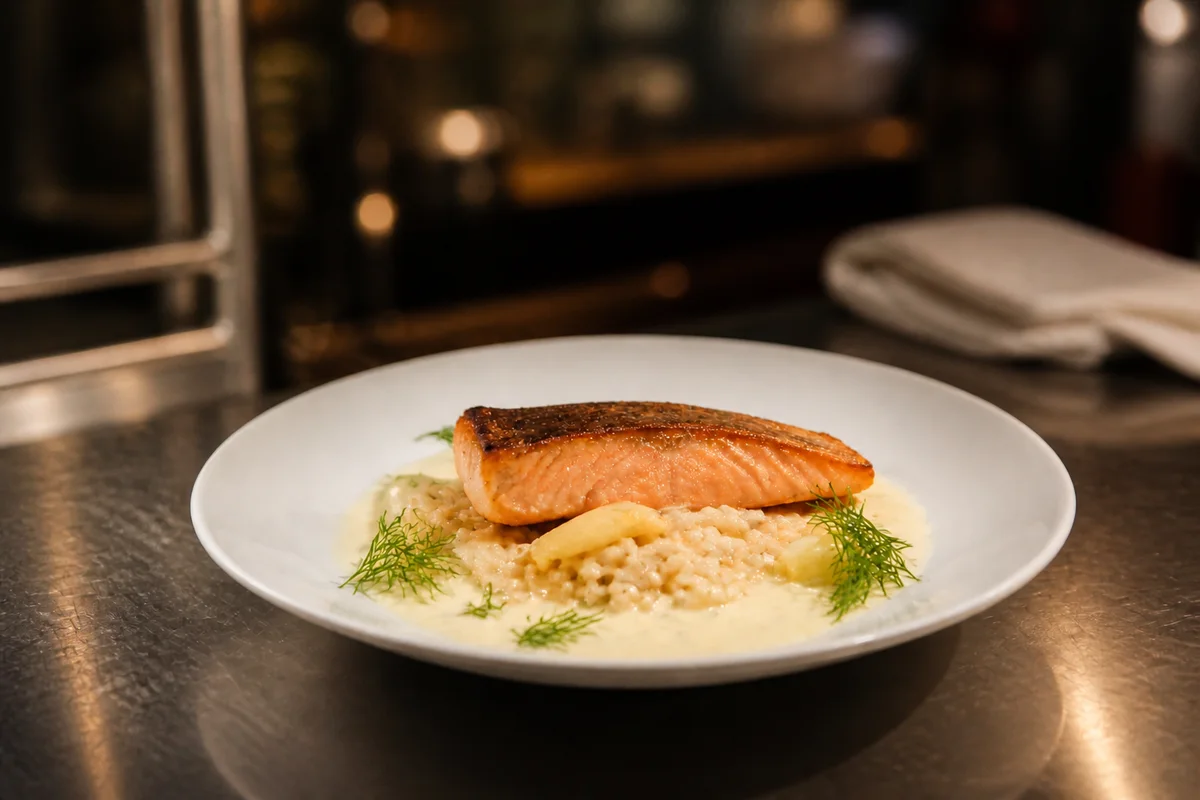
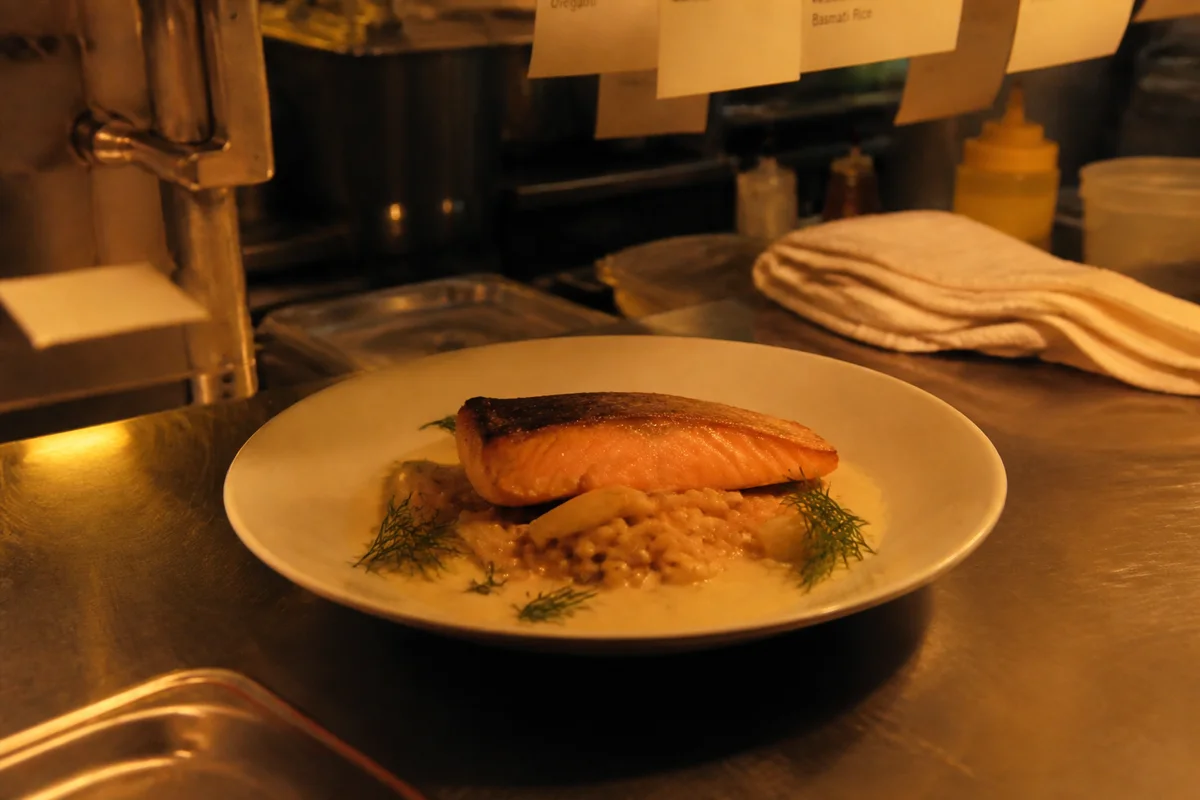
The workflow in action — drag to compare.
Food photos drive orders — on delivery apps, on social, and on the menu itself — but restaurants shoot in the worst light in the building: warm dim dining rooms designed for atmosphere, not photography. The dish that looks rich and appetizing at the table photographs orange, flat, and vaguely sad.
AI editing turns kitchen and dining-room shots into delivery-app-ready images. Correct the warm cast so greens look fresh and sauces look vivid, relight the plate so it reads bright and appetizing, blur or clean up the cluttered pass or table behind the dish, and sharpen the textures — the sear, the crumb, the glaze — that make people order.
Shoot each new dish once with a phone near a window or under the brightest light you have, and let editing handle consistency across the whole menu's image set.
The problems this solves
- Dining-room lighting is warm and dim, turning every dish orange and flat.
- Backgrounds are chaotic: the kitchen pass, ticket printers, table clutter.
- Delivery apps crop images to their own formats and punish dark, low-contrast photos.
- Menu photos shot months apart look wildly inconsistent side by side.
A workflow that works
Correct the color so the food looks fresh
Warm kitchen light yellows food photos; reducing the cast helps greens, reds, and whites read clearly.
AI Color CorrectionRelight the plate
Bright, soft, slightly directional light gives food dimension; dim ambient light flattens it.
AI Lighting ChangerBlur the background behind the dish
A soft background keeps the eye on the plate and hides the kitchen chaos without a reshoot.
AI Background BlurSharpen the textures
Crisp texture — char, flake, glaze, crumb — is what triggers appetite in a photo.
AI Image SharpenerCrop for each platform
Delivery apps, Instagram, and the printed menu each need different crops of the same hero shot.
AI Photo ReframeFrequently asked questions
Do better photos actually matter on delivery apps?
Delivery platforms themselves push restaurants to add bright, clear photos to listings because items with good photos convert better. Bright, accurate, appetizing images are among the few levers a restaurant fully controls on someone else's platform.
How do I shoot food so editing has good material to work with?
Shoot near a window or the brightest spot available, at a 45-degree angle or straight down depending on the dish, right after plating while everything is glossy. Editing fixes color and light well; it can't fix a dish that sat for ten minutes.
Is editing food photos misleading to customers?
Adjusting light and reducing color casts is fair game — compare the edit with the dish in person before posting. Adding ingredients that aren't in the dish or depicting portions larger than served crosses the line.
How do I keep photos consistent across a 40-item menu?
Shoot everything in the same spot with the same setup, even across multiple sessions, then apply the same editing recipe: correct color, relight the same way, same crop style. Consistency across the set matters more than perfection on any single dish.
Related use cases