
Use case
Edit Prom Photos with AI
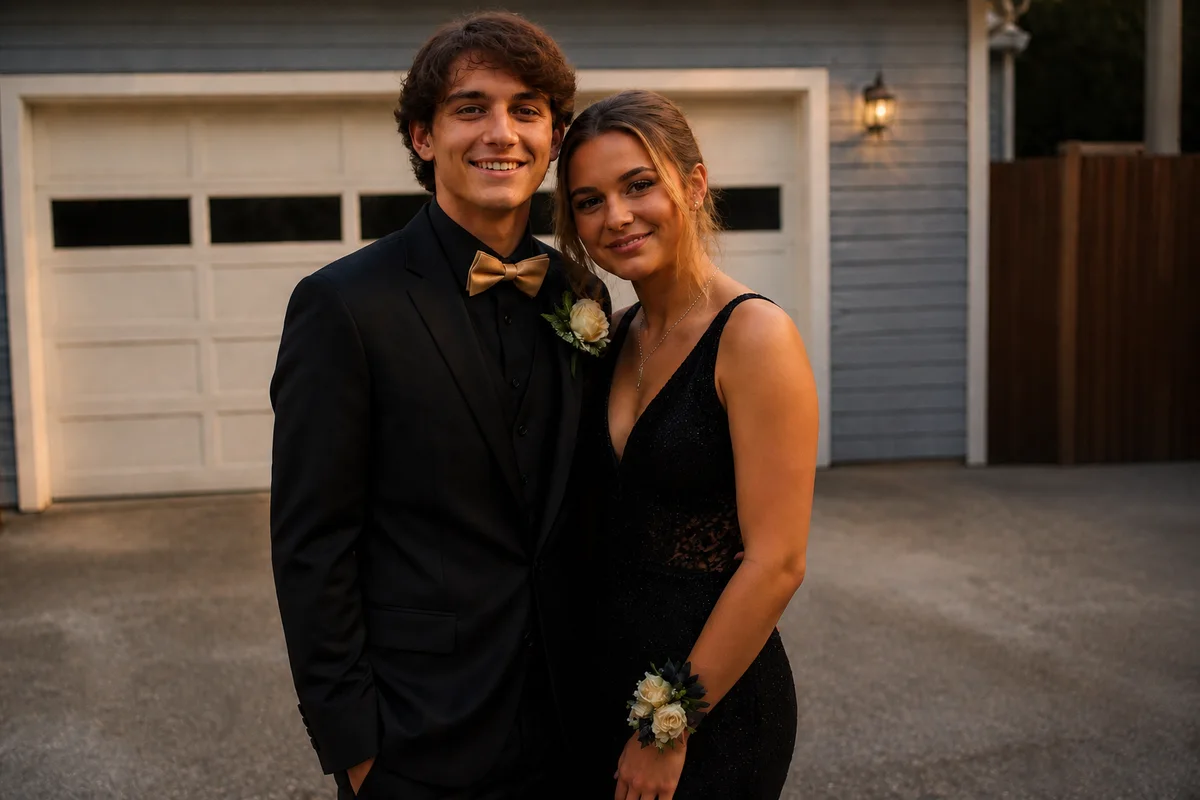
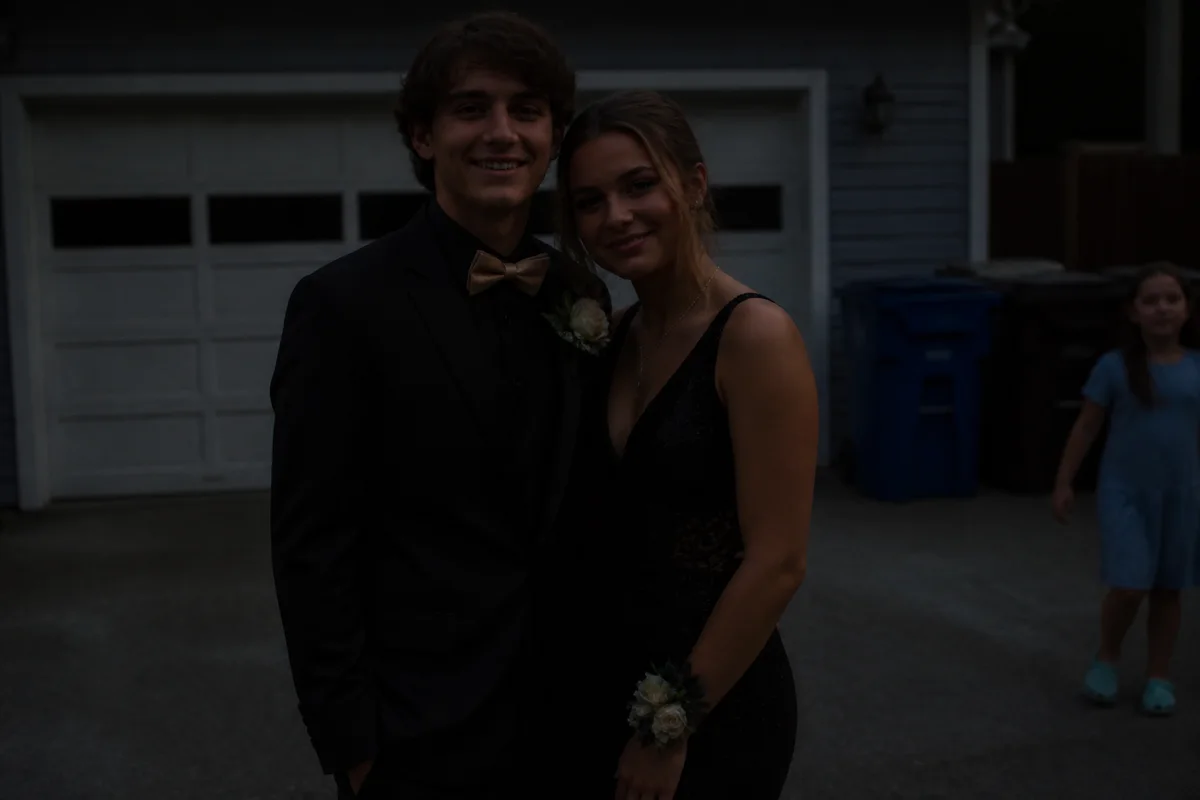
The workflow in action — drag to compare.
Prom photos get exactly one take. The pre-party lineup happens in whatever backyard has the best wall, the light is fading faster than the parents can organize the group, and by the time everyone's arranged, half the shots are dim, someone's little brother wandered through, and the couple photos have a garage door behind them.
AI editing rescues the night afterward. Brighten the dusk shots so dresses and suits are clearly visible, remove the photobombers and the recycling bins, clean up a shiny-forehead closeup, and crop the twenty-person group line so it works both as a wide print and a phone-screen post.
Parents get the frame-worthy version; the seniors get versions that survive every platform's crop.
The problems this solves
- Photo hour starts in golden light and ends in dusk — half the shots are underexposed.
- Backyard and driveway settings put garage doors and bins behind formalwear.
- Siblings, pets, and other groups wander into the background of couple shots.
- A twenty-person lineup crops terribly on every social platform.
A workflow that works
Brighten the shots that ran out of light
The last groups photographed always get the darkest photos; relighting evens the whole set back to golden hour.
AI Lighting ChangerRemove photobombers
The couple shot with someone's dad in the background becomes the clean version worth framing.
AI Person RemoverRetouch faces lightly
A quick pass removes shine and the stress blemish that showed up on the worst possible week — while keeping everyone recognizable.
AI Face RetouchFix color under mixed light
Flash plus dusk plus porch lights shifts dress colors; correction gets the emerald green back to emerald.
AI Color CorrectionCrop for each format
Export the wide lineup for prints, tight pairs for posts, and vertical crops for Stories from the same edited frame.
AI Photo ReframeFrequently asked questions
The group photos got darker as the night went on. Can they match the early ones?
Yes — relighting brings the late, dim frames up to match the golden-hour ones, so the full set looks like it was shot in the same ten minutes. Follow with color correction if flash gave the later shots a different cast.
Can I remove another couple from the background of our photo?
If they're behind or beside you rather than overlapping, removal is clean and the background rebuilds naturally. Heavy overlap with your outlines is the hard case — try a different frame from the same pose.
What's a reasonable amount of retouching for prom photos?
Treat it like a yearbook photo: shine, temporary blemishes, and stray hairs are fair game; changing faces or bodies isn't. Everyone in these photos sees each other at school on Monday.
How should I crop a big group lineup for Instagram?
Post the full-width lineup as a landscape photo, then export 4:5 crops of each couple or trio as a carousel — every group gets a version where they're actually visible on a phone screen.
Related use cases