
People
AI Person Remover
Remove photobombers and strangers from your shots
Free credits on signup — no credit card required.
- 1Upload the photo and describe the person or people to remove
- 2The AI erases them, plus shadows, and rebuilds the background
- 3Download the decluttered photo

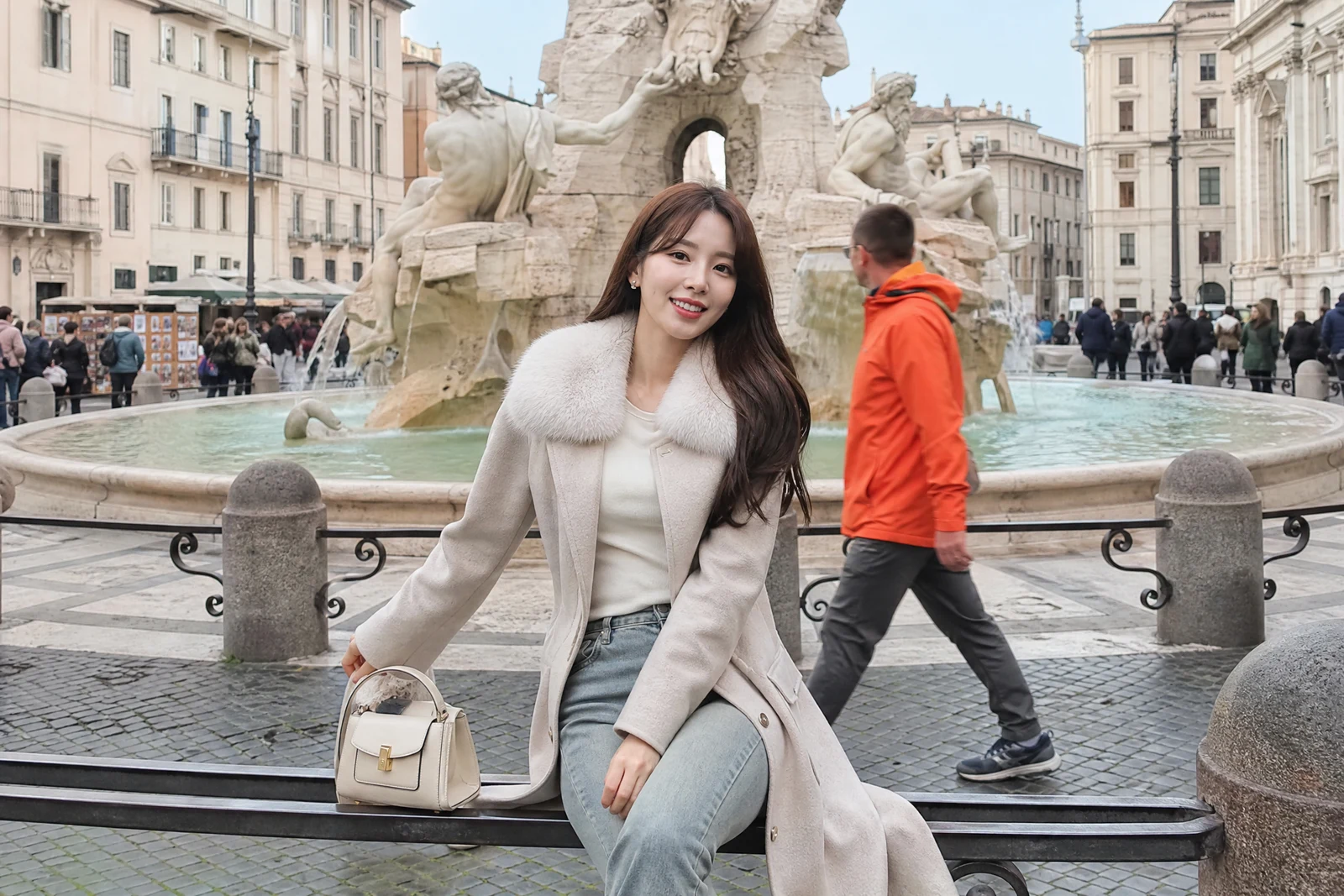
Real output from the editor — drag to compare.
Wait long enough at any landmark and you learn the truth: there is no such thing as an empty frame. Strangers wander through vacation photos, photobombers strike at weddings, and sometimes the person you want gone is more personal than that. Removing a person is harder than removing an object, because people cast shadows, appear in reflections, and occlude complex background that has to be rebuilt behind them.
Describe who should go, by clothing, position, or role: 'the man in the blue shirt', 'the tourists in the background', 'everyone except the two of us'. The AI identifies the person or people, removes them along with their shadow and reflection, and reconstructs whatever they covered: continuing the railing, the crowd texture, the pavement, the horizon. Review the result to confirm the remaining subjects and scene look right.
It is the tool for de-touristing travel photos, cleaning up candids, and re-centering a photo on who actually matters in it. For non-human distractions, Object Removal is the generalist; for swapping a person out for someone else rather than empty space, use Replace Person.
Why this tool
- Chain the result into any of the other tools
- Standard, Pro and Max quality tiers
- Results land in your creations library
- Upscale to print size or turn into video
Frequently asked questions
How do I specify which person to remove?
Describe them the way you would to a friend: clothing color, position in frame, or activity. 'The woman in red on the left' or 'the person photobombing behind us' both work; inverted descriptions like 'everyone except the couple' work too.
What about their shadow and reflection?
Both are removed with the person. A lingering shadow with no owner is the most common giveaway of amateur removal, so the tool treats shadows and reflections as part of the person.
Can it clear a whole crowd?
Yes, descriptions like 'all the people in the background' remove groups in one pass. Very dense crowds covering complex architecture may benefit from a second pass to refine the reconstruction.
What fills the space where the person stood?
Generated background continuing the real scene: walls, railings, pavement, foliage, or crowd texture, matched to the photo's lighting and perspective. Large foreground figures leave more to reconstruct, so results are strongest when the person is not dominating the frame.
Can I try AI Person Remover for free?
Yes — every new account starts with 4 free credits, enough to run this tool once at Standard quality. No credit card required.
Related tools