
Use case
Make Twitch and Streaming Avatars with AI
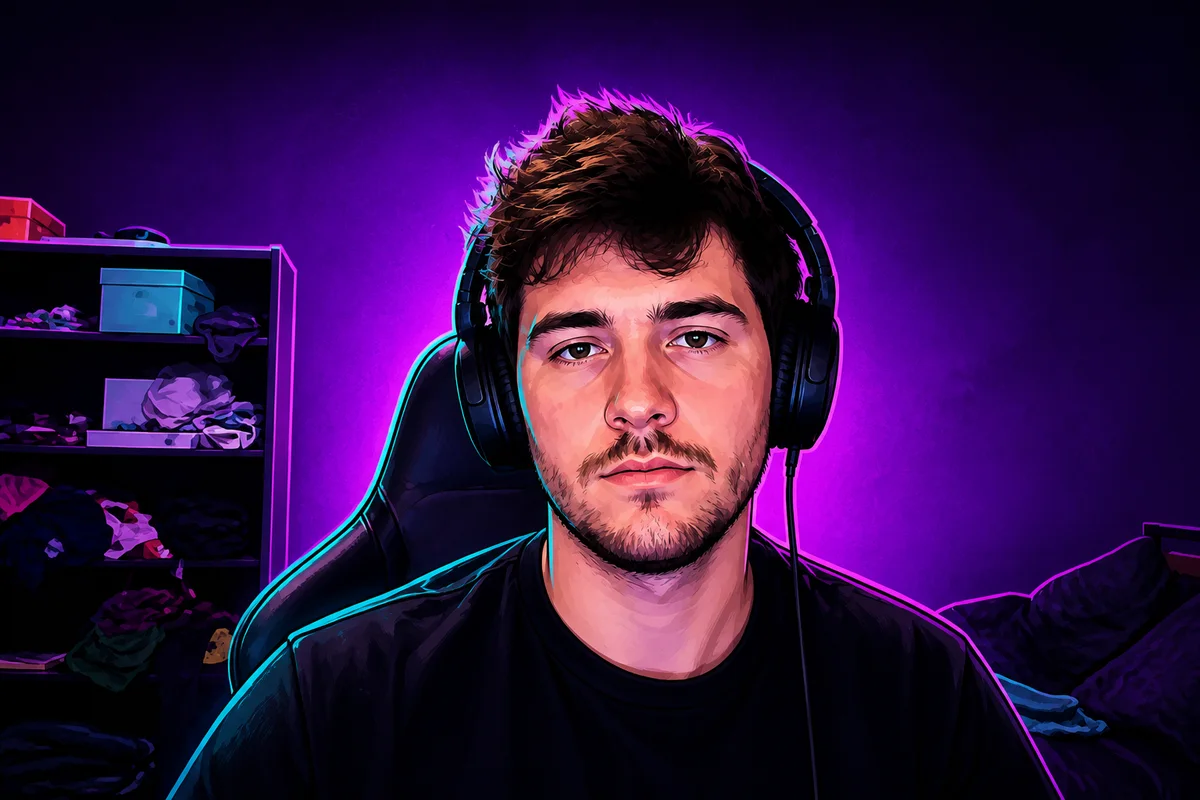
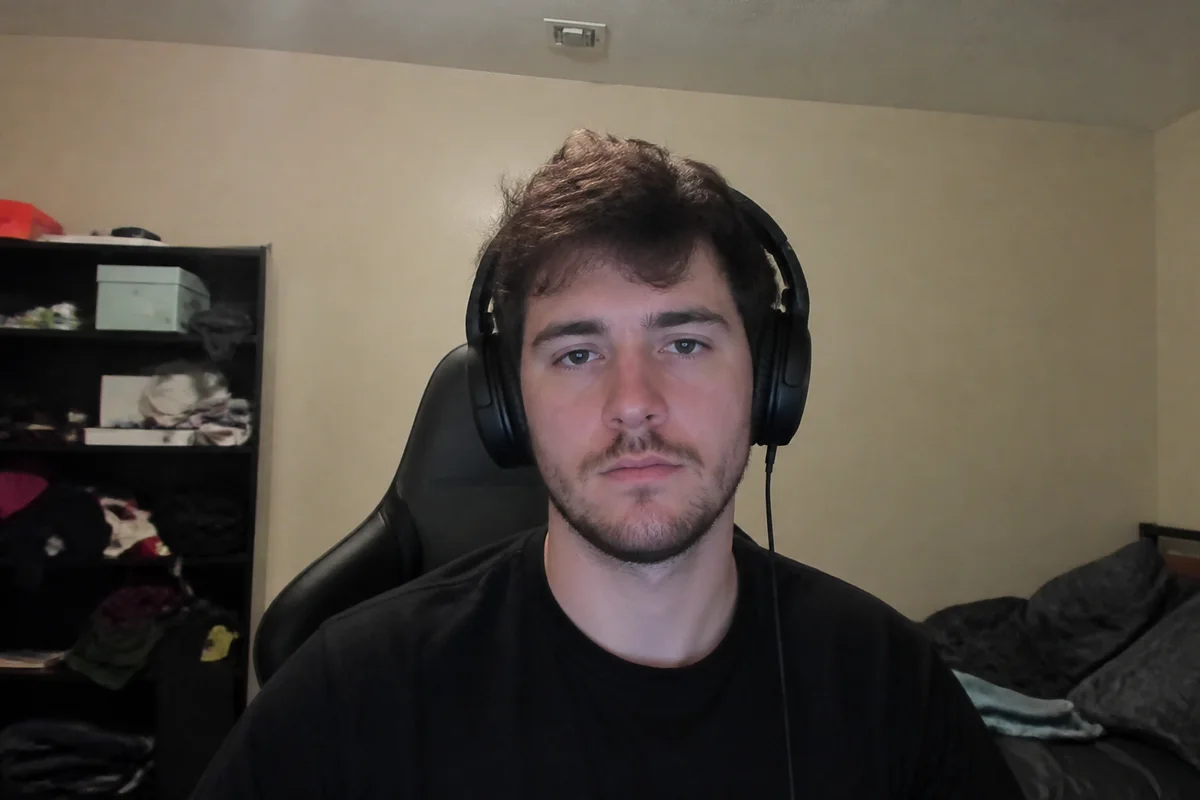
The workflow in action — drag to compare.
A streamer's avatar works harder than most profile pictures: it's the icon in chat, the face of the channel page, the emote base, and often the identity viewers know better than your real face. It has to read clearly at 28 pixels in a chat message and still look good blown up on a channel banner.
AI editing gives you that identity from a single selfie. Generate a stylized avatar that captures your look, go full anime persona if that fits your channel, or keep it photographic — cut yourself out clean and drop in a background that matches your brand colors. Then export the sizes each platform wants, from tiny chat icons to full banners.
Because it starts from your actual photo, the avatar stays recognizably you — which matters when your camera turns on and viewers connect the face to the icon.
The problems this solves
- A real photo looks out of place next to the stylized avatars streaming culture expects.
- Commissioned avatar art is expensive and takes weeks — hard when you're just starting.
- The avatar has to stay readable at tiny chat-icon size and sharp at banner size.
- Profile art across Twitch, YouTube, Discord, and X ends up mismatched.
A workflow that works
Generate your avatar from a selfie
A stylized avatar built from your real photo keeps you recognizable while fitting streaming culture's illustrated look.
AI Avatar MakerOr go full anime persona
Anime-style conversion is the dominant aesthetic in large parts of streaming, and building it from your photo keeps your features in the design.
Photo to AnimeCut it out for flexible use
A transparent-background version drops onto overlays, banners, and emote templates without rework.
AI Background RemoverSet a brand-color background
A consistent background color across platforms is the cheapest, strongest branding a small channel can have.
AI Background ChangerUpscale for banners
The same art must survive as a 28px chat icon and a full channel banner; upscaling covers the big end.
AI Image UpscalerFrequently asked questions
What sizes do I need for a streaming profile?
Twitch wants a 256x256 minimum profile image (upload larger, ideally 800x800) and a 1200x480 banner. YouTube, Discord, and X each have their own specs. Make one master at high resolution and export down — never up — for each platform.
Should my avatar be stylized or a real photo?
Depends on your content. Stylized and anime avatars dominate gaming and VTuber-adjacent content; real photos are common for just-chatting, IRL, and educational streams. Starting from your own photo either way keeps the identity consistent if you switch later.
Can I use the avatar as a base for emotes?
Yes — the background-removed version is a natural emote base. Twitch emotes need to read at 28x28 pixels, so crop to the face and test legibility at that size before submitting.
Is AI-generated avatar art allowed on streaming platforms?
Yes — platforms don't restrict how your profile art was made, as long as it follows content rules and you have rights to the source image. Using your own photo as the source keeps that clean.
Related use cases