
Creative
AI Image Generator
Type a description, get an image
Free credits on signup — no credit card required.
- 1Write a description of the image you want, with lighting and mood details
- 2Optionally choose a style, then generate
- 3Refine the prompt and regenerate, or polish the result with other tools
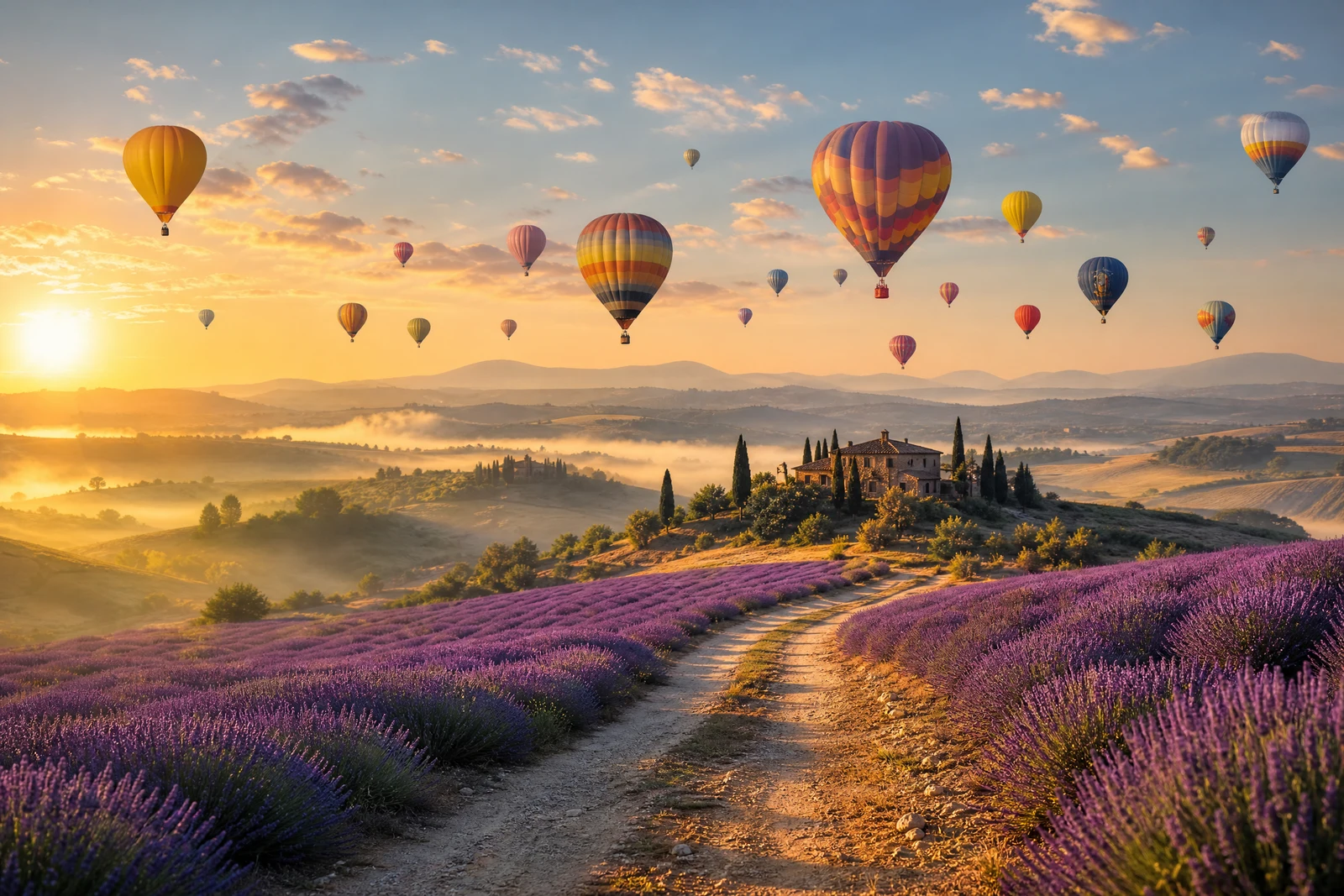
Made with this tool.
This is the only tool on the site that starts from nothing: no upload, just words. Describe an image and the generator creates it, whether that is a photorealistic scene that was never photographed, concept art for a project, a blog header, or an illustration in a specific medium. The other forty-plus tools edit photos; this one makes them.
The prompt is your steering wheel. Subject, setting, lighting, mood, and camera perspective all belong in it: 'a cozy cabin in a snowy forest at dusk, warm light in the windows' will land far closer to your imagination than 'a cabin'. An optional style setting biases the render toward photographic, cinematic, digital art, comic, and other aesthetics without you having to spell out the medium every time.
Generated images plug straight into the rest of the toolset. Upscale one for print, run Style Transfer to repaint it, or use the AI Editor to revise details ('make the door red') rather than regenerating from scratch. Low, medium, and high quality tiers set the rendering fidelity; iterate on composition at low, then finalize at high.
Why this tool
- Chain the result into any of the other tools
- Standard, Pro and Max quality tiers
- Results land in your creations library
- Upscale to print size or turn into video
Frequently asked questions
What makes a good prompt?
Concrete nouns and specific atmosphere. Cover the subject, the setting, the lighting, and the mood in one or two sentences. Vague prompts produce generic images; every specific detail you add is a decision the model no longer makes for you.
What does the style option do?
It biases the overall rendering: Photographic aims for camera realism, Cinematic adds film-style lighting and grading, Digital Art and Fantasy Art lean illustrative, Comic Book and Lowpoly are strongly graphic. 'No Style' lets your prompt fully decide.
Can I edit a generated image afterwards?
Yes, that is the recommended workflow. Small fixes go faster through the AI Editor ('remove the second chimney') than through regeneration, and the Upscaler prepares finals for print or large display.
Who owns the images I generate?
They're yours — what you create with the generator belongs to you, and our Terms of Service spell out the specifics. One caveat we always add: copyright law differs from country to country, and nothing on this site is legal advice, so if you have a question about your particular situation, a legal expert is the right person to ask.
Can I try AI Image Generator for free?
Yes — every new account starts with 4 free credits, enough to run this tool once at Standard quality. No credit card required.
Related tools