
Use case
Edit Band and Musician Press Photos with AI
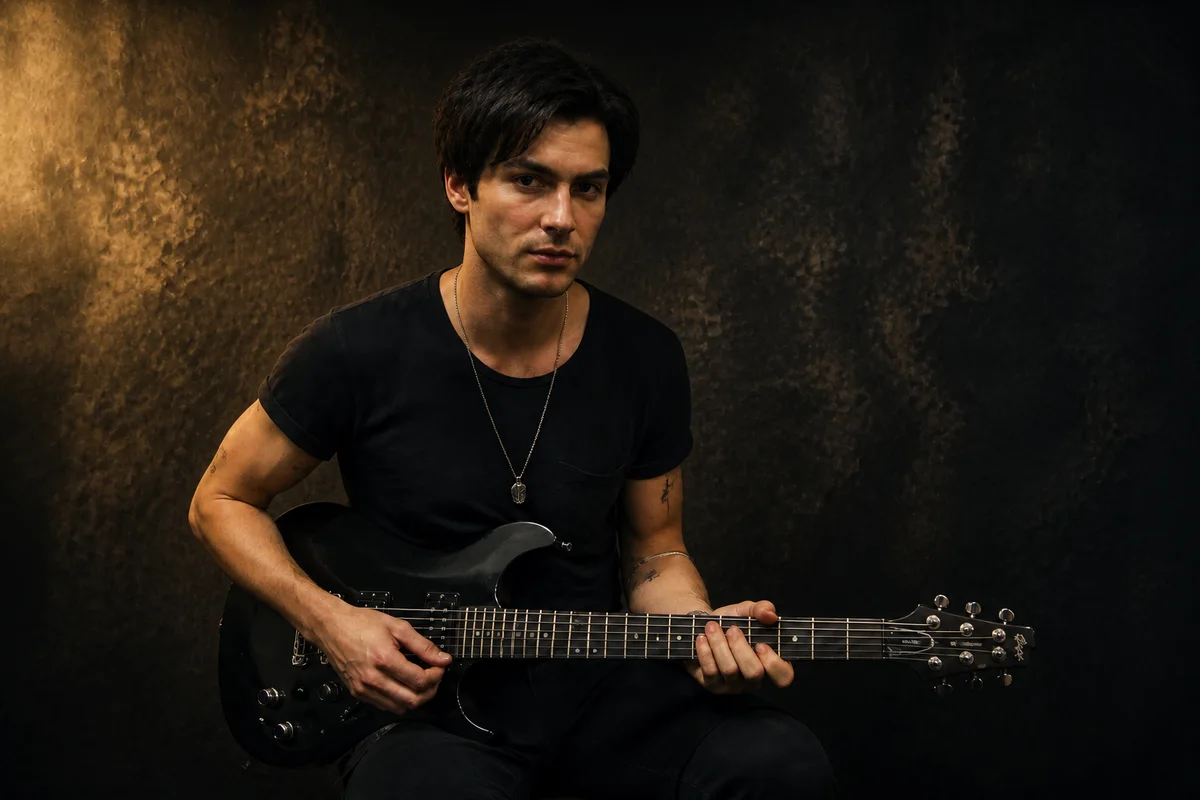
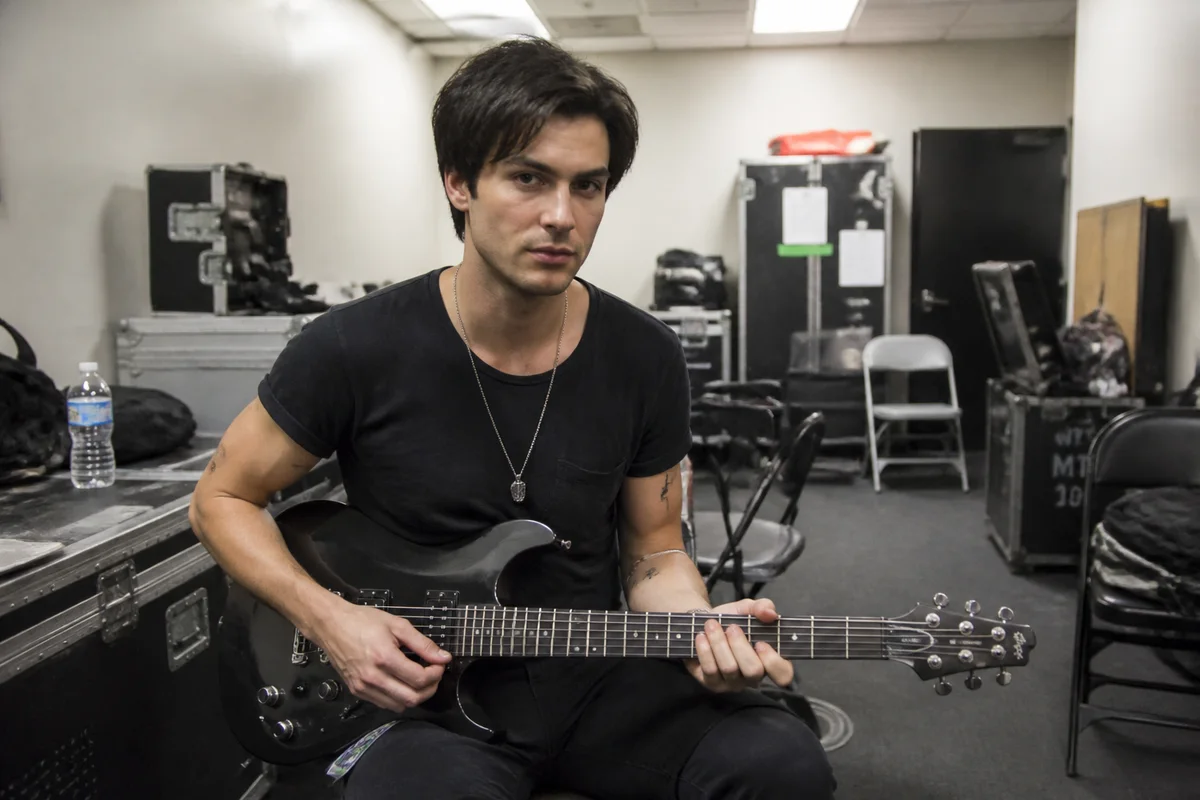
The workflow in action — drag to compare.
Every stage of a music career asks for photos: press kits, festival submissions, streaming profiles, show posters, and album art. Venues and blogs expect imagery that matches your sound — and an iPhone photo in front of a garage door doesn't say much about the music, no matter how good the songs are.
AI editing turns whatever photos you have into press material with a point of view. Relight a flat daytime shot into something moody and dramatic, apply a style treatment — grainy film, high-contrast monochrome, saturated neon — that matches the genre, clean up the green-room clutter behind the band shot, and export hi-res versions that print sharp on posters.
One strong, consistent visual treatment across every photo does what a label's art department does: it makes the project look deliberate.
The problems this solves
- Available band photos are casual snapshots that don't match the music's aesthetic.
- Venue and green-room backgrounds are cluttered and badly lit.
- Press kits, posters, and streaming profiles each need different formats and resolutions.
- The band's imagery looks inconsistent across platforms because each photo was treated differently.
A workflow that works
Relight for mood
Dramatic, directional light is the fastest way to move a photo from 'snapshot at practice' to 'press photo.'
AI Lighting ChangerApply a signature style treatment
A consistent stylized look — film grain, harsh mono, neon saturation — ties every photo to the sound and to each other.
AI Style TransferClean up the venue clutter
Cables, cases, and exit signs vanish, leaving the atmosphere without the mess.
AI Object RemoverSwap in a stronger backdrop
When the location adds nothing, replace it — a textured wall, deep black, or an environment that fits the record.
AI Background ChangerExport hi-res for print
Posters and print press need resolution that phone shots lack; upscale the finished edit for the largest use.
AI Image UpscalerFrequently asked questions
What does a basic press kit need photo-wise?
At minimum: one strong horizontal and one vertical band photo at high resolution, plus individual shots for outlets that run member profiles. Consistent treatment across all of them, and a plain-background version venues can drop onto posters.
Can one phone photo really become poster material?
If it's sharp and reasonably composed, yes — relighting, a style treatment, and upscaling carry a lot of weight. Print at poster size demands the upscaling step; a raw phone photo will visibly pixelate at 18x24.
How do we keep imagery consistent across streaming platforms and socials?
Choose one visual treatment per era or release cycle and apply it to every photo before it goes anywhere. When the single artwork, profile photos, and press shots share a look, the project reads as intentional.
What about live shots — can those be fixed?
Live photos suffer stage-light color chaos and motion blur. Color correction tames the red-wash, deblurring rescues moderately soft shots, and a style treatment can turn remaining grain into aesthetic. The energy of a real live shot is usually worth the salvage effort.
Related use cases