
Use case
Edit Nonprofit Campaign Photos with AI
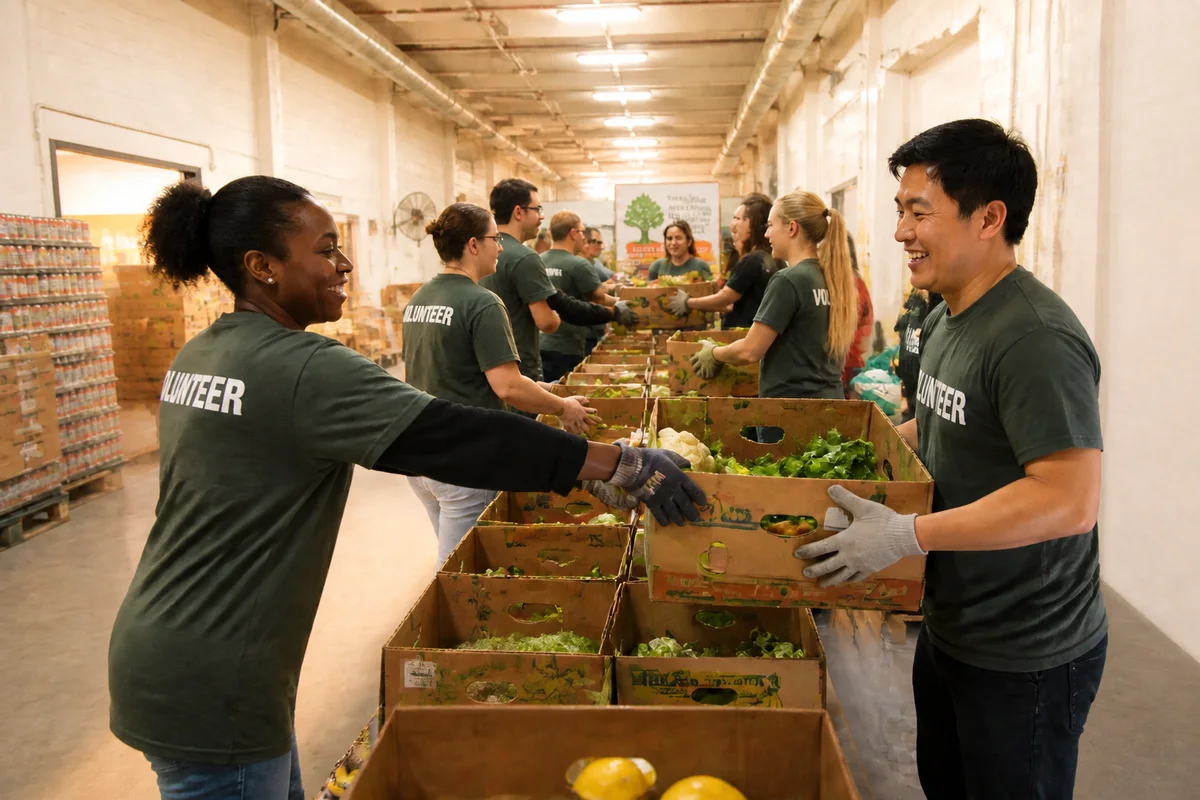
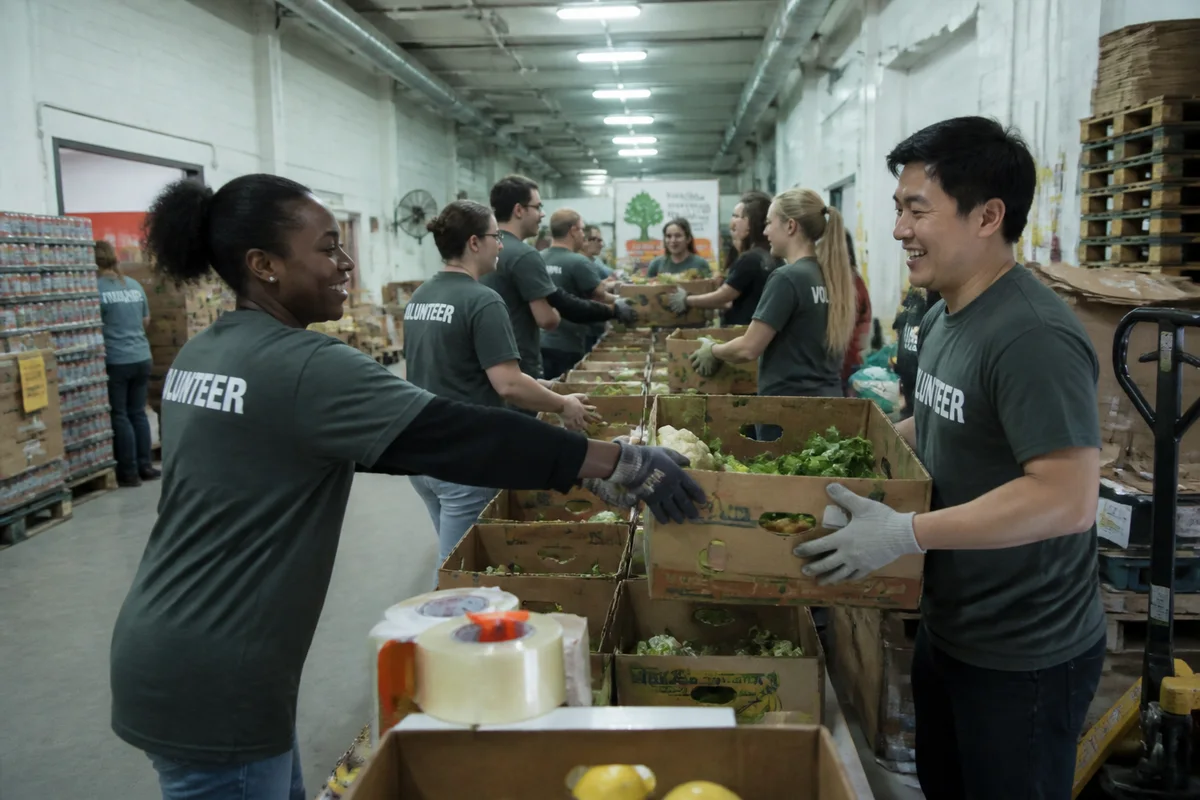
The workflow in action — drag to compare.
Nonprofit storytelling runs on photos taken by program staff in the field — food banks mid-distribution, volunteers mid-build, community programs in fluorescent-lit multipurpose rooms. The photos carry the mission's most powerful evidence, and they're shot in the least controlled conditions imaginable, by people whose actual job that day was running the program.
AI editing gives the communications team professional materials without a photographer line item. Brighten the warehouse and community-room shots, correct color so the images feel warm and human rather than institutional, tidy distracting clutter from the edges, and expand backgrounds to create space for appeal headlines and campaign text.
Authenticity is the asset: donors respond to real programs and real people, so editing serves legibility and dignity — never manufacturing need, never altering the people served, and always honoring the consent practices your organization already follows.
The problems this solves
- Field photos come from program staff shooting in warehouses and multipurpose rooms.
- Fluorescent institutional lighting makes mission work look cold.
- Appeal layouts need headline space the photos weren't composed with.
- There's no budget line for professional photography.
A workflow that works
Brighten the field shots
Warm, bright light turns a dim warehouse distribution photo into an image donors connect with.
AI Lighting ChangerHumanize the color
Correcting institutional fluorescent casts makes program photos feel warm and hopeful instead of clinical.
AI Color CorrectionTidy the frame
Stray bins, signage, and background clutter exit so the story — people and mission — reads instantly.
AI Object RemoverMake room for the appeal
Expanding the background creates clean space for headlines on banners, mailers, and social graphics.
Generative ExpandCrop per channel
The same hero photo exports for the mailer, the email header, and every social format the campaign runs on.
AI Photo ReframeFrequently asked questions
What are the ethical lines for editing nonprofit photos?
Edit conditions, never the story: light, color, clutter, and framing are fine; altering people, staging need, or constructing scenes that didn't happen violates donor trust and most organizations' ethics policies. When in doubt, ask whether the edit changes what a donor believes happened.
Do we need consent from the people in program photos?
Follow your organization's release practices — written consent for identifiable participants is standard, with extra care for children and vulnerable populations. Editing can also remove bystanders who didn't consent from otherwise usable photos.
How do we make one photo work across a whole campaign?
Pick the strongest image, edit it once, then export the variations: expanded versions with text space for banners and mailers, tight crops for social, and a wide version for the website hero. Repetition builds campaign recognition.
Our photos all look like they were taken in a warehouse. Is that bad?
The warehouse is real and donors know logistics matter — you don't need to hide it. Brightening, warming, and decluttering make the same real scene feel energetic instead of bleak, which is the difference that moves response rates.
Related use cases