
Use case
Edit Church Event Photos with AI
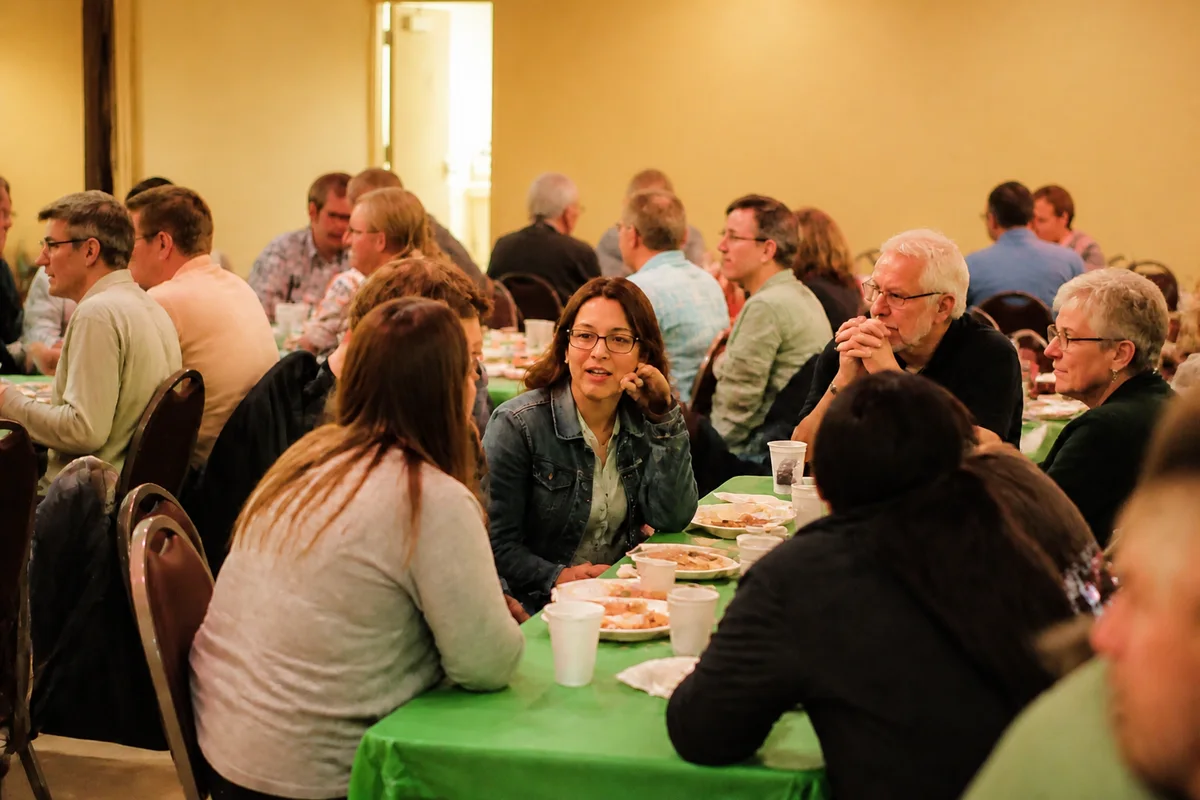
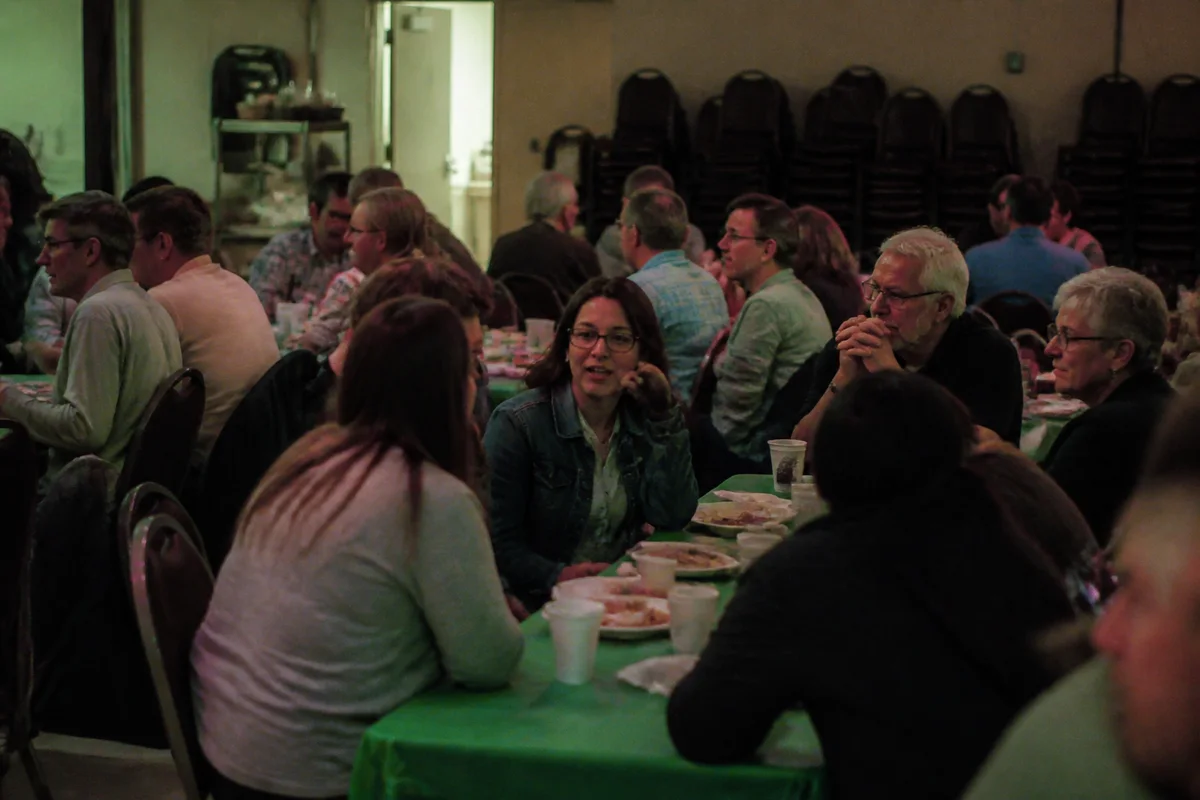
The workflow in action — drag to compare.
Church life generates constant photography — services, baptisms, potlucks, youth events, holiday programs — usually captured by volunteers on phones in two of the hardest environments there are: dim sanctuaries where flash would intrude, and fellowship halls lit by fluorescent panels over folding tables. The moments are precious; the photos are dark, yellow, or green.
AI editing lets a volunteer media team punch far above its equipment. Brighten sanctuary shots so the congregation and the moment are visible, correct the stage-light wash that turns the worship team magenta, tidy the stacked chairs and cable runs out of event photos, and sharpen the wide shots for the bulletin, the website, and the weekly email.
Good photos do quiet ministry: they show a visitor what the community looks like before they ever walk in, and they give members a record of the life of the congregation.
The problems this solves
- No-flash sanctuary etiquette leaves service photos dark and grainy.
- Stage and fellowship-hall lighting casts magenta and green on everyone.
- Stacked chairs, cables, and kitchen carts clutter event photo backgrounds.
- Volunteer photographers submit phones-worth of inconsistent shots.
A workflow that works
Brighten the sanctuary moments
Services, baptisms, and candlelight programs photograph dark; relighting recovers them respectfully, no flash required.
AI Lighting ChangerFix the stage-light color
Colored stage washes and fluorescent halls distort skin tones; correction reduces those casts.
AI Color CorrectionTidy the event backgrounds
Chair stacks, cables, and cleanup carts leave the frame, keeping attention on the people and the occasion.
AI Object RemoverSharpen for print and web
Bulletin printing and website banners both punish soft photos; a sharpening pass keeps volunteer shots crisp.
AI Image SharpenerFrequently asked questions
How can volunteers take better source photos in the sanctuary?
Brace against a pew or wall, use burst mode during moving moments, and shoot wider than feels natural — cropping sharp wide shots beats zooming into blur. Editing recovers exposure; it can't fully rescue camera shake.
Should we get permission before posting photos of members?
Yes — a simple standing photo policy with an opt-out works for most congregations, and always ask before featuring children or baptism candidates prominently. Editing can also remove bystanders who preferred not to appear.
The worship team is always magenta in photos. Why?
Colored stage LEDs mix badly with phone cameras' automatic white balance. Color correction pulls skin back to natural while keeping the atmosphere the lighting design intended.
What photos does a church website need most?
A warm exterior with clear signage, the sanctuary during worship, genuine fellowship moments, and children's and youth ministry shots taken with permission. Bright, consistent editing across them tells a visitor this community is alive and welcoming.
Related use cases