
Creative
AI Style Transfer
Repaint your photo in the style of the masters, or your own
Free credits on signup — no credit card required.
- 1Upload a photo and choose an art style
- 2The AI re-renders your scene in that style's brushwork and palette
- 3Download your photo as a piece of art
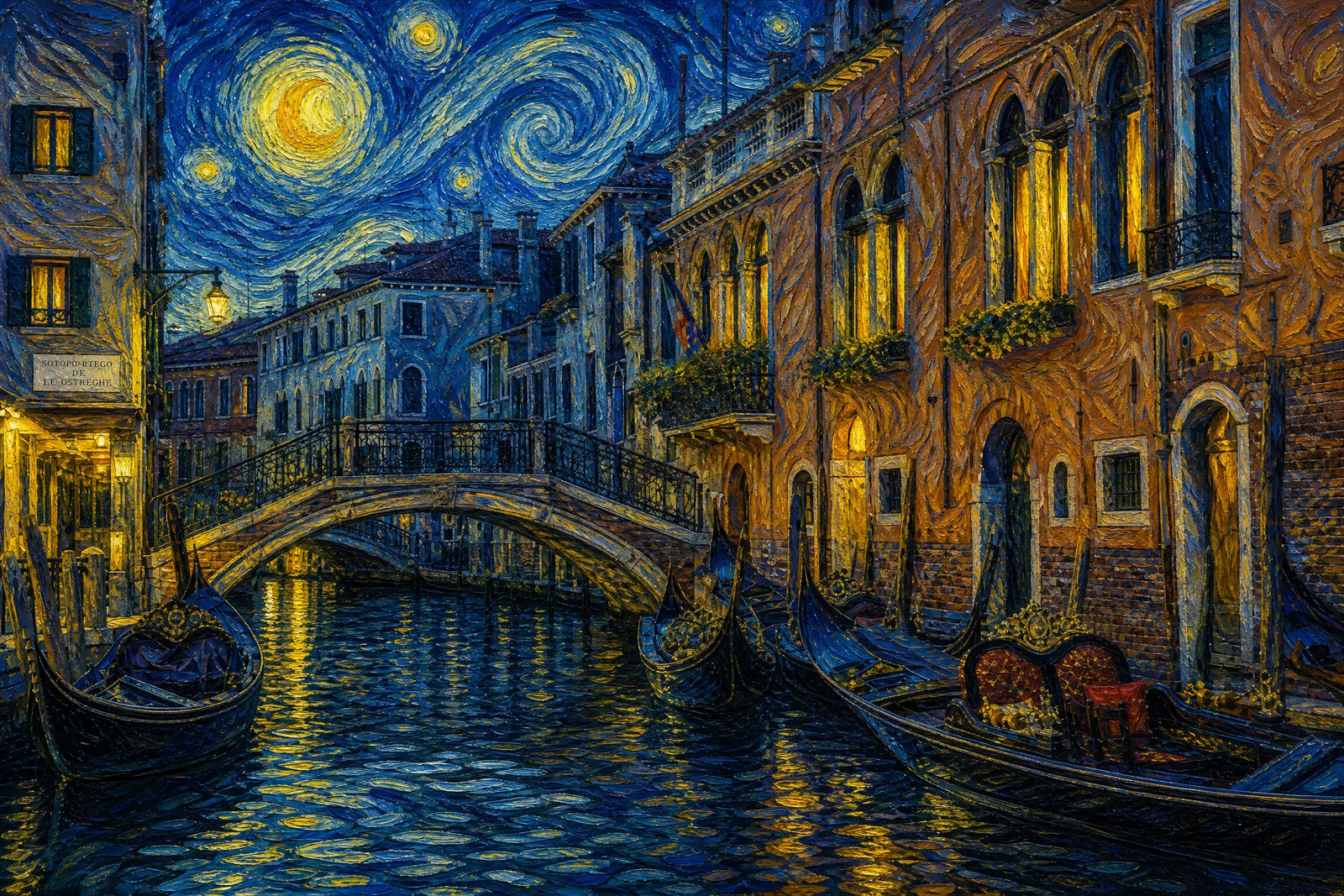
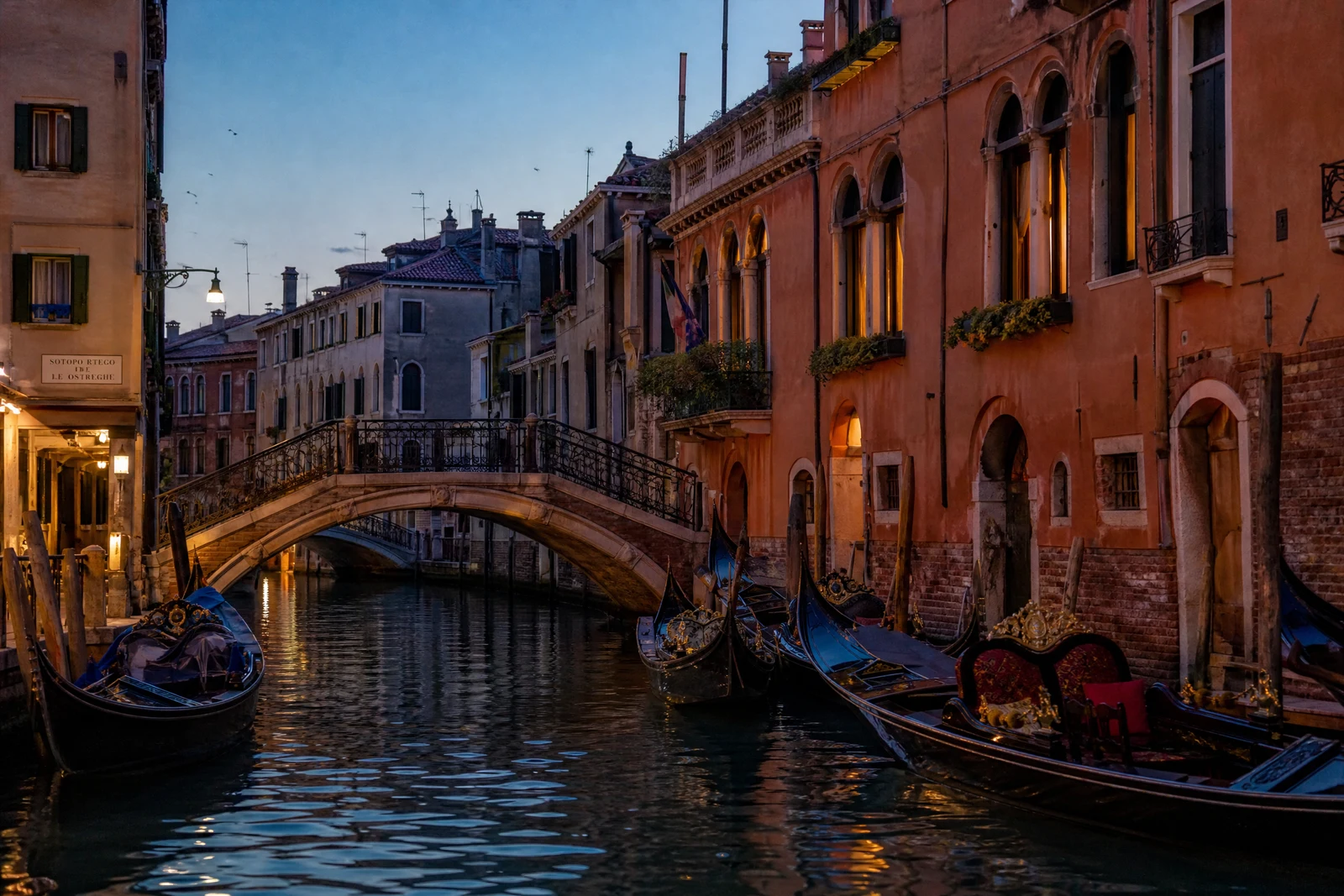
Real output from the editor — drag to compare.
Style transfer answers a simple, irresistible question: what would this photo look like if Van Gogh had painted it? The technique separates an image into content (what is depicted) and style (how it is rendered: brushwork, palette, texture), then re-renders your content in the chosen style. Your composition, subjects, and scene survive; the medium transforms around them.
The preset library spans painting history and modern aesthetics: Starry Night's swirling impasto, Monet's soft impressionism, ukiyo-e woodblock flatness, Warhol pop repetition, plus watercolor, pencil sketch, stained glass, cyberpunk neon, and more. Each preset carries the real hallmarks of its style rather than a generic filter wash, so a ukiyo-e portrait picks up flat color planes and linework, not just a sepia tint.
Stylized photos make striking prints, avatars, gifts, and social posts. Strong, clearly composed source photos convert best, since bold shapes give the style something to grip. For turning photos into cartoon and anime characters specifically, Cartoonizer and Photo to Anime are tuned for those looks.
Why this tool
- Chain the result into any of the other tools
- Standard, Pro and Max quality tiers
- Results land in your creations library
- Upscale to print size or turn into video
Frequently asked questions
Will my photo still be recognizable?
Yes. Style transfer preserves content and composition while changing the rendering. A portrait stays a portrait of that person; it is simply painted, sketched, or inked instead of photographed.
Which photos convert best?
Photos with a clear subject, good contrast, and simple composition. Busy scenes with lots of small detail can turn muddy in painterly styles, while bold shapes and strong light translate beautifully.
How do these styles differ from phone camera filters?
Filters adjust color curves over the same pixels. Style transfer re-renders the image with the strokes, textures, and structural conventions of the style, so a watercolor result has actual bleed and paper texture, not a tint.
Can I print the results?
Yes, stylized images make excellent wall art and gifts. Run the result through the Upscaler in creative mode to reach print resolution with the style's texture intact.
Can I try AI Style Transfer for free?
Yes — every new account starts with 4 free credits, enough to run this tool once at Standard quality. No credit card required.
Related tools