
Use case
The AI Photo Editor for Influencers and Creators
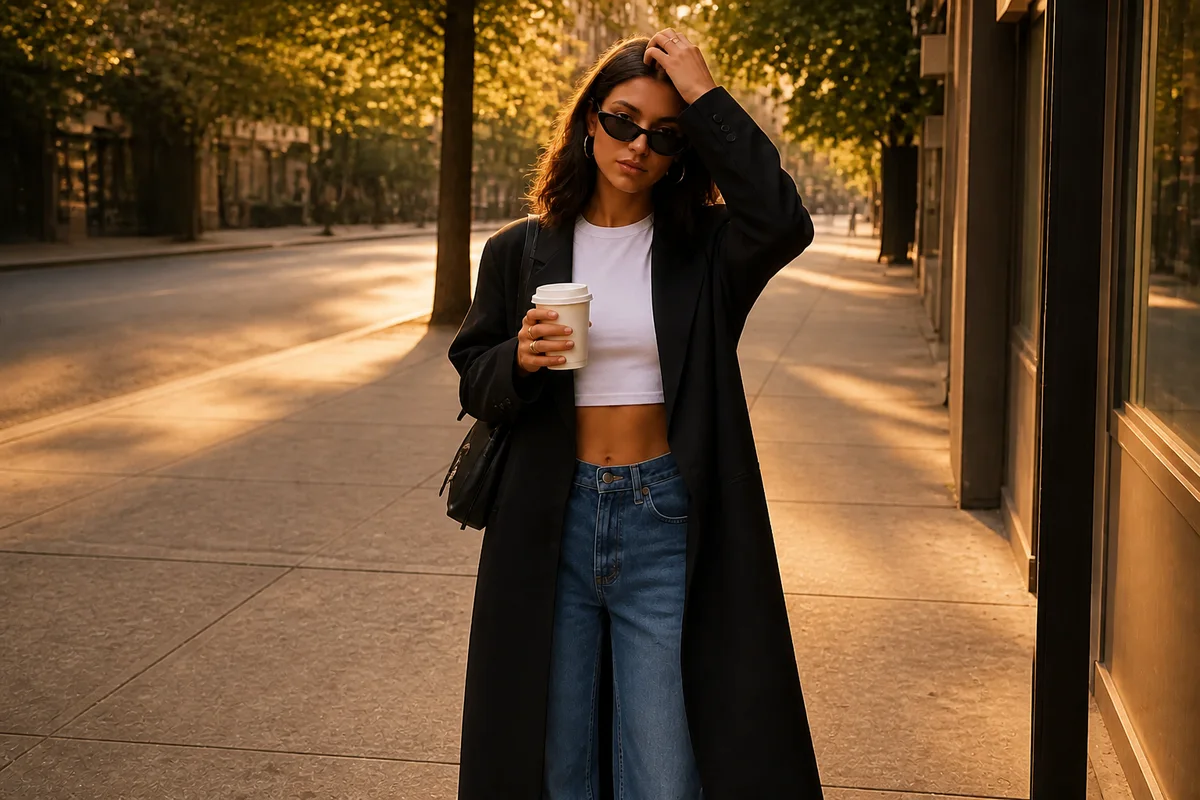
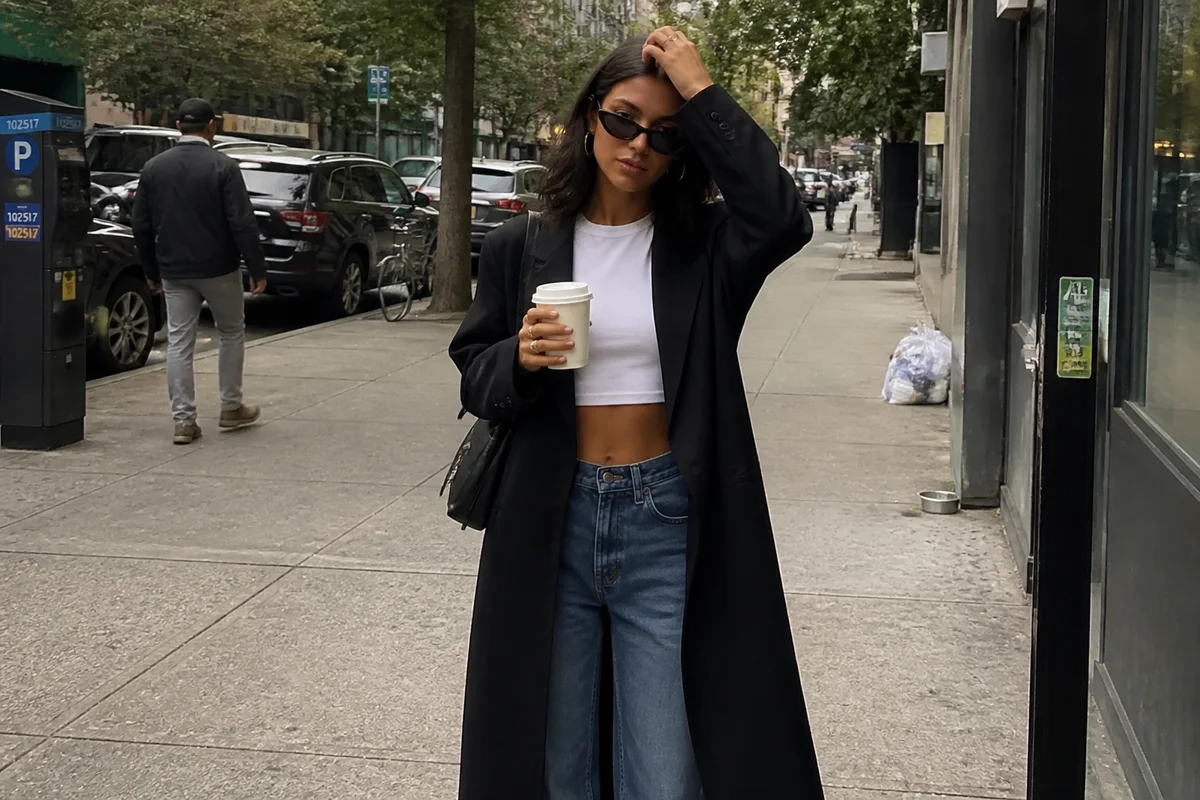
The workflow in action — drag to compare.
Posting consistently means shooting constantly — and shooting constantly means most of your content comes from imperfect conditions: hotel rooms with mixed lighting, event backdrops you don't control, and one outfit shot that has to work as a feed post, a Story, and a partner deliverable in three different aspect ratios.
AI editing is the difference between a feed that looks managed and one that looks like a camera roll. Fix the lighting from whatever location you got, remove the trash can and strangers from the background of the street shot, extend the frame when the composition is too tight for a vertical crop, and keep your color treatment consistent across content shot weeks apart.
For sponsored work, the same tools handle brand requirements — clean backgrounds, accurate product color, and the exact crop specs in the brief — without waiting on a retoucher.
The problems this solves
- Content gets shot in uncontrolled locations with bad or mixed lighting.
- Strangers, cars, and street clutter photobomb outdoor shots constantly.
- One shot has to be delivered in feed, Story, and campaign formats with different aspect ratios.
- Sponsored posts have brand specs — clean background, accurate product color — that raw shots miss.
A workflow that works
Fix the location lighting
Hotel rooms, restaurants, and overcast streets all get corrected to the bright, flattering light your feed is known for.
AI Lighting ChangerClean the background
Remove the bins, cones, signage, and strangers that a real street or venue always includes.
AI Object RemoverExtend the frame for vertical formats
When the original is too tight for 9:16, expanding the canvas beats a crop that amputates the outfit or the location.
Generative ExpandKeep color consistent across the feed
A recognizable, consistent color treatment across posts shot in different places is what makes a grid look curated.
AI Color CorrectionRetouch lightly when needed
Cleanup of temporary blemishes and shine — kept light, because audiences notice and screenshot heavy editing.
AI Face RetouchFrequently asked questions
How do I keep edits from looking obviously filtered?
Edit the scene more than yourself: lighting, background, color. On skin, remove only what's temporary and stop before texture disappears. Audiences compare your posts to your Stories and lives — the closer they match, the more trust you keep.
Can I deliver different aspect ratios to a brand from one shot?
Yes. Edit the master photo once, then expand the canvas where needed and export each spec — 4:5 feed, 9:16 vertical, 1:1, and any banner crop in the brief — from the same file.
A great shot has a stranger clearly visible. Do I need to edit them out?
It's good practice. Beyond aesthetics, identifiable strangers in monetized content can raise privacy issues in some jurisdictions. Removal is cleaner than a blur and keeps the shot usable commercially.
What should I disclose about edited photos?
Rules vary by country — some require labeling retouched ads. Regardless of law, the durable move is editing conditions rather than your body or face, so there's nothing misleading to disclose in sponsored content.
Related use cases