
Use case
Edit Travel Photos with AI
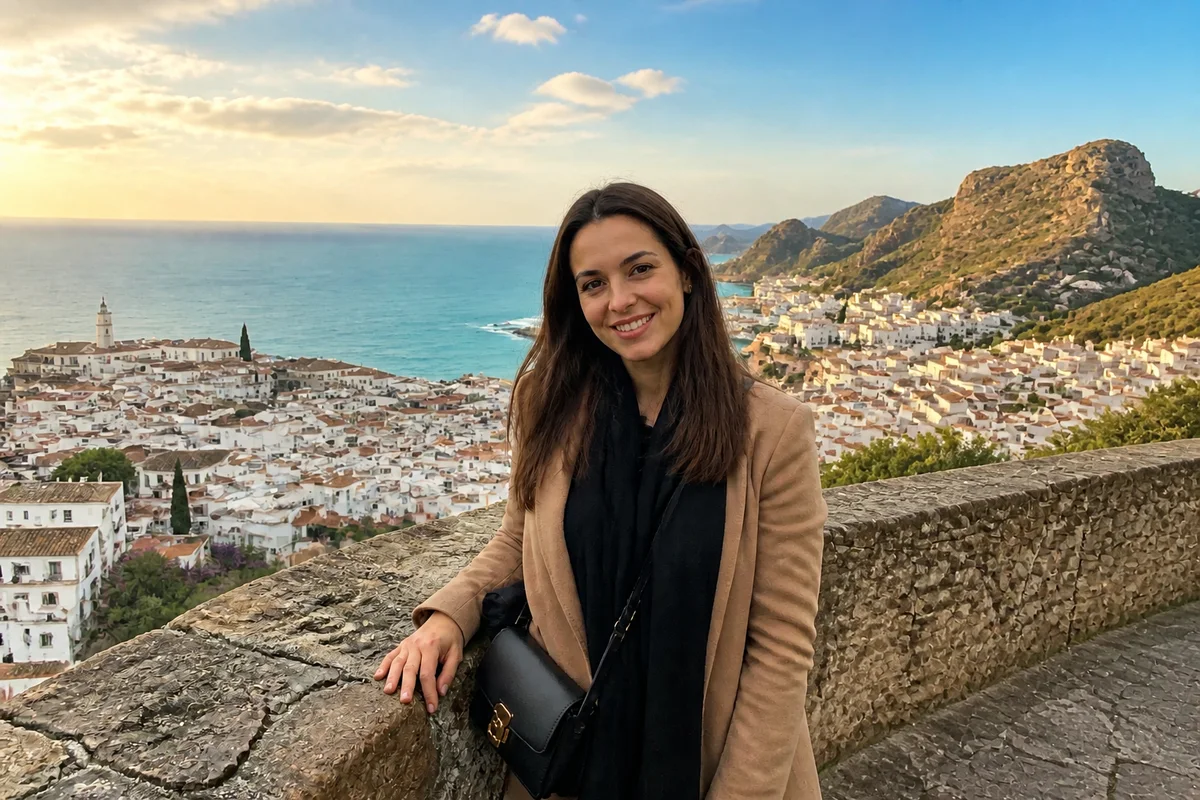
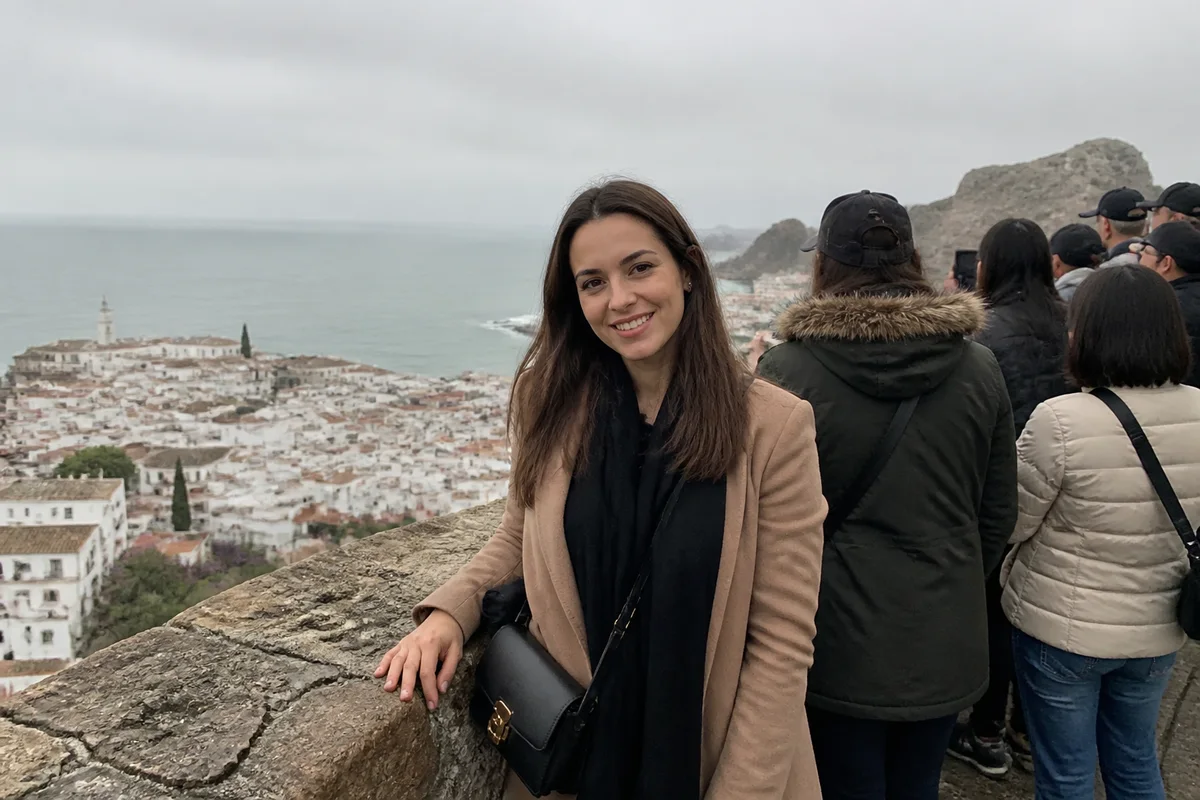
The workflow in action — drag to compare.
You waited twenty minutes for a gap in the crowd at the Trevi Fountain, and there wasn't one. The Eiffel Tower came with scaffolding, the beach day came with gray sky, and the cathedral interior — the most beautiful thing you saw all trip — came out dark and blurry because tripods weren't allowed.
This is what AI editing was made for. Remove the crowds from landmark shots, swap the one overcast day for the blue sky the rest of the week had, brighten the handheld interior photos, and erase the scaffolding, signage, and traffic that reality insists on adding to famous views.
The trip happened; the photos just under-reported it. Edit the batch when you're home, and the album finally matches the memory.
The problems this solves
- Every landmark photo includes fifty strangers taking the same photo.
- One gray, drizzly day ruins the photos from an entire location.
- Interiors — cathedrals, museums, markets — come out dark and slightly blurred handheld.
- Scaffolding, cranes, signage, and traffic clutter famous views.
A workflow that works
Remove the crowds
Clearing tourists from around a landmark turns the shot everyone gets into the shot nobody can get.
AI Person RemoverFix the gray-sky day
One overcast afternoon shouldn't define a location's photos; a natural blue sky restores how the place actually felt.
AI Sky ReplacementBrighten the interiors
Handheld shots in cathedrals and markets recover well — brightening reveals the detail your eyes saw and the camera buried.
AI Lighting ChangerErase scaffolding and clutter
Restoration scaffolding, tour buses, and signage disappear, leaving the view postcards pretend is normal.
AI Object RemoverExpand crops for prints and frames
Extending the canvas makes a tight vertical shot work as a wide print or a desktop wallpaper without losing the subject.
Generative ExpandFrequently asked questions
Can crowds really be removed from a busy landmark shot?
Yes — people around and behind the landmark remove well. The hardest cases are people directly overlapping your travel companions or intricate foreground detail. When shooting, a frame or two with slightly different crowd positions gives editing more to work with.
Is replacing the sky in travel photos cheating?
It's your album, not a documentary. Most people's standard: edits that restore how the place genuinely felt (it was sunny all week except photo hour) feel fine; fabricating conditions that never happened feels off. Decide where your line is and edit consistently.
My night and interior shots are grainy and soft. Fixable?
Substantially. Brightening plus deblurring recovers handheld low-light shots to clearly shareable quality. Heavy grain in very dark shots recovers partially — prioritize the irreplaceable moments.
What's the best way to edit a whole trip's photos efficiently?
Cull first — pick the 30 to 50 keepers, not all 900. Fix each keeper's one biggest problem (crowd, sky, light), apply consistent color across the set, and stop. A tightly edited small album beats a lightly edited huge one.
Related use cases