
Use case
Edit Quinceañera Photos with AI
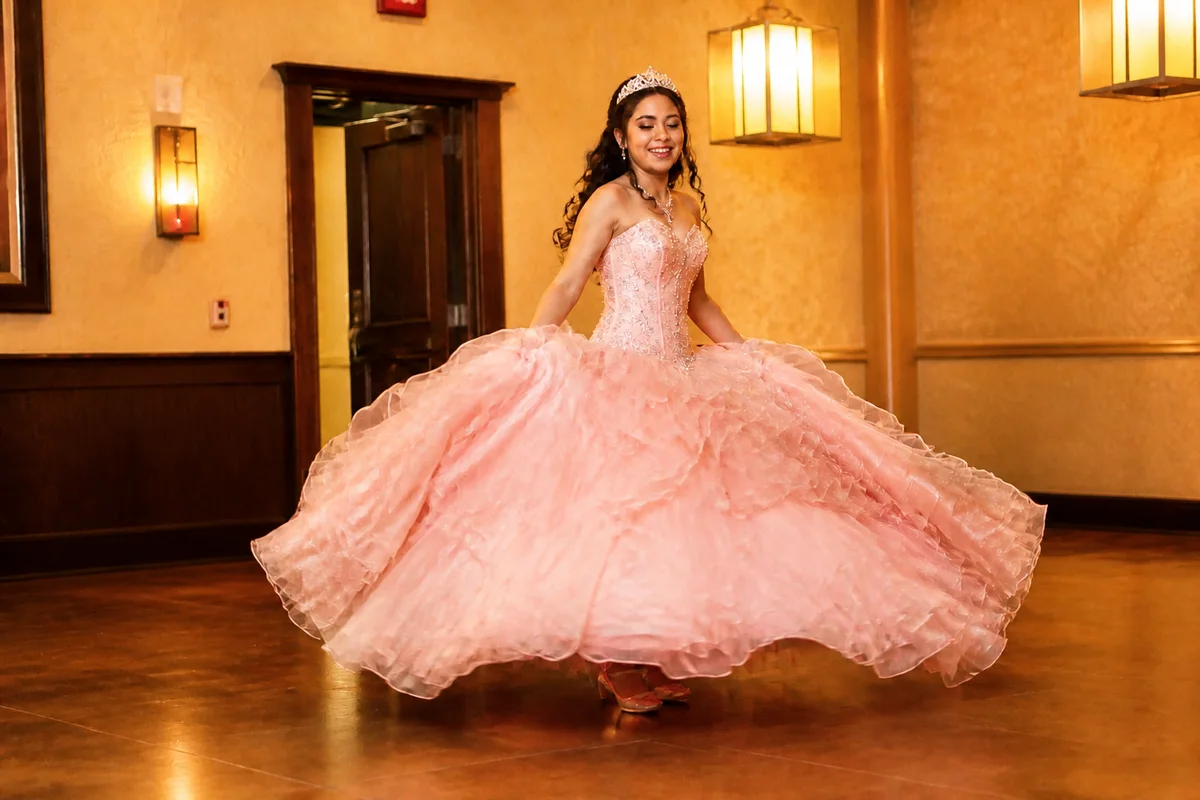
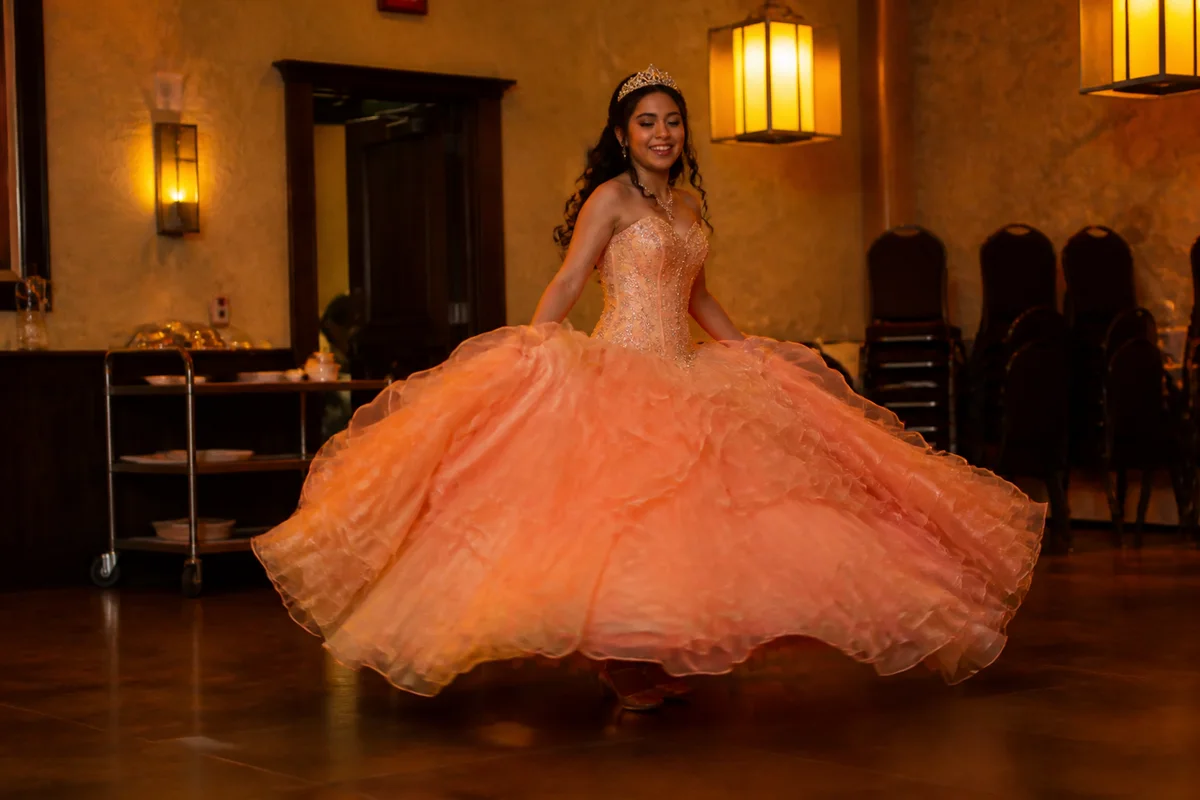
The workflow in action — drag to compare.
A quinceañera is a full production — the formal portraits, the church ceremony, the grand entrance, the waltz, the crown. Every stage happens in different light, and the dress that was chosen so carefully photographs a different color in each one: one shade outdoors, warm in the church, and whatever color the DJ's uplights decide during the party.
AI editing helps pull the whole day toward one consistent, vivid record. Correct the hall lighting to reduce the shifting casts from portraits to last dance, brighten the ceremony and waltz shots taken under dim fixtures, remove the catering carts and speaker stands from the venue backgrounds, and finish the formal portraits with light, natural retouching before they're printed and gifted.
Between the professional shots, the padrinos' cameras, and everyone's phones, there are hundreds of frames — editing turns the best of them into the album.
The problems this solves
- The dress photographs a different color in sunlight, church light, and DJ lighting.
- The waltz and crown moments happen under dim, warm hall fixtures.
- Venue backgrounds fill with catering carts, speakers, and staging clutter.
- Formal portraits need print-quality polish for framed gifts to family.
A workflow that works
Keep the dress color true
The dress is the visual center of the day; correction evens out each venue's lighting cast.
AI Color CorrectionBrighten the ceremony and waltz
The most emotional moments happen in the dimmest light — relighting recovers them without losing the ambiance.
AI Lighting ChangerClear the venue clutter
Speaker stands, cords, and cart traffic disappear, leaving the decorated hall the way it looked at its best.
AI Object RemoverPolish the formal portraits
Gentle retouching for the portraits that get framed — target shine and stress blemishes only, and review the result before printing.
AI Face RetouchUpscale for framed gifts
Portraits gifted to grandparents and padrinos should print sharp at 8x10 and larger.
AI Image UpscalerFrequently asked questions
The DJ lighting turned every reception photo purple. Can that be fixed?
Mostly, yes. Color correction pulls skin tones and the dress back to natural while leaving enough of the party color to keep the atmosphere. Fully saturated single-color lighting is the hardest case — correct the best-lit frames first.
Can the photos from family phones match the photographer's shots?
Editing narrows the gap a lot: matched brightness, corrected color, and cleaned backgrounds make phone shots sit comfortably next to professional ones in the same album, even if fine detail differs.
What retouching is appropriate for a fifteen-year-old's portraits?
The same rule as any milestone portrait: temporary things only. Shine, a blemish, a stray hair — yes. Reshaping features or smoothing skin into plastic — no. She should look like herself at fifteen, because that's what the photo is for.
Which photos should we prioritize editing first?
The formal portrait that gets framed, the father-daughter waltz, the crowning, and one wide shot of the full court. Those four carry the album; edit the rest as time allows.
Related use cases