
Use case
Edit Pet Photos with AI
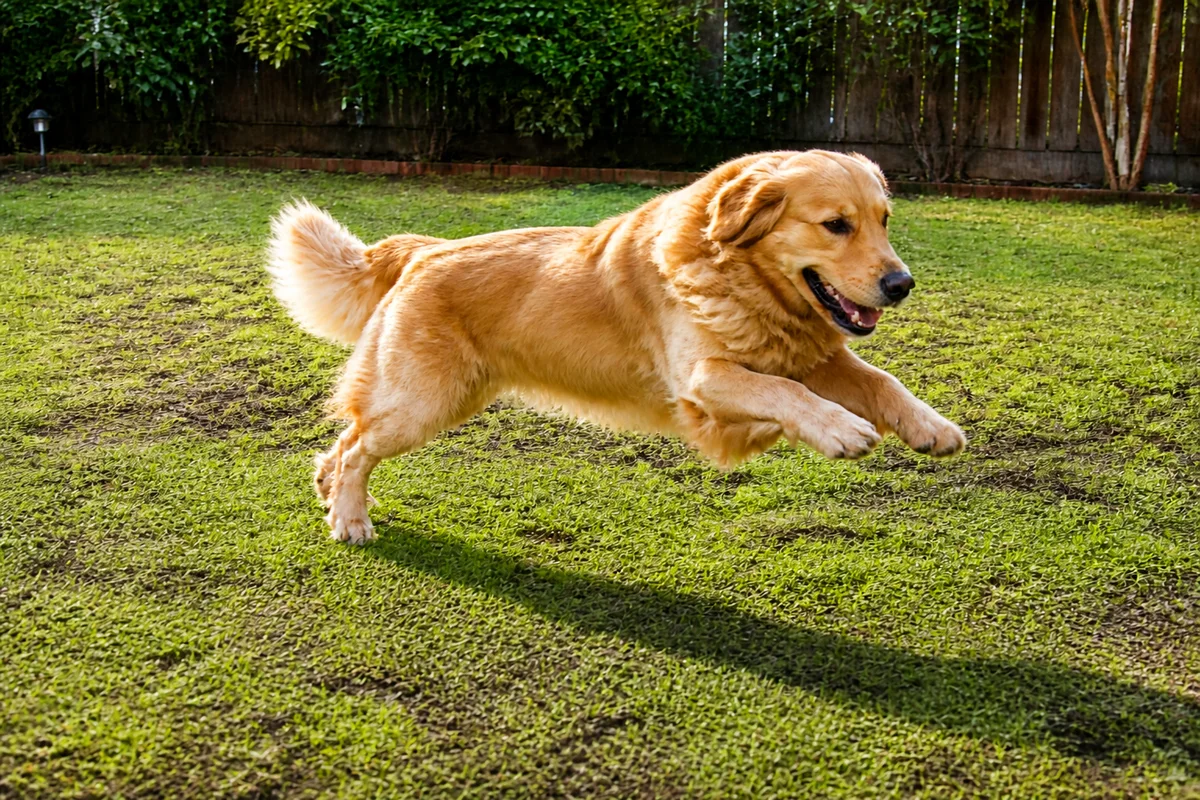
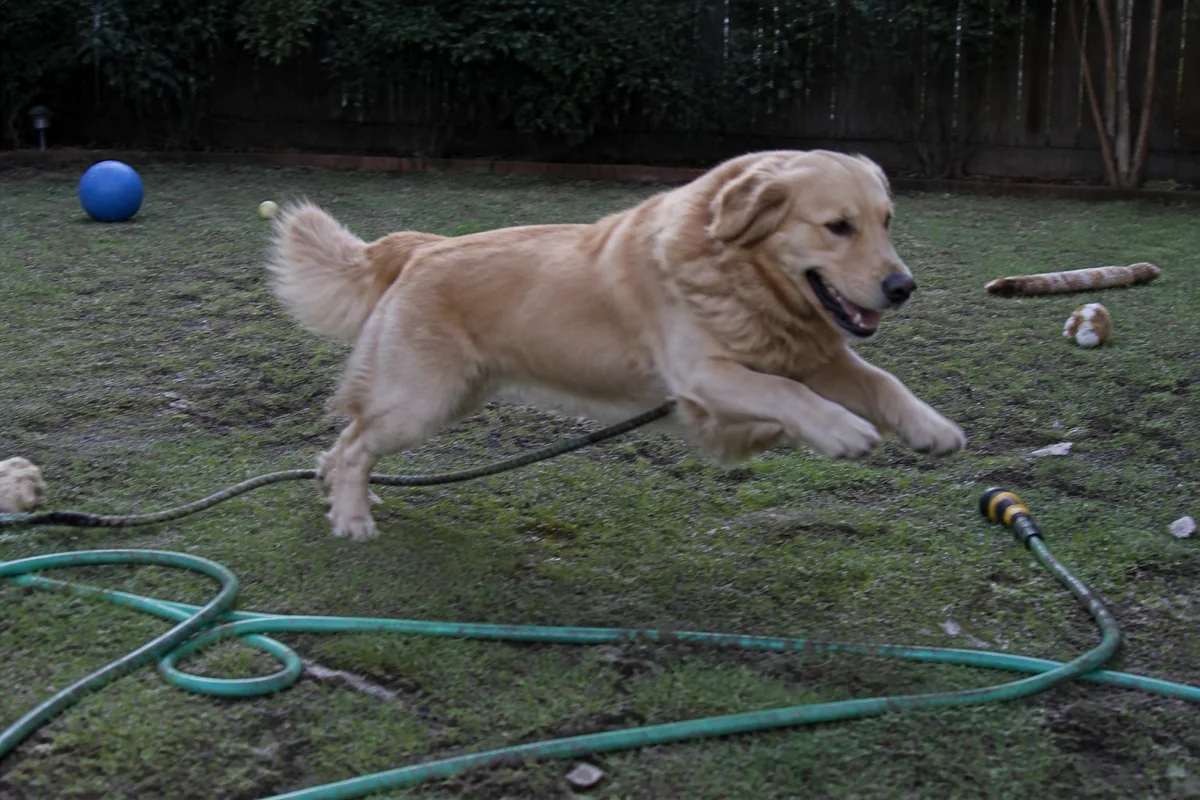
The workflow in action — drag to compare.
Pets are the most photographed and least cooperative subjects in any camera roll. Dogs move at the exact moment of the shutter, cats leave when the phone comes out, and the best expressions happen in dim living rooms against a backdrop of toys and laundry. For every hundred photos, one is almost perfect — emphasis on almost.
AI editing fixes the almost. Sharpen the slightly blurred action shot at the park, remove the leash from the portrait, clear the toy shrapnel from the living-room floor, and correct the dim indoor light that turned a golden retriever muddy brown. For memorials, restore and enlarge the old photos of pets no longer here.
And for fun: turn the best portrait into a cartoon or stylized artwork for cards, gifts, or the pet's inevitable social media account.
The problems this solves
- Pets move constantly, so most action shots are slightly blurred.
- Leashes, toys, and household clutter fill the background of every candid.
- Indoor lighting muddies fur color and hides texture.
- The best photo of a pet who has passed is small, old, or damaged.
A workflow that works
Sharpen the action shots
The mid-zoomies photo with the perfect ears was almost sharp — deblurring finishes the job the shutter speed couldn't.
AI Unblur ImageRemove the leash and clutter
Erasing the leash, toys, and laundry turns a living-room candid into a clean portrait.
AI Object RemoverFix fur color and lighting
Indoor light adds a cast that dulls a coat; correction reduces it — check the result against your pet in person.
AI Color CorrectionSharpen fur and eye detail
Crisp whiskers, fur texture, and catchlights in the eyes are what make a pet photo feel alive.
AI Image SharpenerMake a fun stylized version
A cartoon portrait of the best shot makes cards, phone wallpapers, and gifts the whole family actually uses.
AI CartoonizerFrequently asked questions
How do I get a usable source photo of a pet that won't sit still?
Burst mode near a window, with a noise or treat held just above the lens for eye contact. You need one frame with good eyes and expression — blur, background, and lighting are all fixable afterward.
Can you remove a leash without it looking odd?
Yes — leashes and harness straps remove cleanly in most shots, including where they cross fur. Check the collar area afterward; keeping the collar and removing only the leash usually looks most natural.
I want a portrait of a pet who passed away, but the photos are old and poor. Options?
Photo restoration handles fading and damage, upscaling makes small photos printable, and sharpening recovers softness. Many people restore the original as-is for the album and make an enlarged, cleaned portrait for the wall.
What can I make from an edited pet photo?
Framed prints (upscale first), cartoon or stylized versions for cards and mugs, a clean cutout for stickers, and a proper profile picture for the pet's social account. One good edited master feeds all of it.
Related use cases