
Use case
Edit Holiday Card Photos with AI
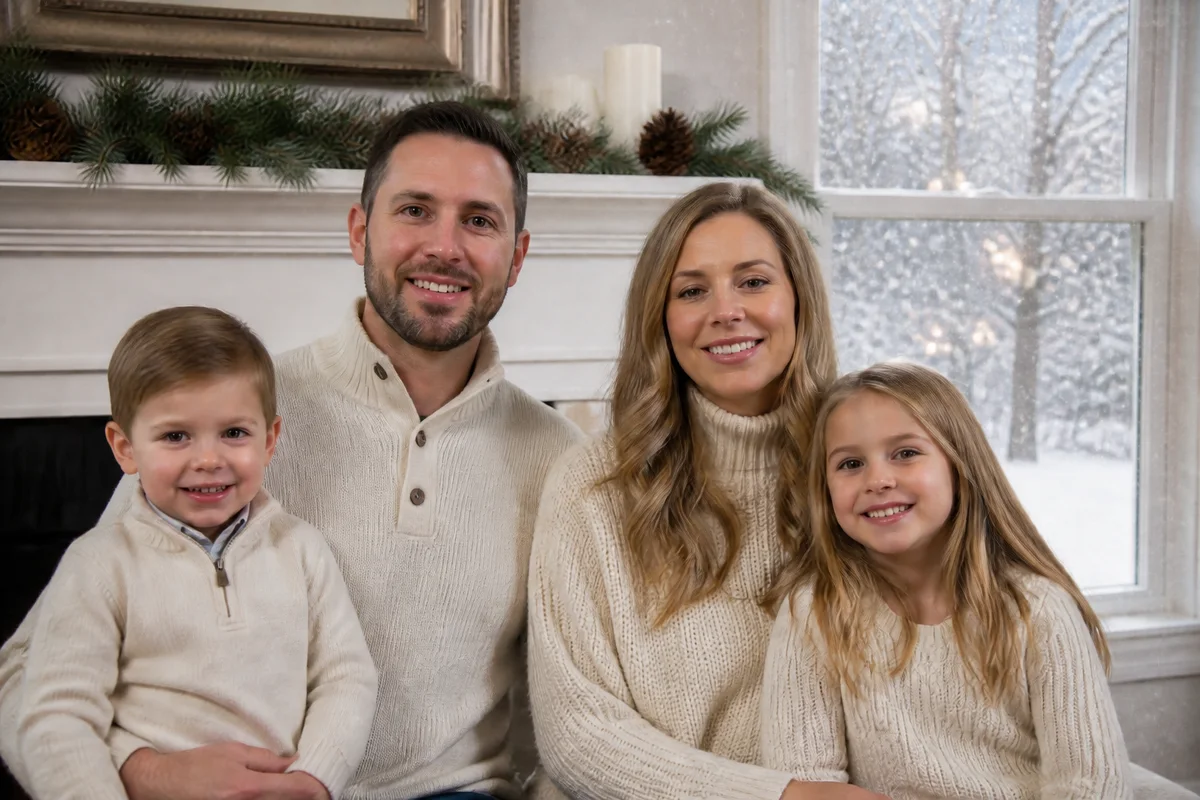
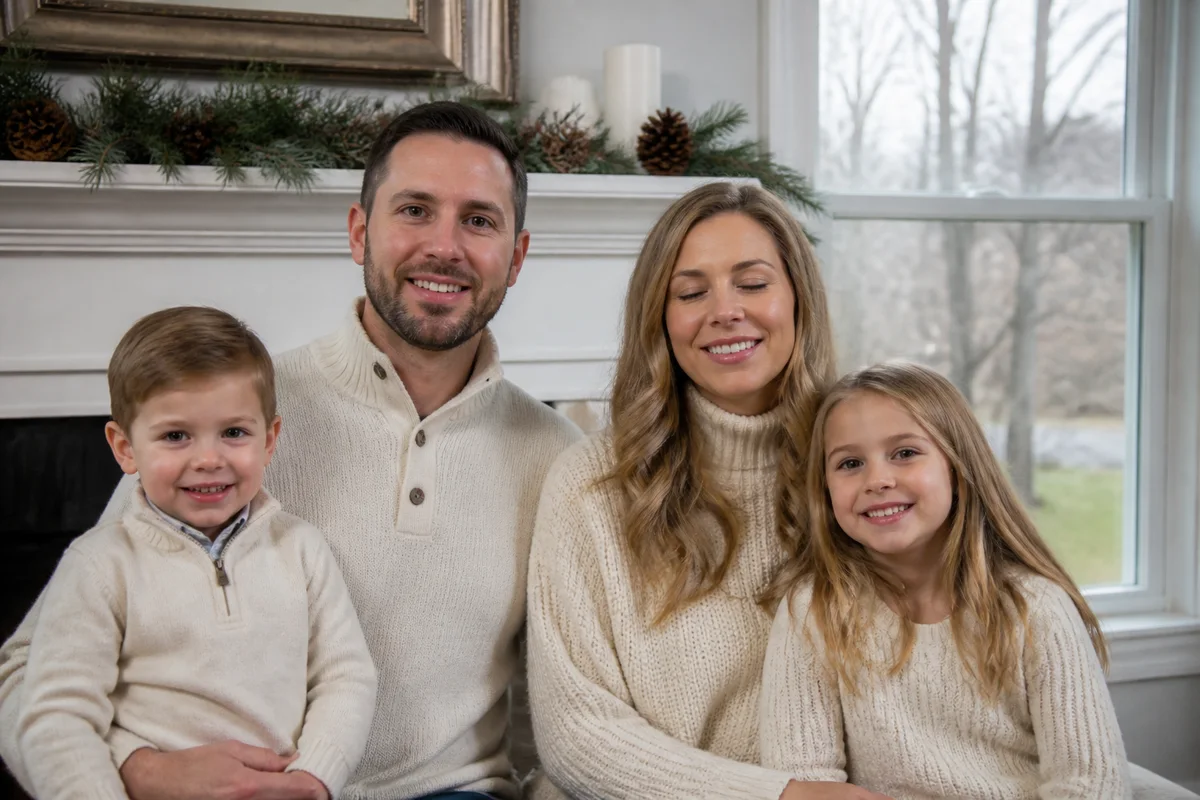
The workflow in action — drag to compare.
The annual holiday card photo is a logistics problem disguised as a photo: get every family member clean, dressed, assembled, and simultaneously pleasant-looking in the roughly ninety seconds before someone cries. Most families end up choosing between the frame where the toddler is crying and the frame where dad is blinking.
AI editing ends the compromise. Open the blinked eyes in the otherwise-perfect frame, fix the one grumpy expression, add the college kid who couldn't make it home for the photo, and — if the December weather didn't cooperate — give the backyard shot a gentle snowy atmosphere. Then expand the canvas so the card layout has room for the greeting and the year.
One good source frame plus twenty minutes of editing beats another forty-five minutes of reshooting with a deteriorating toddler. Everyone involved knows this.
The problems this solves
- No single frame has everyone smiling, looking at the camera, and not blinking.
- A family member is away — college, military, work — when the photo gets taken.
- The photo was taken in October for December cards, and it shows.
- Card templates need space for text that the photo wasn't composed to leave.
A workflow that works
Open the blinked eyes
Fix the one blink in the frame where everyone else finally cooperated — the classic holiday-photo failure.
AI Open Closed EyesFix the grumpy face
Adjust one mid-meltdown or checked-out expression to match the rest of the family's smiles.
AI Expression ChangerAdd the family member who's away
Blend in the absent kid or grandparent from a separate photo so the card shows the whole family.
AI Add People to PhotosAdd seasonal weather
A gentle snowfall or wintry atmosphere makes an October backyard read as December without a freezing reshoot.
AI Weather EffectsExpand for the card layout
Extending the canvas creates clean space for 'Happy Holidays' and the family name without covering anyone.
Generative ExpandFrequently asked questions
Everyone looks good in different frames. Which one do I edit?
Start from the frame with the most good faces and the best overall light, then fix the one or two problems — a blink and an expression fix beats trying to fix four people in a worse frame.
How do I photograph the away-at-college kid for compositing?
Have them send a photo standing in similar light (outdoors if your shot is outdoors), phone at chest height, full body if the family shot shows full bodies. Matching light direction and camera height is what makes the blend invisible.
Will added snow look fake?
Subtle wins: light falling snow and a cooler, wintry tone read naturally; a blizzard over green grass doesn't. If your photo has obviously autumnal trees, weather effects plus a slightly tighter crop on the family works better than snowing on foliage.
What resolution do printed cards need?
300 DPI at print size — about 1500x2100 pixels for a 5x7 card, plus bleed margin if your print service requires it. Expand and upscale the final edit to spec before uploading to the card printer.
Related use cases