
Restore
AI Unblur Image
Turn blurry shots into usable photos again
Free credits on signup — no credit card required.
- 1Upload the blurry photo; optionally name the region that must be sharp
- 2The AI identifies the blur type and reconstructs the lost detail
- 3Download the deblurred photo
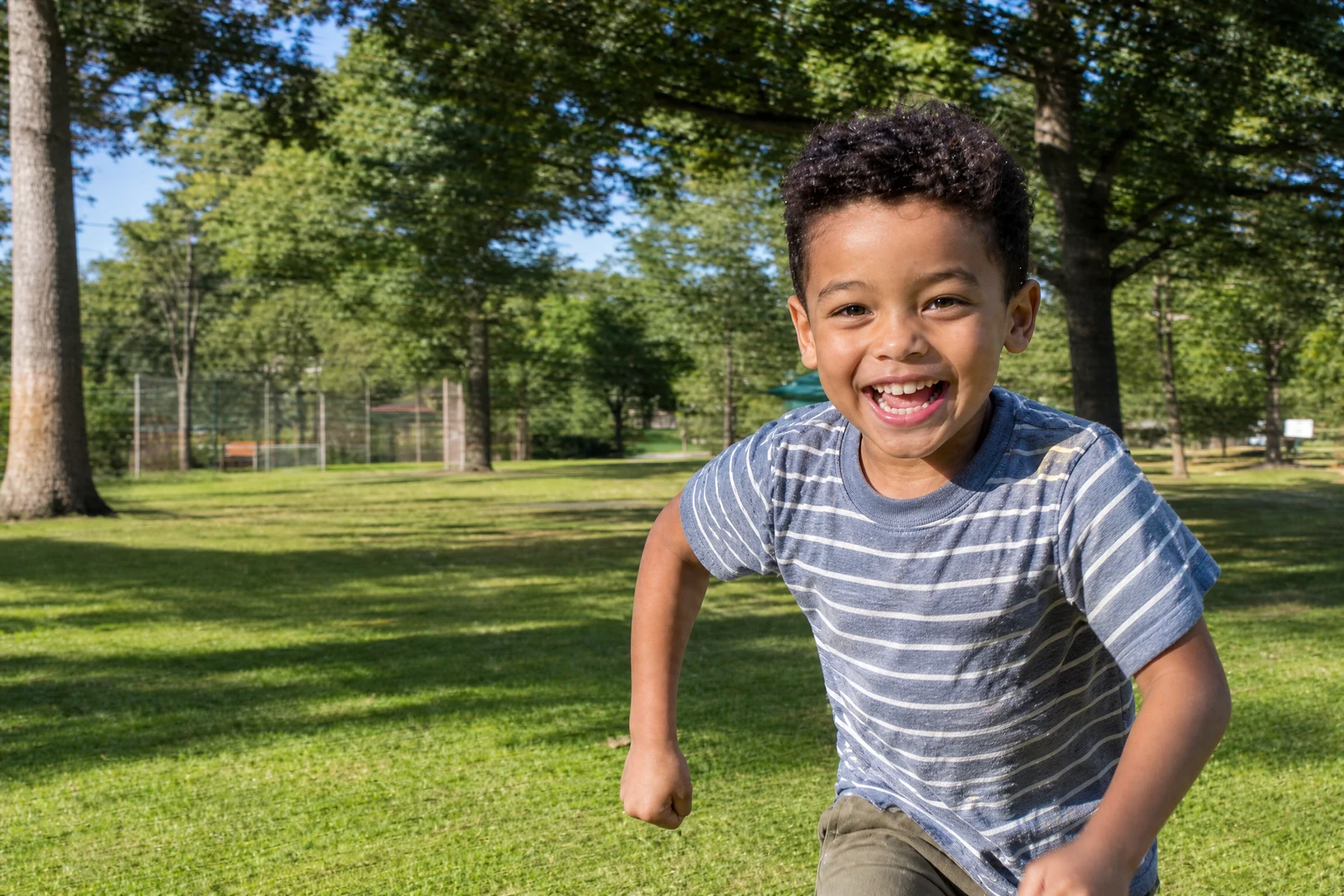
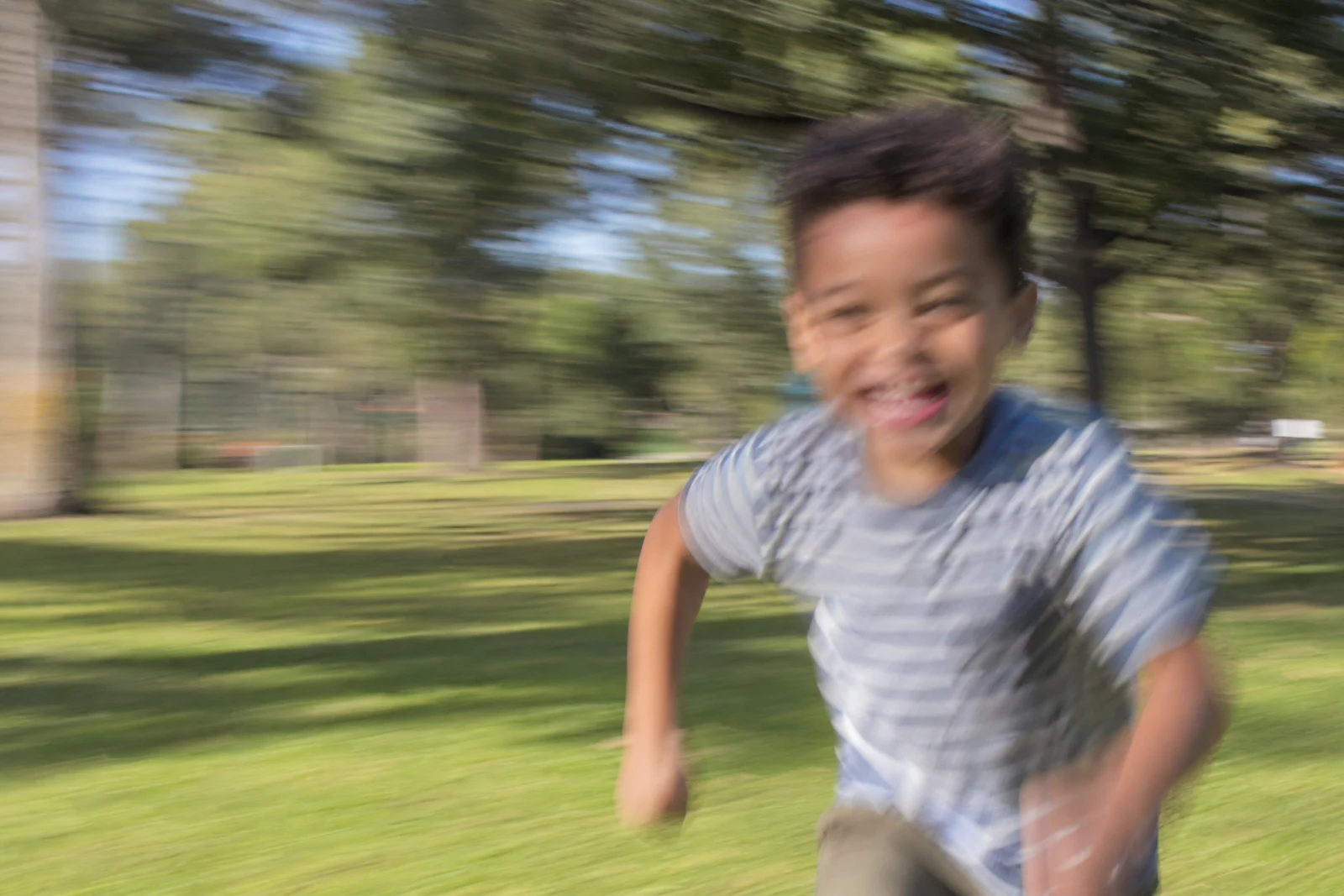
Real output from the editor — drag to compare.
Blur comes in flavors, and each destroys a photo differently. Camera shake smears everything along the direction the camera moved. Missed focus renders the subject soft while something else sits crisp. Subject motion streaks a runner or a pet through an otherwise sharp frame. This tool identifies which kind of blur it is looking at and applies the matching reconstruction, rebuilding edges and texture the blur destroyed.
For photos where one thing matters most, describe it: 'the face in the center', 'the text on the whiteboard'. The deblurring then concentrates its effort where you need legibility, which produces noticeably better results on that region than a uniform pass. Faces get special attention automatically, since they are the usual reason anyone tries to save a blurry shot.
Be realistic about limits: deblurring is reconstruction, and a frame where the subject is an unrecognizable smear cannot be brought back to forensic accuracy. But the large middle ground of slightly-shaken, softly-focused, almost-good photos, which is most of them, recovers remarkably well. For soft-but-not-blurry images, Sharpen Image is the lighter, faster treatment.
Why this tool
- Chain the result into any of the other tools
- Standard, Pro and Max quality tiers
- Results land in your creations library
- Upscale to print size or turn into video
Frequently asked questions
What is the difference between this and Sharpen Image?
Sharpen refines a photo that is basically in focus but soft. Unblur reverses actual blur: shake, defocus, and motion streaks. If edges appear doubled or smeared rather than just gentle, this is the tool.
Can any blurry photo be saved?
No, and realistic expectations help: the more the blur destroyed, the more the AI must infer. Mild to moderate blur recovers convincingly; severe smears yield an improvement rather than a perfect photo.
Should I use the specific-area field?
Yes, whenever one region is the point of the photo. Focusing the reconstruction on 'the face' or 'the text' allocates the model's effort where accuracy matters and leaves the rest naturally rendered.
Can it make blurry text readable?
Often, for moderately blurred print and signage; specify the text region for best results. Note that reconstructed text is the model's best inference, so verify anything important against another source.
Can I try AI Unblur Image for free?
Yes — every new account starts with 4 free credits, enough to run this tool once at Standard quality. No credit card required.
Related tools