
Use case
Edit Cleaning Service Photos with AI
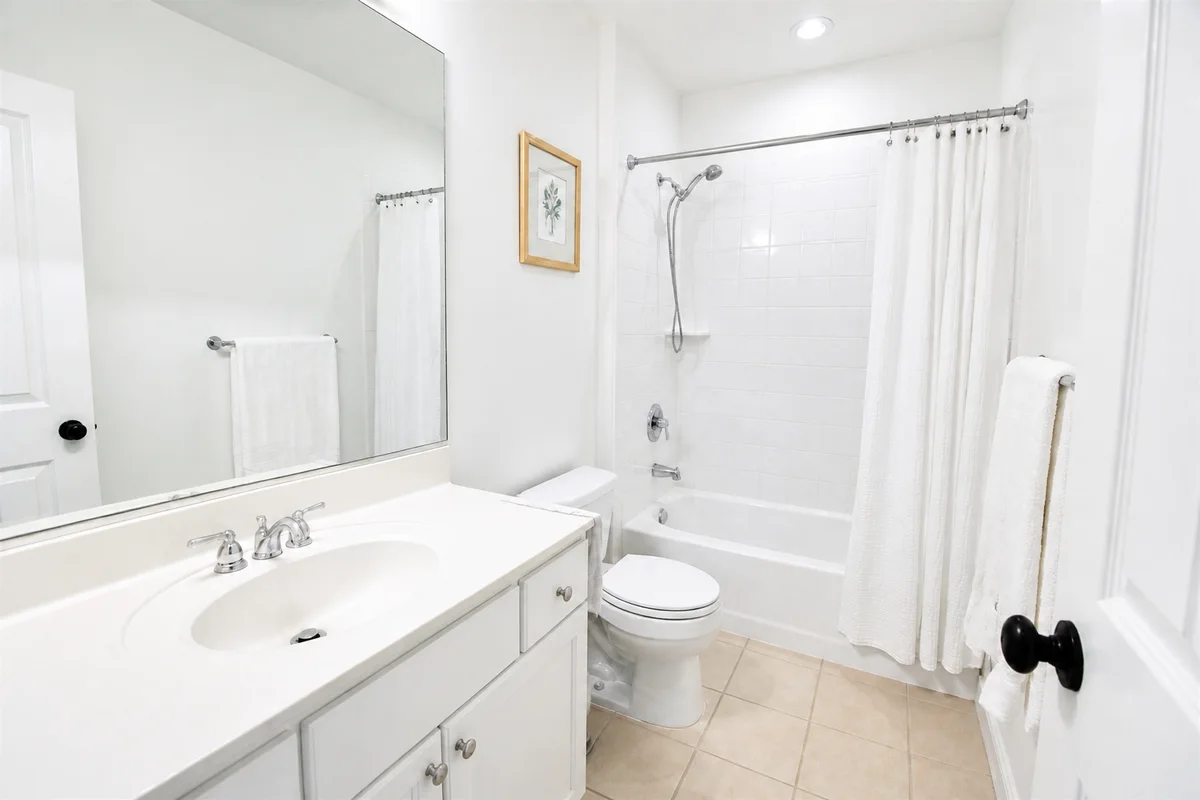
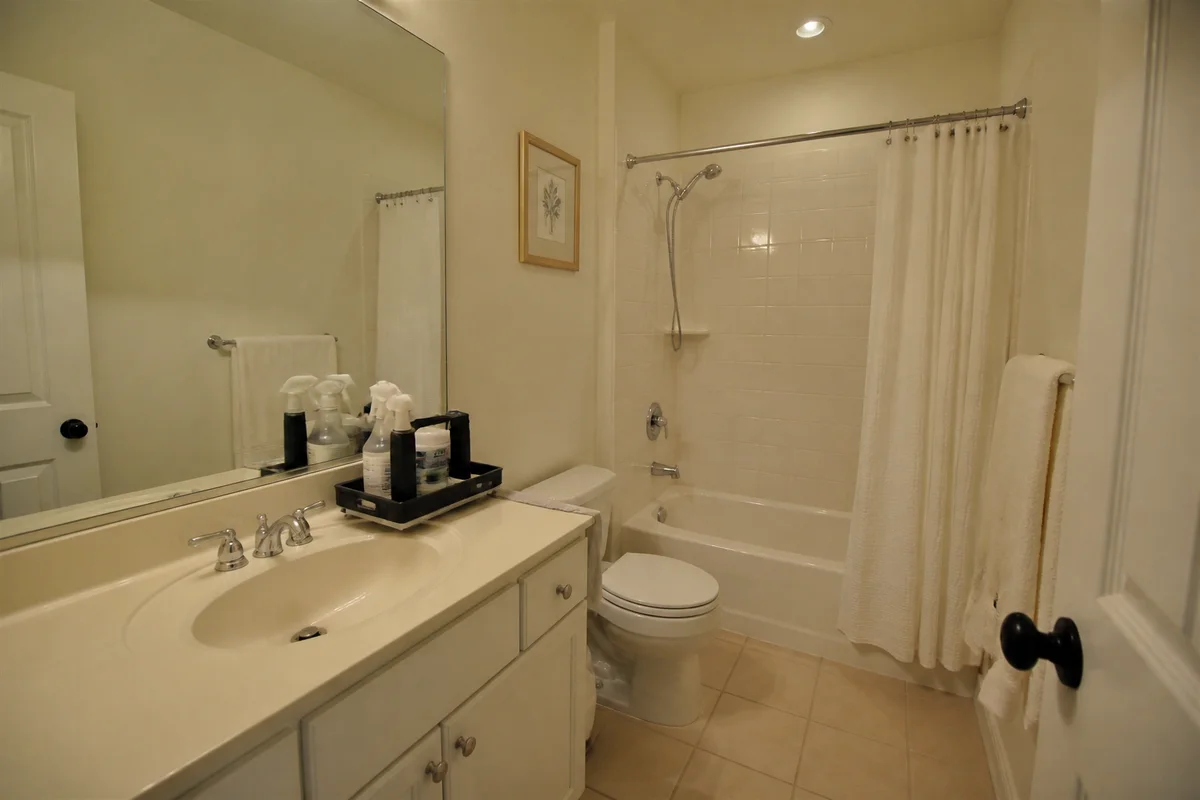
The workflow in action — drag to compare.
A cleaning service sells a feeling — the freshly finished room — and phone photos routinely fail to capture it. The just-cleaned bathroom photographs dim and yellow so the gleaming white tile looks dingy anyway, the caddy of supplies sits in the corner of the shot, and the before-after pair that should close the sale was shot with the lights off in the before and daylight in the after.
AI editing gets the sparkle on camera. Brighten finished rooms so surfaces read as clean as they are, correct color so whites are actually white — the single most important fix in this business — remove your own supplies and equipment from the frame, and match the lighting across before-after pairs so the difference shown is the cleaning, not the time of day.
One line is the business model: never edit dirt out of an after photo or into a before. The service is real; editing just makes the photos tell the truth clearly.
The problems this solves
- Dim, yellow phone shots make gleaming-clean rooms look dingy.
- Supply caddies, vacuums, and spray bottles appear in result photos.
- Before-after pairs shot in different light distort how the work reads.
- Whites — tile, grout, linens, fixtures — never photograph white.
A workflow that works
Brighten the finished rooms
Bright, even light is what makes clean read as clean — the shine your work produced becomes visible.
AI Lighting ChangerMake the whites white
Yellow-cast whites look dirty regardless of how clean they are; correction is the difference between dingy and sparkling.
AI Color CorrectionRemove your equipment
The caddy and vacuum exit the frame so the photo shows the result, not the process.
AI Object RemoverMatch the before-after pair
Identical framing on both shots — combined with matched lighting — makes the transformation easy to read.
AI Photo ReframeFrequently asked questions
What's the right way to shoot before-after cleaning pairs?
Same position, same angle, and ideally the same lighting conditions — then edit both with identical treatment. The dirt difference is your product; everything else should be held constant so clients trust what they see.
Can I edit out stains we couldn't remove?
No — an after photo is an implicit claim about your service. Photograph the room as you actually left it, and where a permanent stain remains, either exclude that angle or note it; clients respect straight dealing and punish surprises.
Do I need the client's permission to post photos of their home?
Yes, always ask — homes are private spaces. Shoot tight on surfaces and rooms rather than personal items, and object removal can clear any identifying belongings from otherwise usable shots.
Which photos book the most cleanings?
Bathroom and kitchen afters — the rooms clients dread — plus one strong before-after pair per service type. Bright, white-corrected, equipment-free shots of those spaces carry a local services profile.
Related use cases