
Use case
Edit Bar and Bat Mitzvah Photos with AI
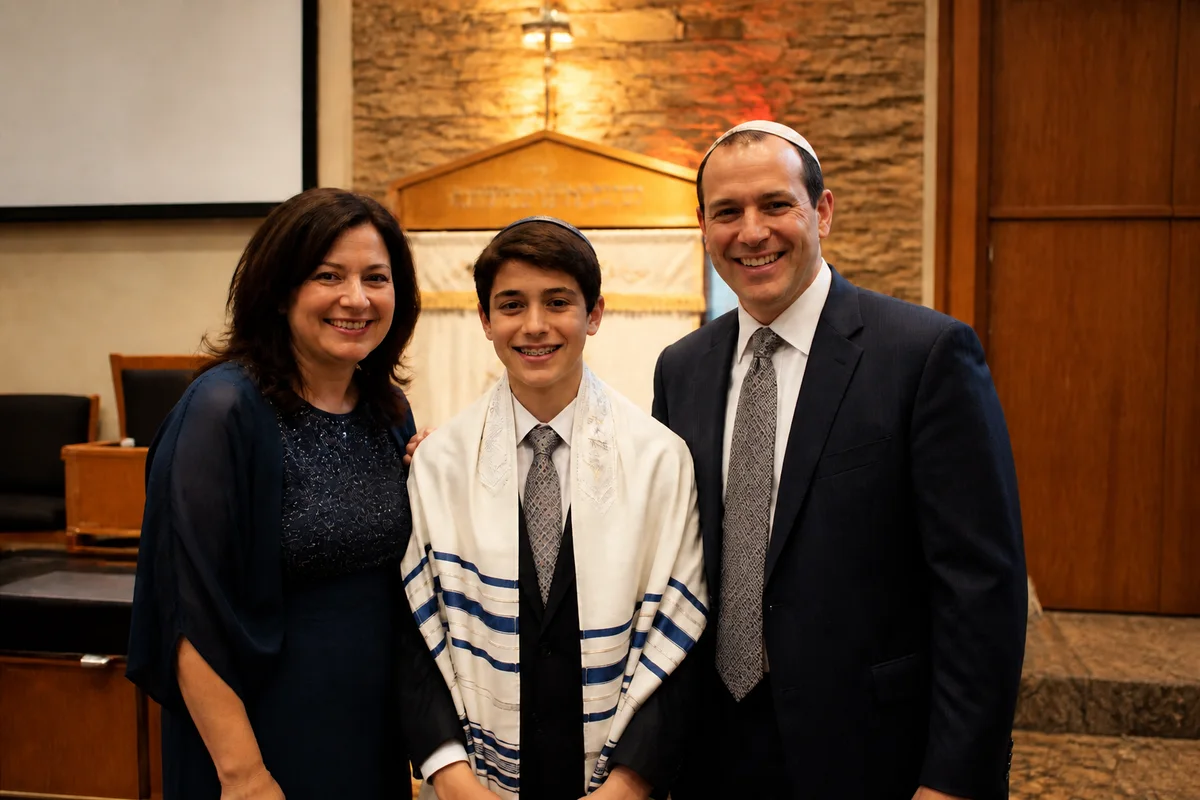
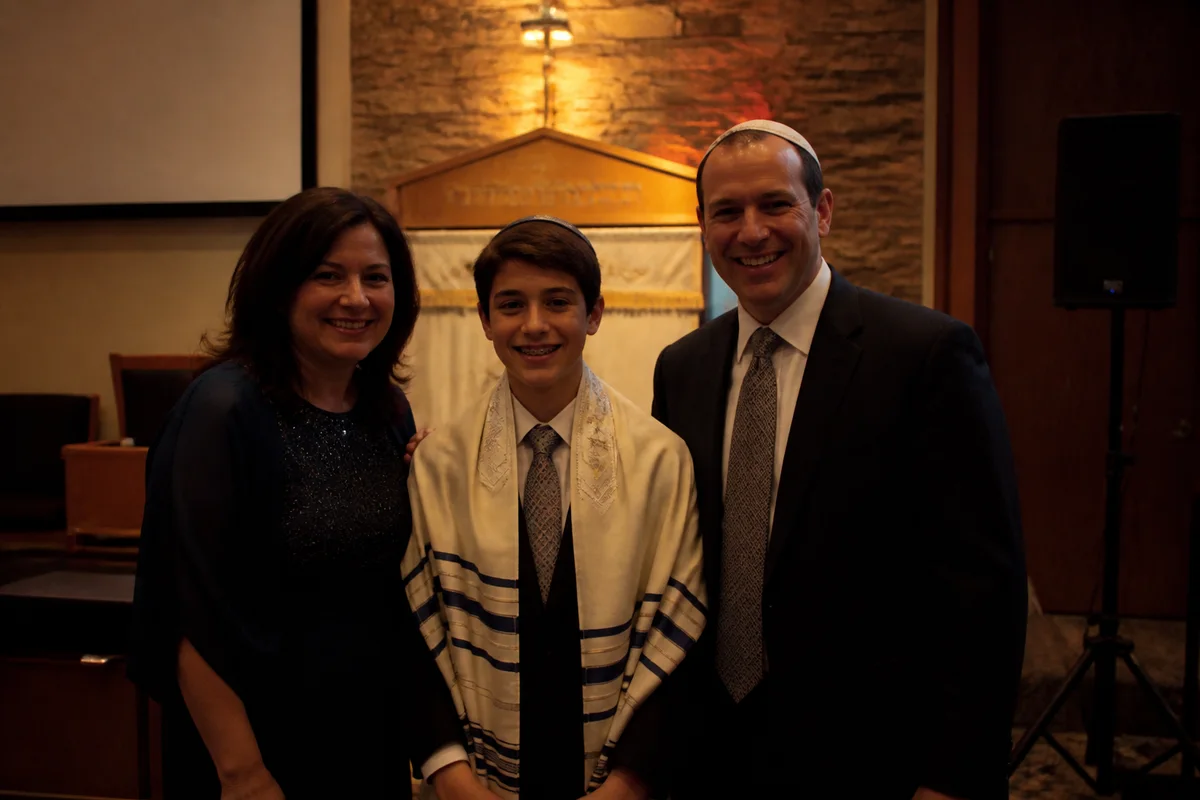
The workflow in action — drag to compare.
A bar or bat mitzvah splits into two photographic worlds: the synagogue service, where flash is typically prohibited and the bimah sits in dim, warm light — and the party, where DJ lighting, dance floors, and a hundred candid phone shots produce color chaos. The Torah reading your kid practiced for a year comes out dark; the montage moment comes out magenta.
AI editing handles both halves. Brighten the service photos so the tallit and Torah moments are clearly visible, correct the sanctuary's warm cast, clean the party shots' mixed lighting back to natural skin tones, and remove the staging clutter — speakers, cords, staff carts — from the venue backgrounds.
The finished set feeds everything that comes after: the album, the thank-you cards, the montage for the next family simcha, and the grandparents' framed print.
The problems this solves
- No-flash sanctuary rules leave the Torah reading and bimah moments underexposed.
- Warm synagogue lighting yellows the tallit and washes out faces.
- Party photos swing magenta and teal under DJ and dance-floor lighting.
- Venue backgrounds fill with AV equipment, cords, and catering traffic.
A workflow that works
Brighten the service moments
The bimah photos matter most and photograph worst; relighting recovers them without the flash that was never an option.
AI Lighting ChangerCorrect sanctuary and party color
One pass fixes the warm cast on the service shots and pulls party skin tones back from the DJ's color wash.
AI Color CorrectionRemove venue clutter
Speakers, cords, and staff carts vanish from the backgrounds of both the ceremony and the party.
AI Object RemoverEnlarge the keepsake shots
The album cover shot and the grandparents' print need resolution beyond a phone capture from row twelve.
AI Image UpscalerFrequently asked questions
We couldn't use flash during the service. Are the dark photos recoverable?
Usually yes — relighting brings up underexposed frames well, and service photos tend to be static poses that survive brightening cleanly. Edit the sharpest frames; brightening can't fix motion blur from slow shutter speeds.
Can candid phone photos from guests match the photographer's set?
Largely. Matching brightness and correcting color gets phone candids close enough to mix into the same album — and guests often catch moments the photographer missed.
The dance floor photos are all magenta. Fixable?
Mostly. Correction restores natural skin tones while keeping some party color for atmosphere. Frames lit by a single saturated color recover least — pick the frames where some white light hit faces.
What do thank-you card photos need?
A clean, bright shot of the kid — often one formal and one fun — cropped to the card layout with room for text. Expand or reframe the chosen photo and export at about 300 DPI for print.
Related use cases