
Use case
Edit Newborn Photos with AI
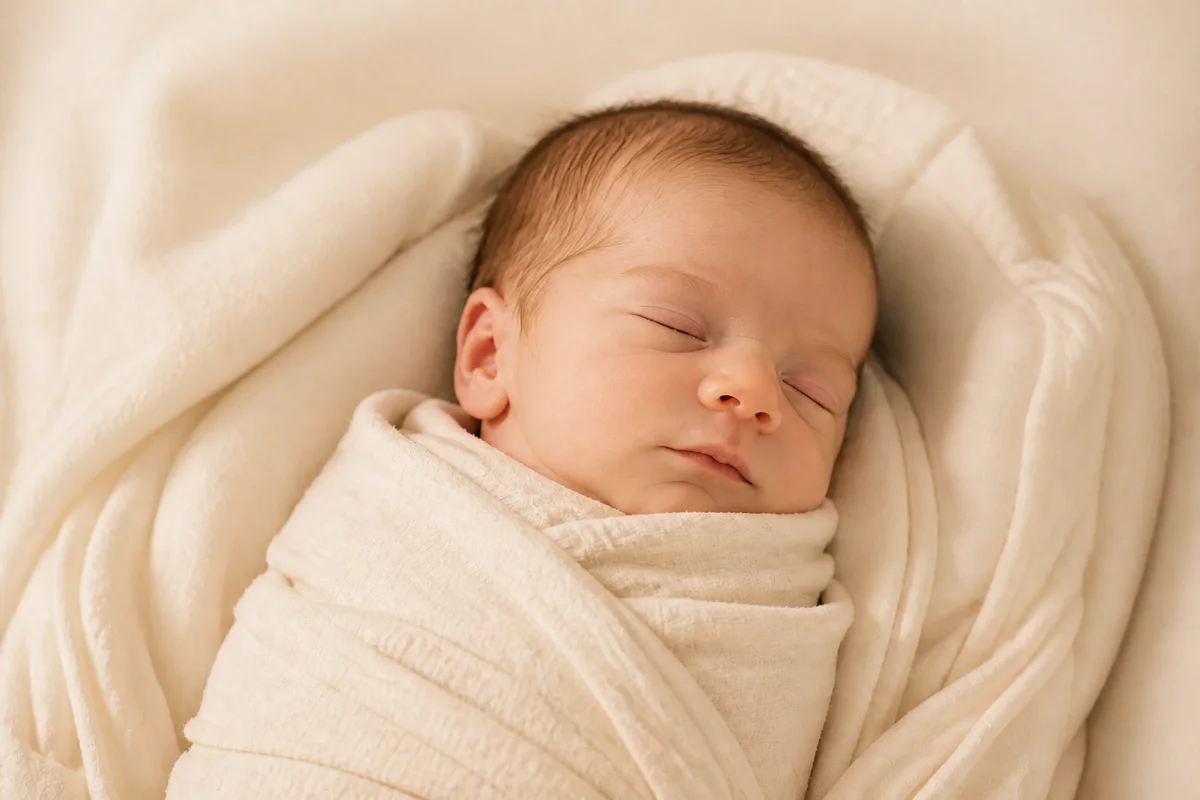
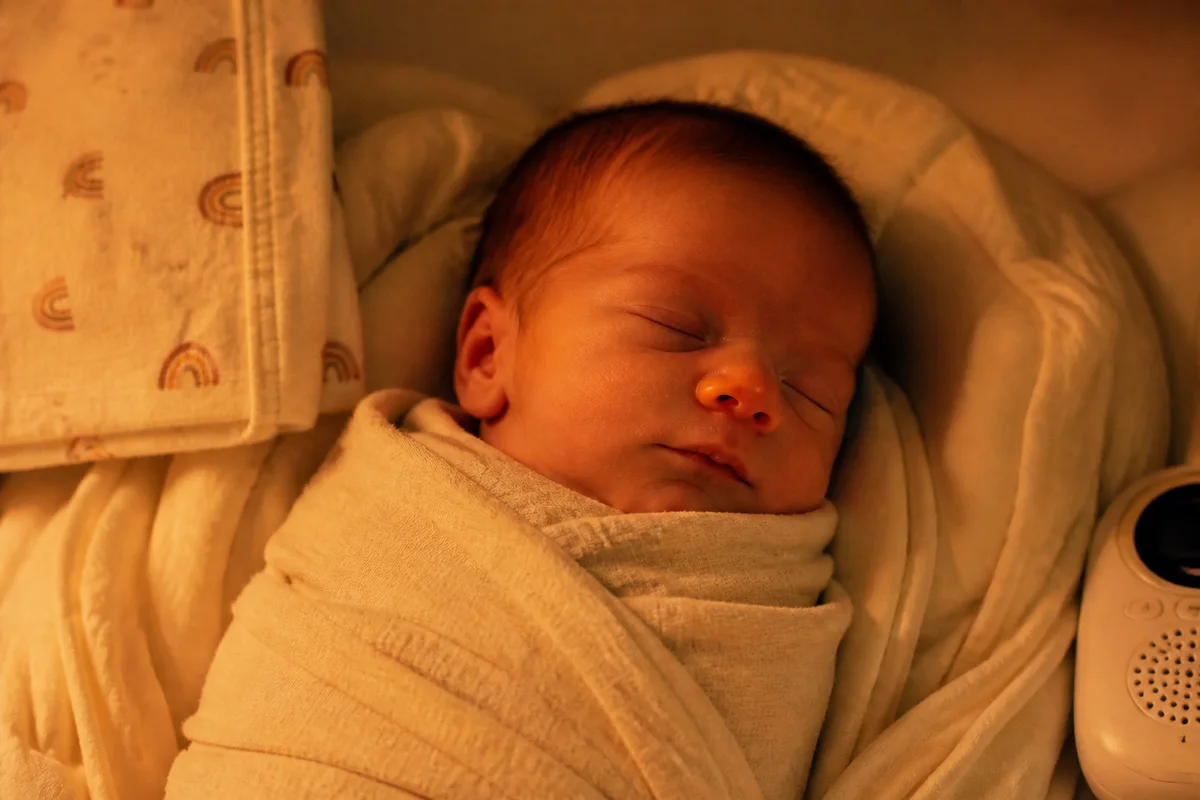
The workflow in action — drag to compare.
Newborn photos happen in a two-week window on no sleep — and newborns themselves arrive with flaky skin, baby acne, scratches from their own nails, and a deep commitment to being photographed only in dim bedrooms. Professional newborn photographers retouch all of this as standard practice; parents shooting their own can now do the same.
AI editing handles the classic newborn fixes: gently soften the temporary skin conditions while keeping the newness that makes these photos precious, warm and brighten the low-light nursery shots (no flash near sleeping babies), clean up the burp cloths and gear at the edge of frame, and correct the color casts from nightlights and hospital lighting.
Gentle is the operative word — the goal is the baby as they were, minus only what a week's healing would have taken away anyway.
The problems this solves
- Newborn skin is flaky, blotchy, and scratched — all temporary, all very visible on camera.
- Nurseries and hospital rooms are dim, and flash isn't an option near a sleeping baby.
- Burp cloths, monitors, and gear crowd the edges of every frame.
- Warm nightlights and hospital fluorescents produce strong color casts on delicate skin.
A workflow that works
Gently retouch temporary skin conditions
Softening baby acne, flakes, and scratches — the exact retouching professional newborn photographers do by hand — while keeping real newborn skin.
AI Face RetouchBrighten without flash
Relighting recovers dim nursery and hospital shots, so nobody ever fires a flash at a sleeping newborn.
AI Lighting ChangerClear the gear from the frame
Removing monitors, cloths, and packaging keeps the focus on the ten tiny fingers.
AI Object RemoverCorrect delicate skin tones
Nightlight orange and hospital fluorescent green are especially unflattering on newborn skin; correction restores soft natural tones.
AI Color CorrectionFrequently asked questions
Is it normal to retouch newborn skin?
It's standard in professional newborn photography — baby acne, flaking, and jaundice tints are temporary conditions that would be gone two weeks later. The convention: soften what's temporary, keep what's the baby (birthmarks, features, expressions).
How do I photograph a newborn in a dark room without flash?
Shoot near the biggest window you have, during the day, with the baby's face toward the light. Take lots of frames — sleeping babies allow that. Brightening in editing does the rest; flash near a newborn's eyes and sleep is not worth it.
Our hospital photos have a strong yellow-green tint. Fixable?
Yes — hospital fluorescent casts correct well, and those first-hours photos are usually worth the fix. Correct color first, then brighten; the order matters less than doing both gently.
Should announcement photos be edited differently than keepsakes?
Announcements benefit from a slightly cleaner treatment — clutter removed, framed for the card, room for text via canvas expansion. Keepsakes can stay closer to reality. Export both from the same master and keep the unedited originals forever.
Related use cases