
Use case
Edit Wedding Invitation Photos with AI
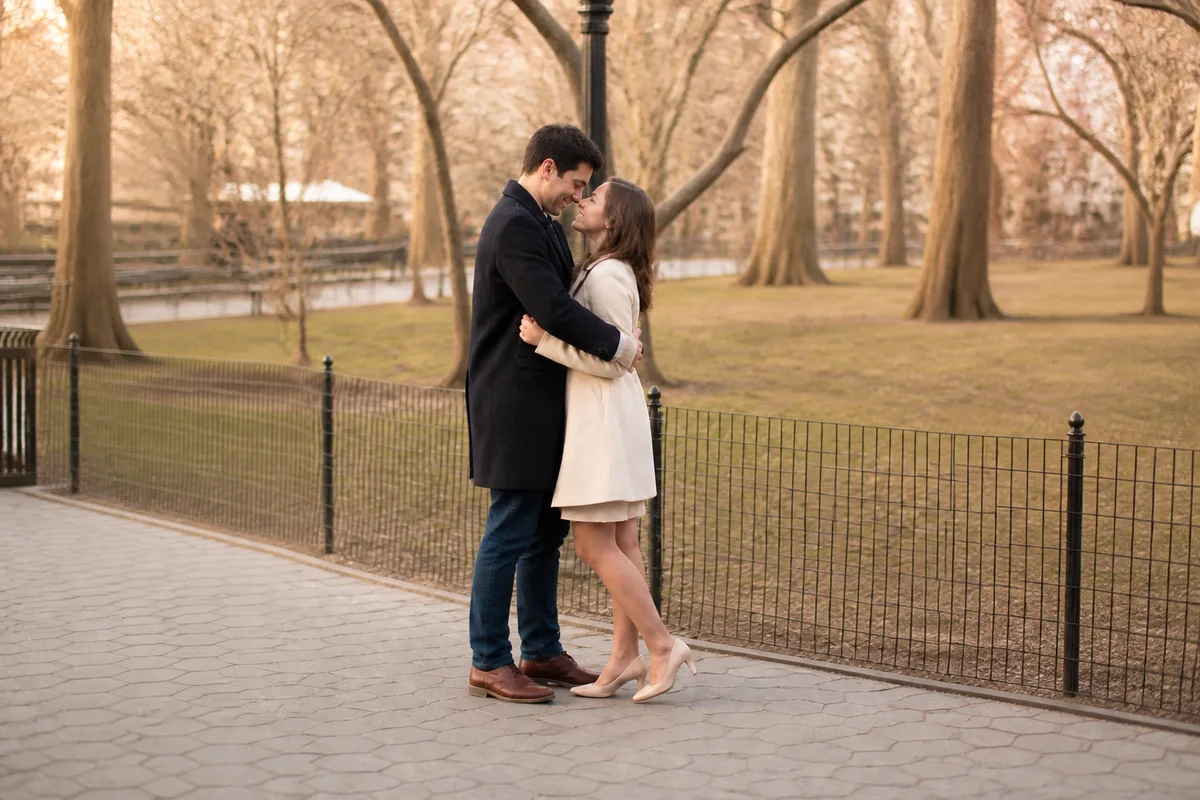
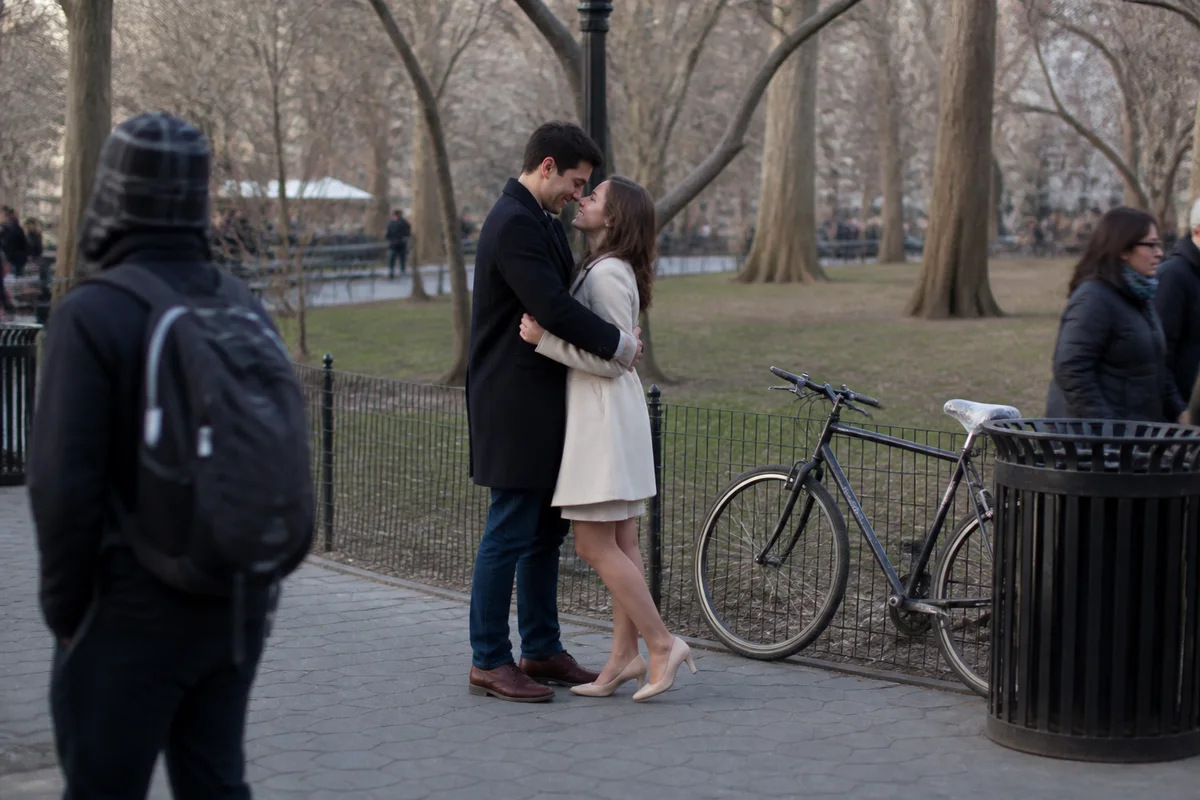
The workflow in action — drag to compare.
Photo wedding invitations put one image through demands no snapshot was composed for: it needs clean space for names, dates, and details, colors that harmonize with a wedding palette chosen months after the photo was taken, and resolution that prints crisply on premium card stock. The engagement shoot's best frame — the one with the best expressions — is rarely the one with room for typography.
AI editing makes the favorite frame work. Extend the sky, field, or wall to create elegant space for the text layer, tune the photo's color grading toward the wedding palette so invitation and photo feel designed together, remove the background distractions that fight the typography, apply natural retouching, and upscale for the print run.
The same prep work feeds the whole suite — invitation, RSVP card, wedding website header — so the couple's stationery feels like one designed system built around their photo.
The problems this solves
- The best frames have no clean space for names and dates.
- The photo's colors clash with the wedding palette picked later.
- Background distractions compete with the invitation typography.
- Premium card printing exposes low-resolution source photos.
A workflow that works
Extend the canvas for text
More sky, field, or wall creates the elegant negative space where names and dates will live.
Generative ExpandTune color toward the palette
Nudging the photo's tones toward the wedding colors makes the invitation read as designed, not assembled.
AI Color CorrectionClear distractions from the text zones
Branches, signs, and background clutter in the typography area vanish so the text sits on calm space.
AI Object RemoverRetouch the couple naturally
This photo gets mailed to everyone you know — light, natural retouching gives it heirloom polish.
AI Face RetouchUpscale for card stock
Premium printing at 300 DPI needs more pixels than a web-size export; upscaling meets the print spec.
AI Image UpscalerFrequently asked questions
What resolution do printed invitations need?
300 DPI at final size — a 5x7 invitation wants roughly 1500x2100 pixels plus bleed. Most print services publish templates; upscale your edited photo to exceed their spec comfortably.
Where should the empty space for text go?
Above or beside the couple, wherever the composition has the least detail — sky and soft backgrounds work best. Expand in that direction and keep faces out of the middle so the layout has natural structure.
Can we use a phone photo instead of engagement shoot photos?
Yes — a sharp, well-lit phone photo edits into invitation quality. Light retouching, background cleanup, palette-matched color, and upscaling close most of the gap; the emotional fit of the photo matters more than its pedigree.
Should the invitation photo match the save-the-dates?
Using the same shoot — or the same treatment on different shots — makes the stationery feel like a suite. Edit once, then apply the same color grading to every piece including the wedding website header.
Related use cases