
Use case
Edit Save-the-Date Photos with AI
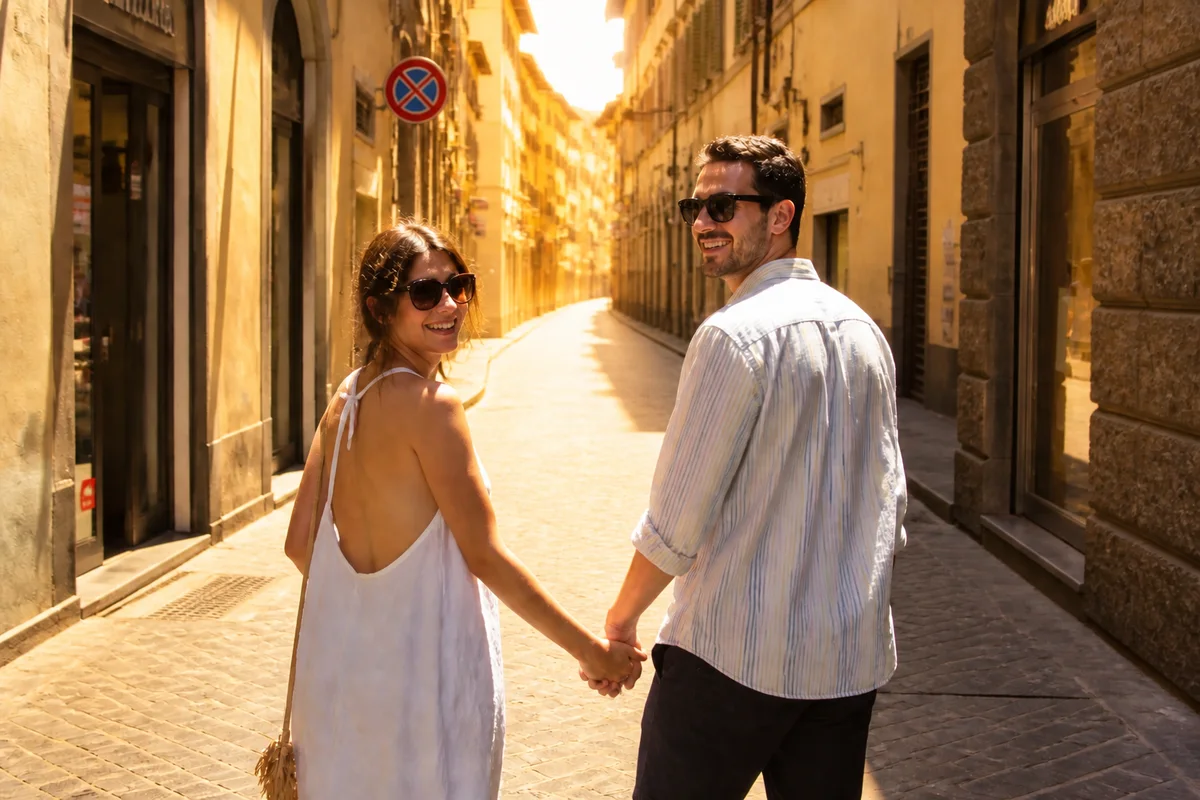
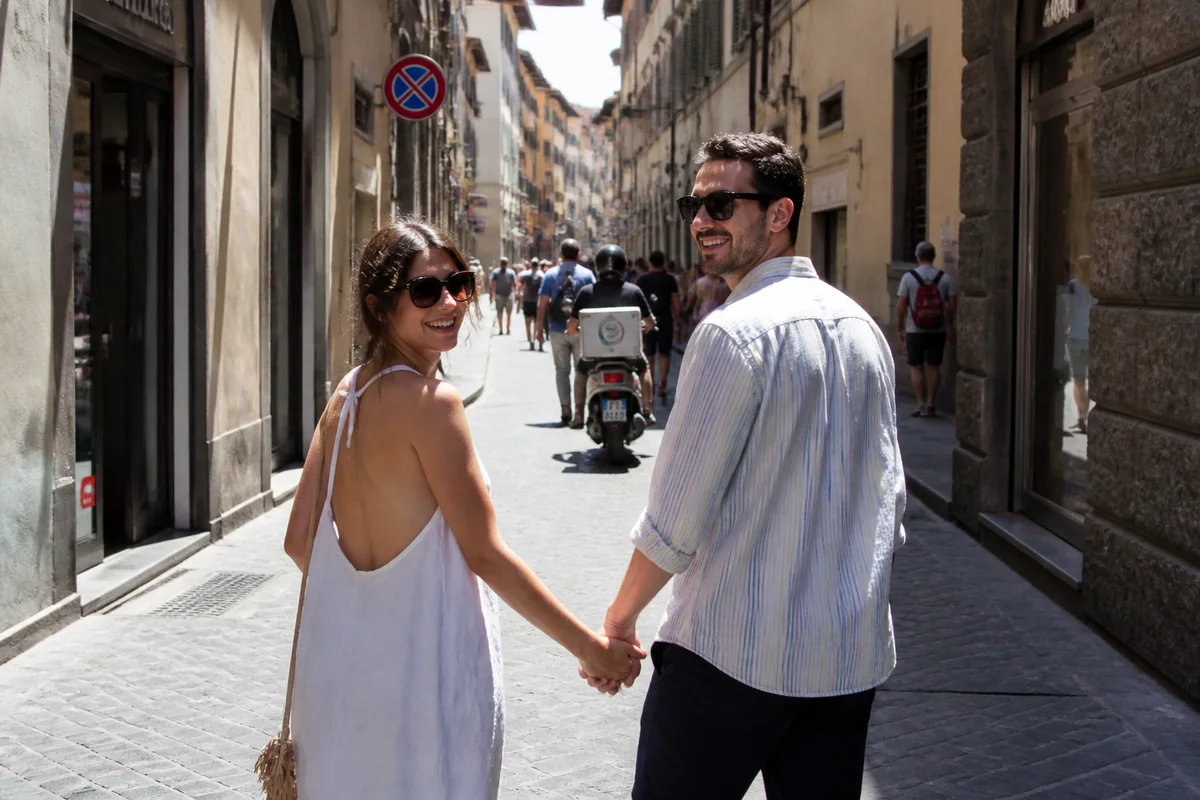
The workflow in action — drag to compare.
Save-the-dates are the first official image of the wedding — and unlike the invitation, they often go out before any professional shoot exists. Couples work with what they have: the proposal photo with strangers in the background, the vacation shot with great chemistry and terrible light, the favorite candid that someone took vertical when the card design needs horizontal.
AI editing turns the photo you love into the announcement you send. Remove the beachgoers behind the proposal, warm a flat afternoon into golden hour, extend the frame sideways so the vertical candid works as a landscape card with room for the date, and brighten faces so the joy is legible at card size and in email headers.
With the photo handled, every format follows: the printed card, the email version, the wedding-website banner, and the social post that tells everyone else.
The problems this solves
- Save-the-dates go out before any professional photos exist.
- The favorite couple photo has bystanders and vacation clutter in it.
- Vertical candids don't fit horizontal card and banner layouts.
- Flat, harsh light in phone shots undercuts a romantic announcement.
A workflow that works
Remove the bystanders
The proposal beach empties, leaving just the two of you in the moment everyone should see.
AI Person RemoverWarm the light to golden hour
Romantic low light sets the announcement's tone — even if the actual photo happened at flat noon.
AI Time of DayExtend the frame for the layout
Widening a vertical candid creates the horizontal composition and date-text space card templates expect.
Generative ExpandBrighten the faces
The expressions are the announcement; relighting makes them read clearly at card size and thumbnail.
AI Lighting ChangerFrequently asked questions
Do save-the-dates need a professional photo?
No — many couples use a meaningful candid, and editing closes the technical gap: bystanders removed, light warmed, frame extended. A photo with real emotional weight beats a technically perfect one without it.
What size and format do save-the-date cards use?
Common print sizes are 5x7 and 4x6 at 300 DPI, usually landscape. Prep the photo with expansion and export both the print file and a lighter email-width version around 1200 pixels wide.
Can the same photo work for the card and the wedding website?
Yes — that's the efficient move. Edit once, then export the card crop, a wide website banner crop, and a square social crop. Consistent imagery across touchpoints makes the wedding brand feel intentional from day one.
Our only good photo has my ex-roommate in it. Awkward?
Not anymore — person removal cleanly takes out third parties, and the background rebuilds naturally. It's one of the most common save-the-date edits there is.
Related use cases