
Use case
Edit Watch Photos with AI
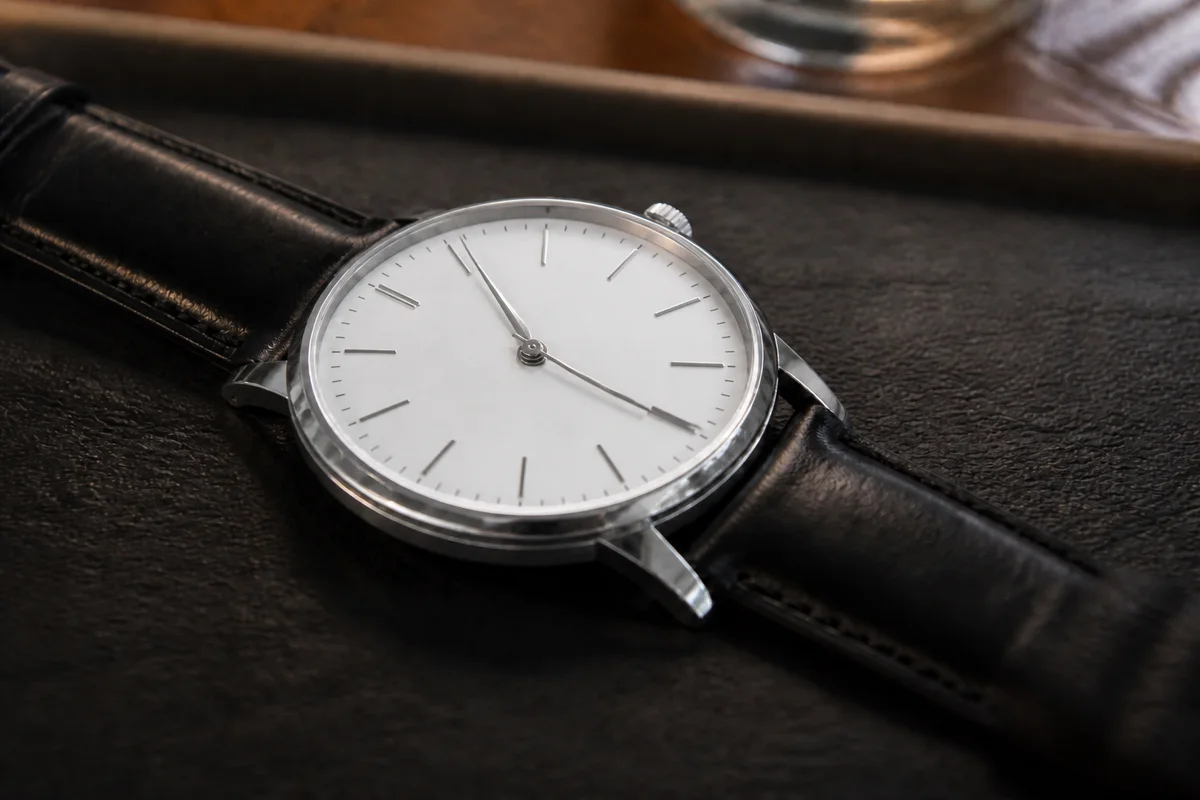
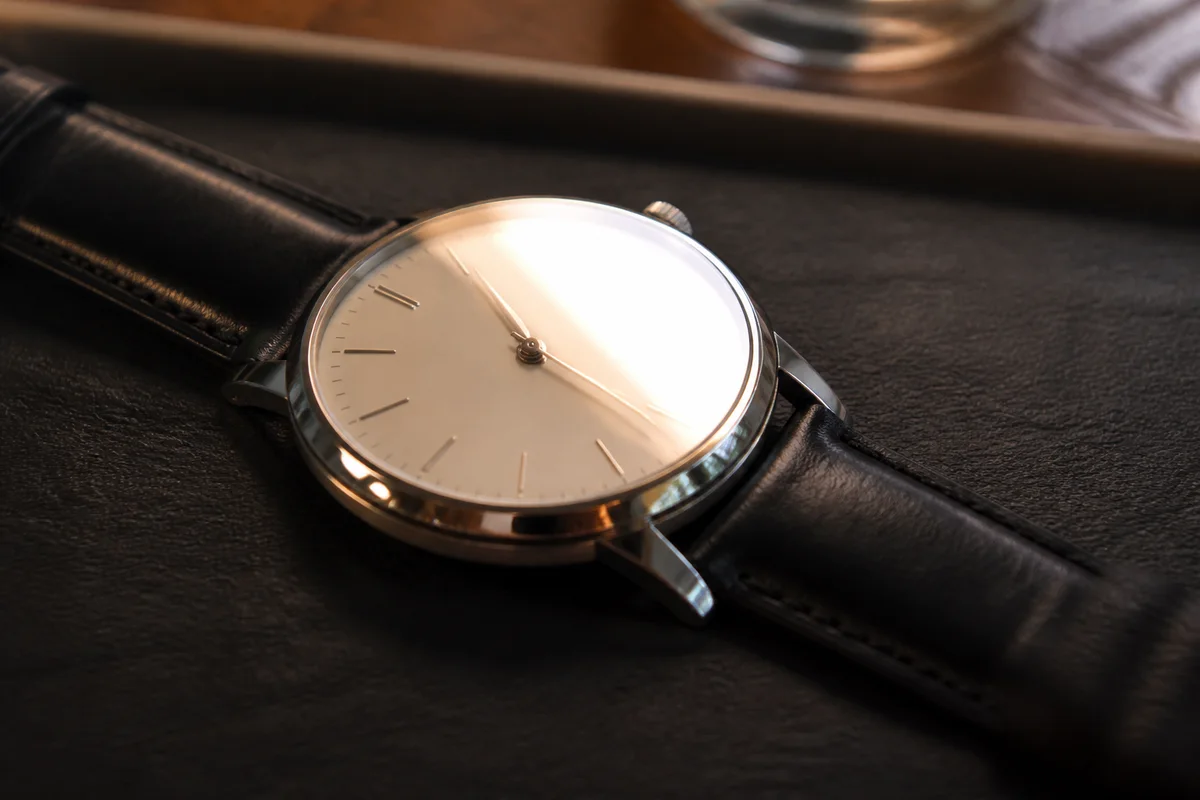
The workflow in action — drag to compare.
Watch buyers — especially collectors — read photos forensically. The crystal throws glare across the dial exactly where the detail matters, polished cases mirror the room, and the reference and serial details on casebacks come out too soft to verify. Meanwhile the dial color that defines a model's desirability shifts with every light source you shoot under.
AI editing produces the photo set a serious sale needs. Cut the glare off the crystal so the full dial is legible, sharpen the dial printing, indices, and caseback engraving that buyers use to authenticate, correct color so the dial shade matches reality, and clean up the background so a bedroom desk shot presents like a dealer listing.
Sharp, accurate detail is the currency of watch sales: scratches and desk-diver wear get documented crisply, because a buyer who can inspect condition on screen is a buyer who pays without haggling from fear.
The problems this solves
- Crystal glare covers the dial in exactly the wrong places.
- Dial printing and caseback engraving photograph too soft to authenticate.
- Dial color — the thing collectors care most about — shifts under every light.
- Polished cases mirror the room and the photographer into every angle.
A workflow that works
Clear the crystal glare
The dial is the sale; removing crystal glare makes the full dial legible without reshooting at impossible angles.
AI Glare RemovalSharpen dial and caseback detail
Legible printing, indices, and engraving let buyers verify what they're bidding on — soft detail reads as evasive.
AI Image SharpenerKeep the dial color true
A dial that lists as one shade and arrives as another disappoints buyers — adjust the cast, then check the edit against the watch before listing.
AI Color CorrectionClean up the scene
A neutral surface or soft gradient behind the watch presents it like inventory, not like a desk drawer find.
AI Background ChangerFrequently asked questions
How do I photograph a watch without glare everywhere?
Shoot in diffused light away from windows and lamps, angle the watch slightly off-perpendicular, and take many frames. Editing removes the remaining glare — the goal in capture is just to keep it off the most important dial areas.
What shots does a serious watch listing need?
Straight-on dial, case from both sides, caseback, crown, clasp or buckle, lug closeups, and a wrist shot for presence. Sharpen all of them — watch buyers zoom into everything.
Can I edit out scratches on the case or crystal?
No — condition is the price. Document scratches sharply and clearly; collectors accept disclosed wear and punish surprises. Edit the glare, background, and color instead.
Why does my dial color look different in every photo?
Dials mix reflective and matte surfaces that respond differently to each light source. Shoot the set in one consistent diffused light, then color-correct the batch to match reality — and say which photo best represents the color in the listing.
Related use cases