
Use case
Edit Jewelry Photos with AI
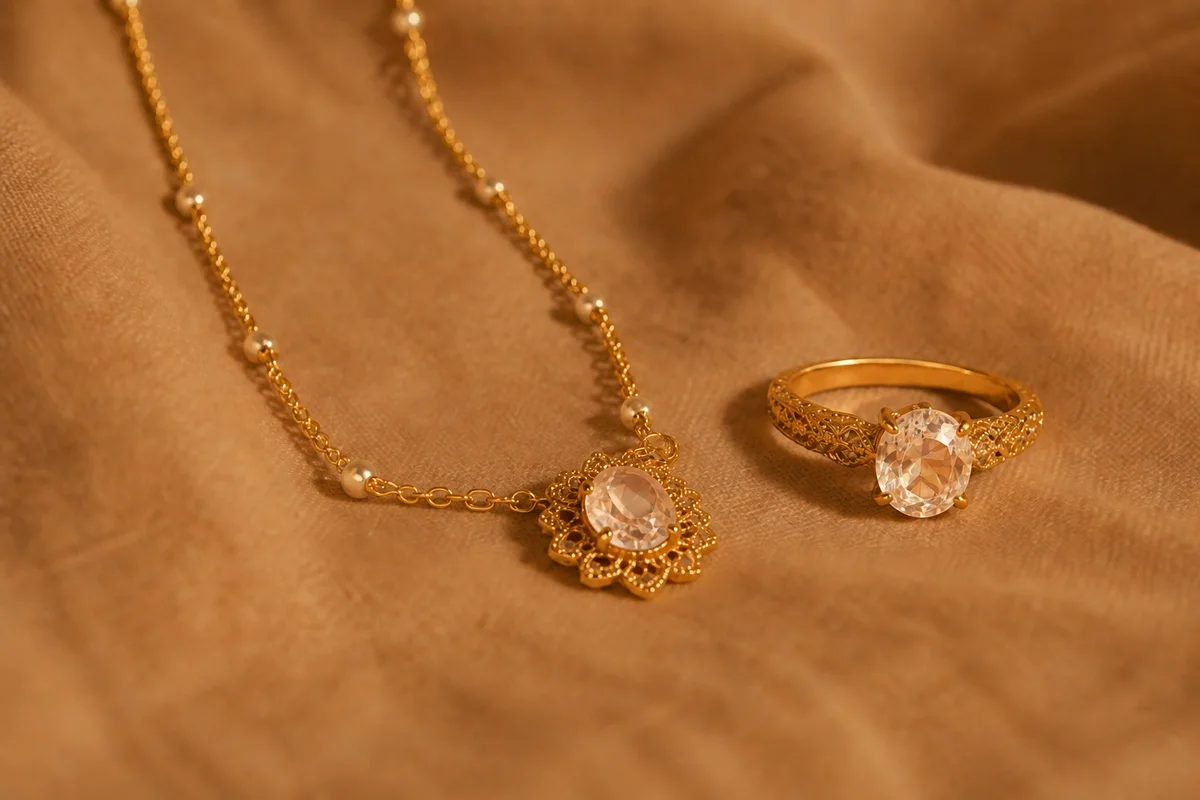
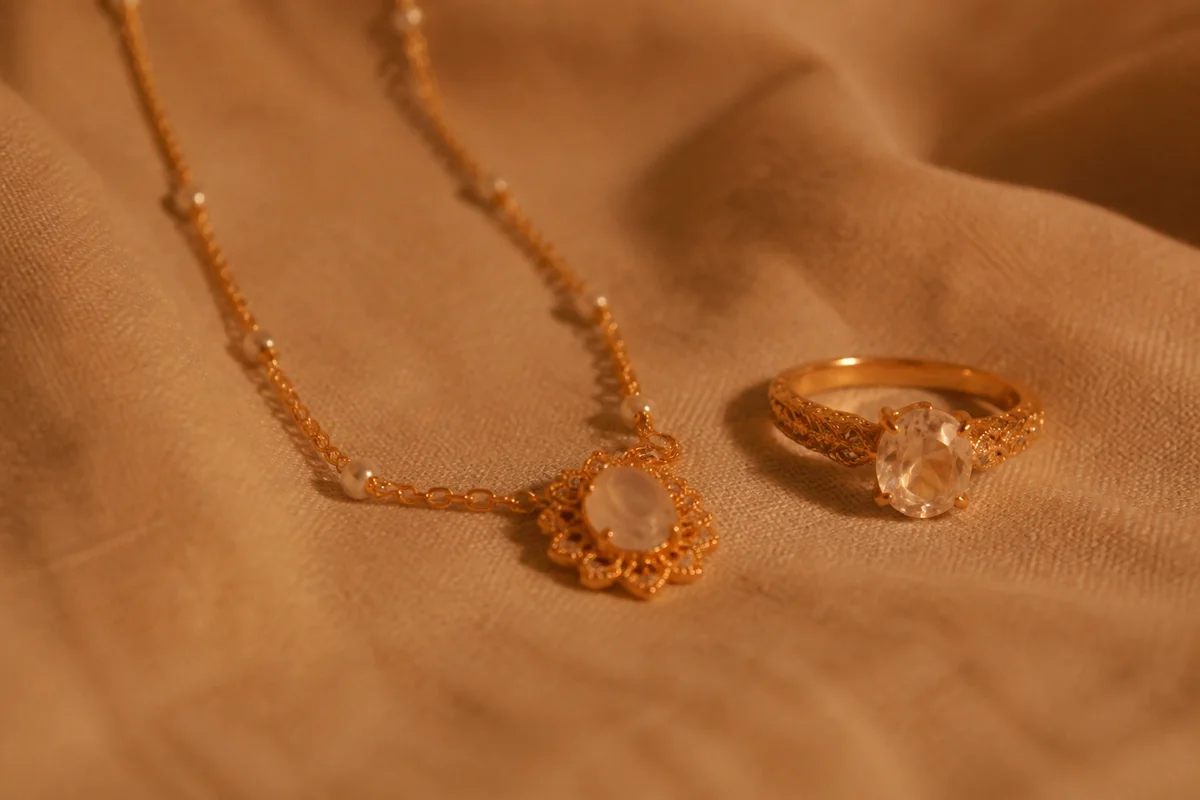
The workflow in action — drag to compare.
Jewelry is famously the hardest product category to photograph: metals mirror every light source and the photographer's own hands, stones either blow out into white glare or die into dull glass, and the whole subject is small enough that a phone's focus misses by a millimeter and the piece goes soft. Professional jewelry shots use light tents and focus stacking; most sellers have a window and a phone.
AI editing bridges that gap. Tame the harsh hotspots on metal while keeping the shine that makes jewelry read as jewelry, sharpen the stone facets and setting detail that buyers zoom into, correct color so yellow gold doesn't drift orange and silver doesn't drift blue, and cut pieces onto clean backgrounds for a consistent catalog.
Whether you sell fine jewelry, handmade pieces, or estate finds, the buyer is purchasing detail they can't touch — the photos have to carry all of it.
The problems this solves
- Metals mirror the room, the lights, and the photographer into every shot.
- Stones blow out into glare or go dull, losing the sparkle that sells.
- Tiny subjects defeat phone autofocus, softening facets and engraving.
- Gold photographs orange and silver photographs blue under home lighting.
A workflow that works
Tame the hotspots
Removing harsh reflections while keeping natural shine shows the metal's finish instead of the room's light fixtures.
AI Glare RemovalSharpen facets and settings
Stone facets, prong work, and engraving are what buyers zoom into — crisp detail is the difference between fine and flea-market presentation.
AI Image SharpenerGet the metal color true
Buyers know their gold tones; correction keeps yellow, rose, and white metals exactly where they belong.
AI Color CorrectionCut onto a clean backdrop
A clean cutout lets you build a consistent catalog and place pieces on white, black, or textured backgrounds.
AI Background RemoverUpscale for zoom
Jewelry buyers inspect at maximum zoom; upscaling keeps facets crisp where phone photos turn to mush.
AI Image UpscalerFrequently asked questions
How should I shoot jewelry at home for the best editing results?
Indirect window light, a plain matte surface, and the phone braced or on a small tripod a bit farther back than feels natural — then crop in. Distance helps focus lock; editing handles the glare and background.
Can editing make stones look more brilliant than they are?
Use brightening and sharpening to show the stone clearly, not to manufacture fire it doesn't have. Compare the edit with the stone in person and re-edit or re-shoot before listing.
White, black, or lifestyle background for jewelry?
White for marketplace catalogs, black or deep gray to make diamonds and metals pop on your own site, and a wrist-or-neck lifestyle shot to show scale. From one clean cutout you can produce all three.
Buyers keep asking about size. How do I show scale?
Include one shot on a hand, wrist, or neck, and one beside a common object or ruler. Sharpen these like the beauty shots — scale photos only work when they're clear.
Related use cases