
Use case
Edit Sneaker Photos with AI
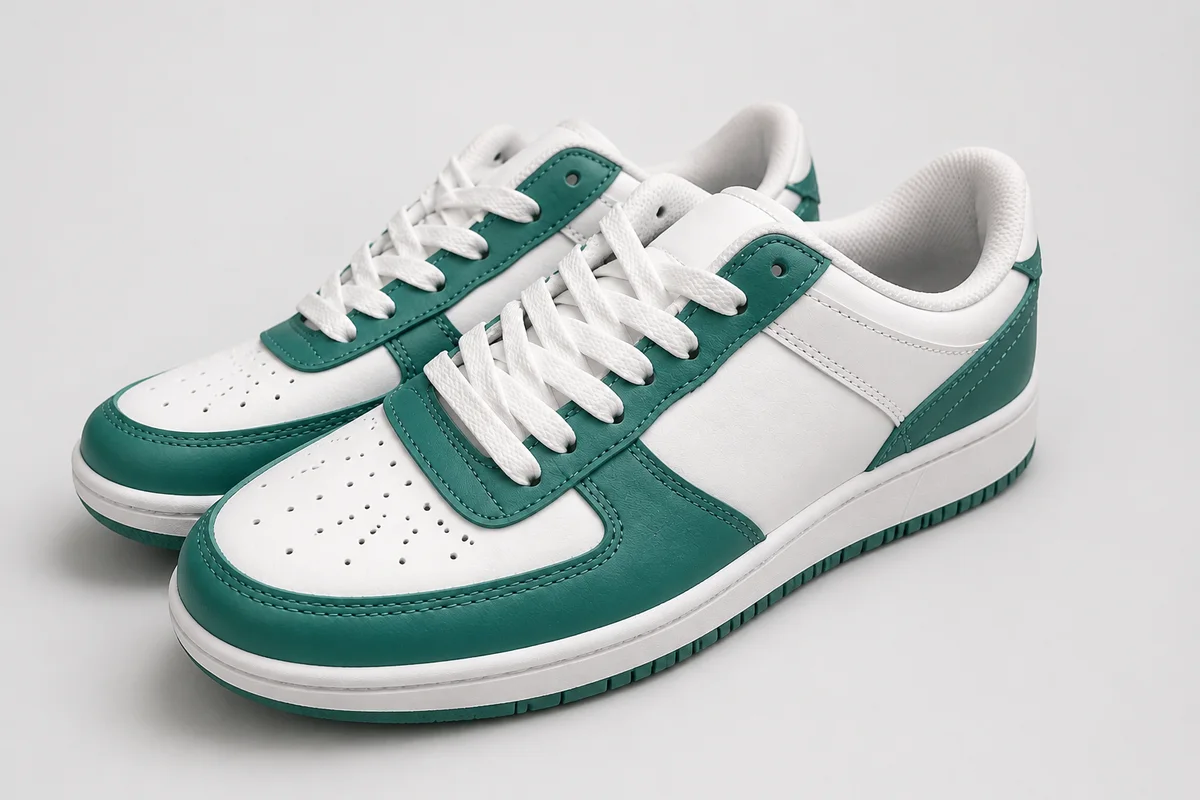
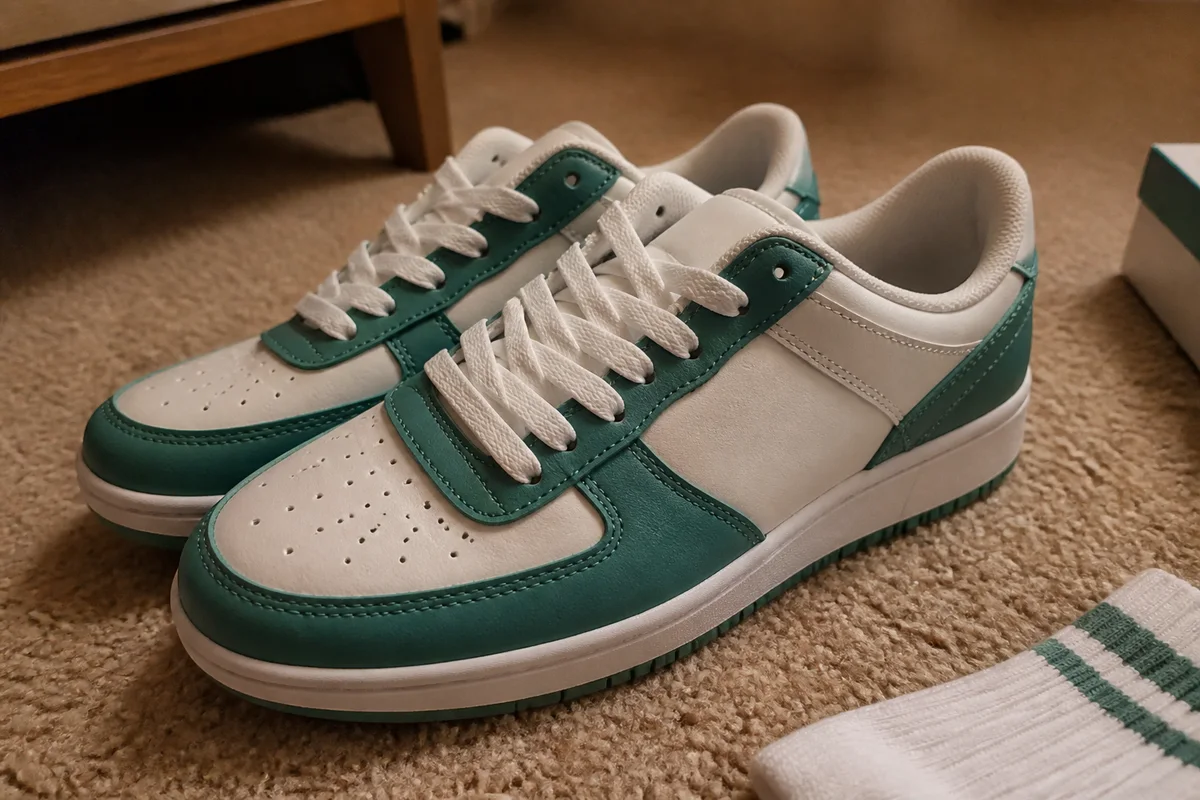
The workflow in action — drag to compare.
Sneaker buyers know exactly what a colorway is supposed to look like — and the difference between a pair that photographs true and one shot under a warm bedroom bulb is the difference between an instant sale and a lowball message asking if they're replicas. Add carpet backgrounds, soft tag closeups, and inconsistent angles across your listings, and even legit pairs read as sketchy.
AI editing gives your pairs the treatment the big resale platforms give theirs. Cut shoes onto clean, consistent backgrounds, correct color so the colorway matches the catalog name, sharpen the stitching, tags, and size labels that buyers use to judge authenticity, and brighten box-and-accessories shots so the full package presents like retail.
Consistency across the store is the real unlock: when every listing shares the same clean look, buyers trust the operation — and trust is what moves pairs at ask.
The problems this solves
- Colorways shift under home lighting, triggering authenticity doubts.
- Carpet and bedroom-floor backgrounds undercut premium pairs.
- Stitching, tags, and size-label closeups come out soft.
- Inconsistent angles and lighting across listings make the store look amateur.
A workflow that works
Cut the pair out clean
A crisp cutout off the carpet is the first step to store-wide consistency.
AI Background RemoverDrop onto a consistent backdrop
The same clean white or gradient backdrop across every listing makes your store read like a retailer.
AI Background ChangerGet the colorway true
Buyers compare your photos against catalog shots of the colorway; matching color kills the authenticity doubts.
AI Color CorrectionSharpen the detail shots
Crisp stitching, tag, and label closeups are your authenticity argument — soft ones invite lowballs.
AI Image SharpenerUpscale for inspection zoom
Buyers zoom hard on resale purchases; upscaled photos keep toebox texture and stitching sharp under scrutiny.
AI Image UpscalerFrequently asked questions
What photos does a sneaker listing need?
Both lateral sides, top-down, soles, heel, tongue tags, size label, insoles, and the box. Detail shots do the authenticity work, so shoot them bright and let sharpening finish the job.
Can I clean up scuffs and yellowing in photos?
Never on the shoes — hiding condition is the fastest way to cases and bans. Photograph flaws sharply and separately, grade accurately, and edit only the background, light, and color cast.
Why do my white sneakers look yellow or blue in photos?
That's your lighting's color temperature, not the shoes. Correction neutralizes the cast — which matters doubly for whites, where a warm cast reads as yellowing and tanks the price.
What background do sneaker listings perform best on?
Clean white or a subtle gradient — the looks buyers already associate with major resale platforms. Whatever you choose, use it on every listing; consistency is what makes a store look professional.
Related use cases